cancel
Showing results for 
Search instead for 
Did you mean: 

The Power BI Data Visualization World Championships is back! Get ahead of the game and start preparing now! Learn more

Reply
Anonymous
Not applicable

Having problems with Filtering Salesforce Data Import

Hi,


I have imported the data from Salesforce into Poer BI, and i have two objects:


Contact and Account


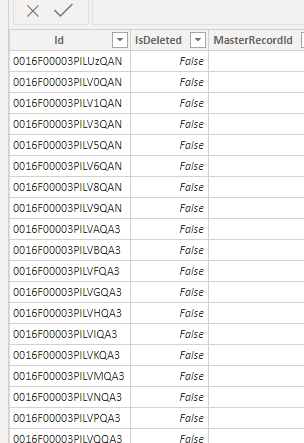
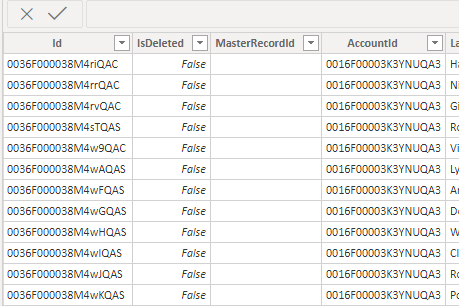
Each Contact is linked to an Account ID and i have this relationship formed. however when i pick a specific account on a filter it doesn't pick it up at all, so the contact numbers don't changeAccount ID in the Account ObjectAccount ID in the Account ObjectRelationshipRelationshipAccount ID located in the Contact ObjectAccount ID located in the Contact Object.


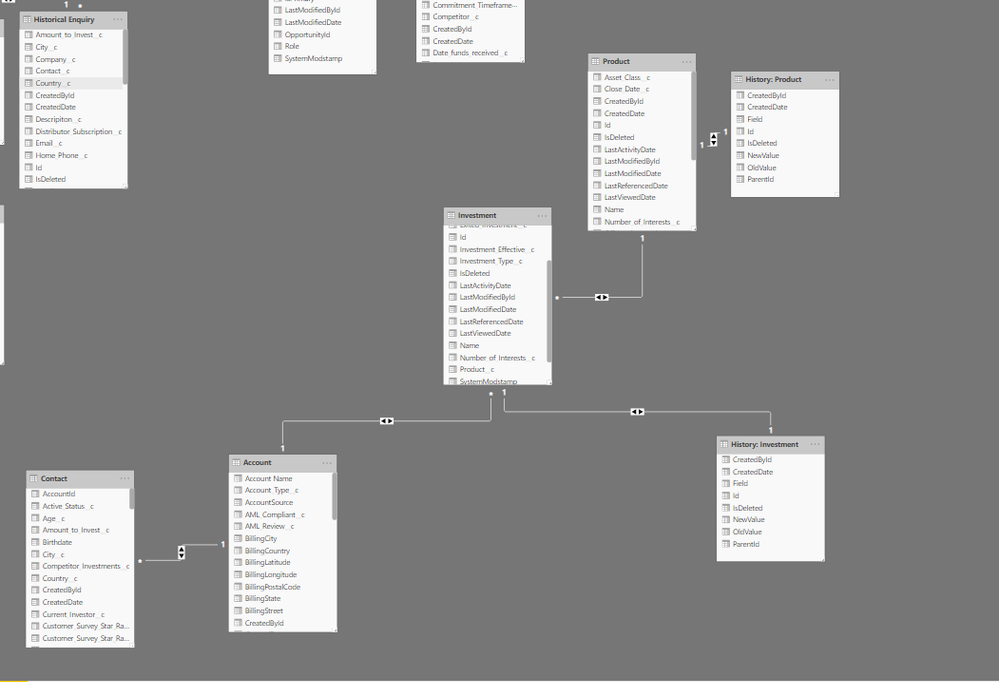
Following on from this  Account is linked to an Investment Object and the Investment is linked to a Product Object.


Essentially getting to a point where i can get a contact list by picking a product is the ideal goal.


See Screen Shot.


3 REPLIES 3
ReportMaster
Post Patron
Post Patron

Hi, were you able to find a solution? I've used the Salesforce connector but I had some issues with my data too. As a workaround, maybe you can try to test your connection with a 3rd party connector. I've tried windsor.ai, supermetrics (which doesn't have PBI as a destination, so you first have to export to Google Sheets and then export to PBI) and funnel.io. I stayed with windsor because it is much cheaper so just to let you know other options. In case you wonder, to make the connection first search for the Salesforce connector in the data sources list:
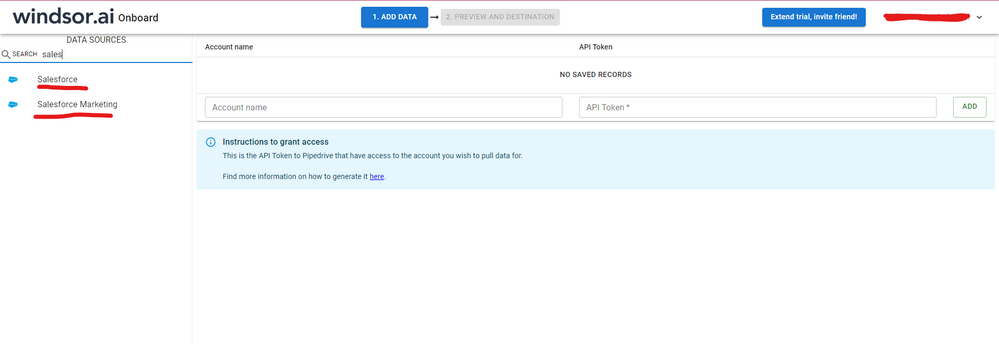
 

SALESFORCE-1.png


After that, just grant access to your Salesforce account using your credentials, then on preview and destination page you will see a preview of your Salesforce fields:
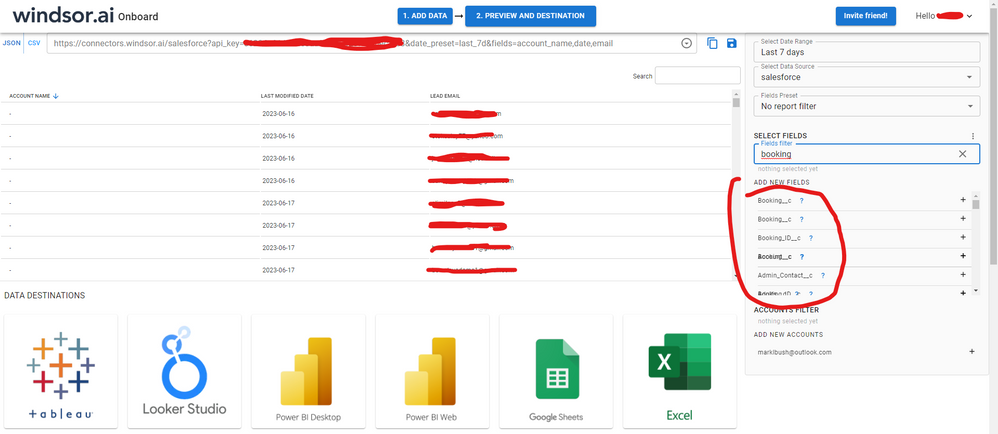
 

SALESFORCE-2.png


There just select the fields you need. It is also compatible with custom fields and custom objects, so you'll be able to export them through windsor.  Finally, just select PBI as your data destination and finally just copy and paste the url on PBI --> Get Data --> Web --> Paste the url. 
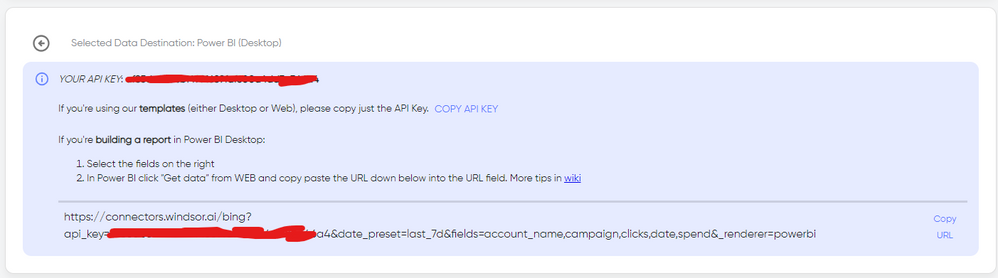
 

SELECT_DESTINATION_NEW.png

Anonymous
Not applicable


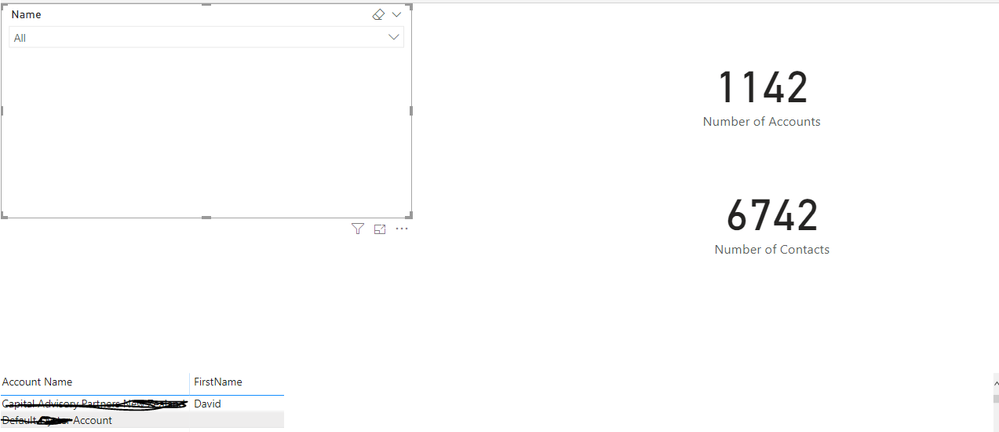
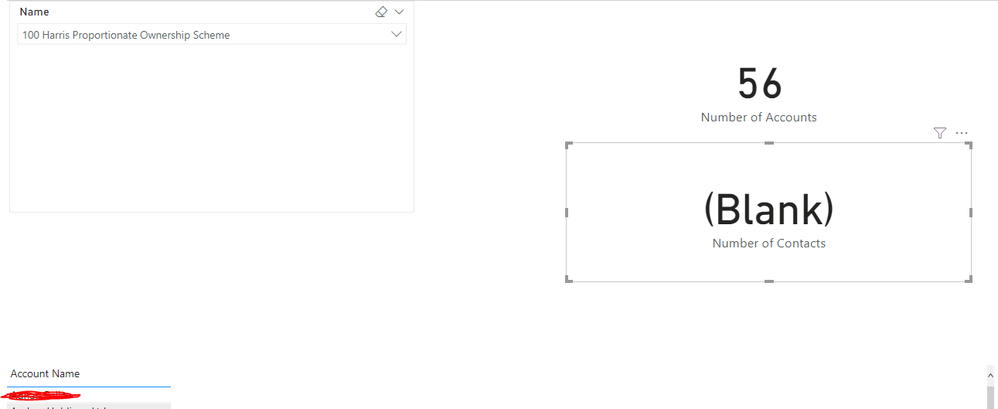
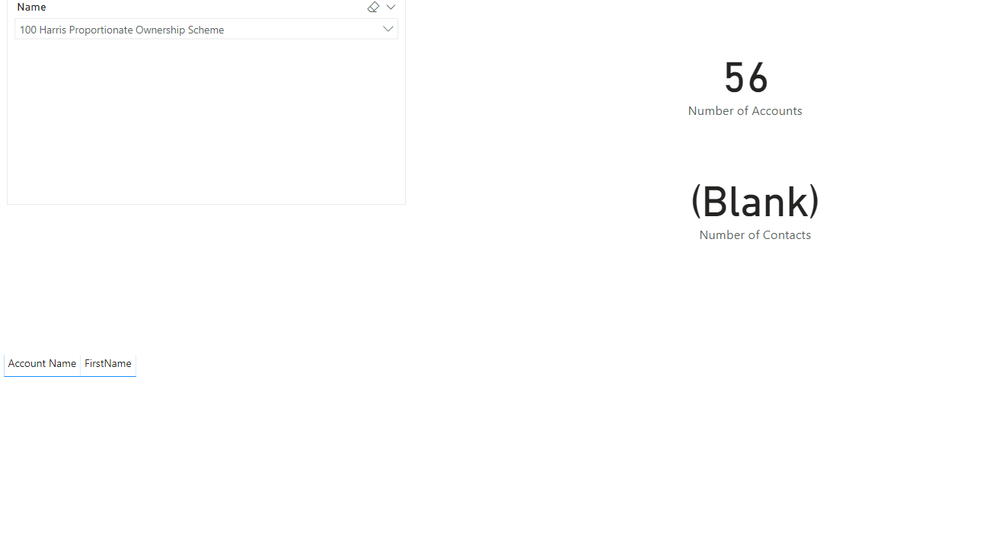
@v-kelly-msft  i have now put some screenshots in, it appears that while there is a relationship between account and contact it doesn't seem to be working.


Hopefully the screen shots are helping paint the picture?


Cheers,

Dhilan


Base Scenario with no Selections with Contacts not put in the tableBase Scenario with no Selections with Contacts not put in the tableMy Account Name Completely Changes when i use Contact Objects first Name fieldMy Account Name Completely Changes when i use Contact Objects first Name fieldWhen A Product is selected - Contacts shows as blankWhen A Product is selected - Contacts shows as blankWith First Name field from Contact Object and Product selected nothing shows upWith First Name field from Contact Object and Product selected nothing shows up

v-kelly-msft
Community Support
Community Support

Hi @Anonymous ,


Since the relationships have been eatablished,it should be available to be filtered from one table to another,so can you show me  the pic when there is an error?


Best Regards,
Kelly

Helpful resources

Announcements
Power BI DataViz World Championships

Power BI Dataviz World Championships

The Power BI Data Visualization World Championships is back! Get ahead of the game and start preparing now!

December 2025 Power BI Update Carousel

Power BI Monthly Update - December 2025

Check out the December 2025 Power BI Holiday Recap!

FabCon Atlanta 2026 carousel

FabCon Atlanta 2026

Join us at FabCon Atlanta, March 16-20, for the ultimate Fabric, Power BI, AI and SQL community-led event. Save $200 with code FABCOMM.

Top Solution Authors