This time we’re going bigger than ever. Fabric, Power BI, SQL, AI and more. We're covering it all. You won't want to miss it.
Learn moreLevel up your Power BI skills this month - build one visual each week and tell better stories with data! Get started
Hi again,
Sorry if I'm reposting a question, have looked but can’t find an answer here (yet...)
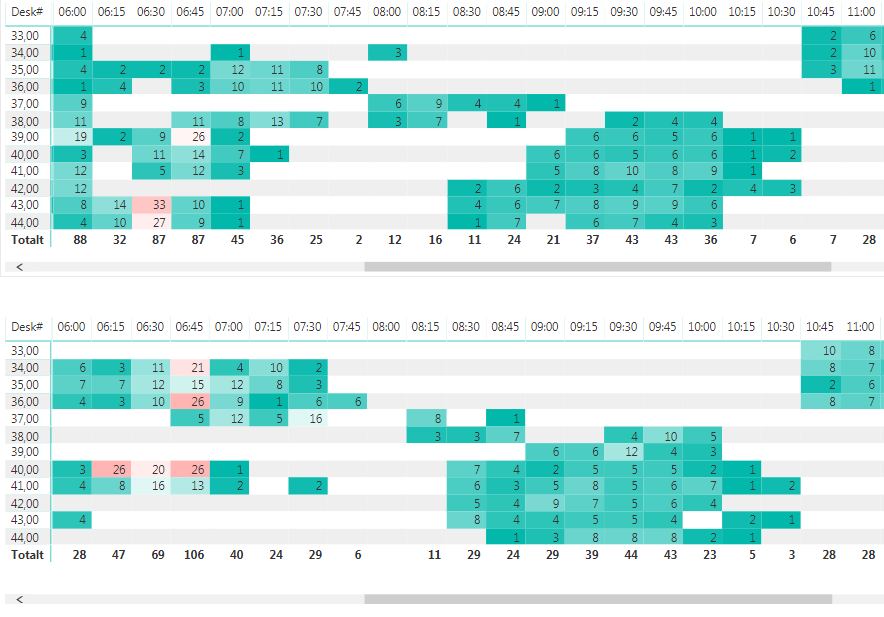
So in my report view I have two identical matrices on the same page. Identical when it comes to rows (counter number) and columns (time), but different data.
Now is there a way to link the two matrices graphically, so that when I scroll sideways in one, the other one also scrolls correspondingly. So that the column for, let’s say 07:00 in the matrix on top always stays above the 07:00 column in the matrix below (see attached image below) without having to first scroll in one matrix and then manually scroll the second one.
Cheers,
OscLar
I would want this feature as well.
HI @OscLar,
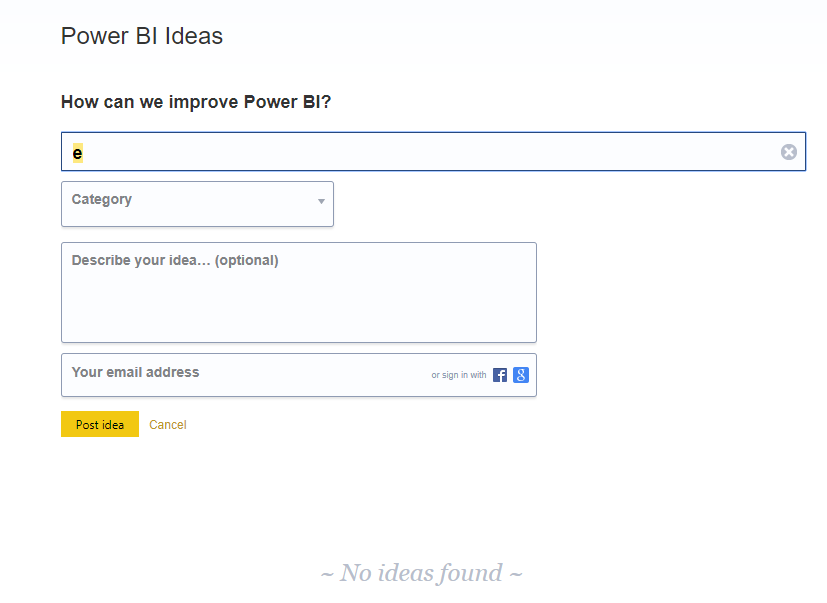
Current power bi not has similar features to achieve this. Maybe you can submit an idea for this requirement.
Regards,
Xiaoxin Sheng
Thanks for your respons!
I kind of guessed that there was no such feature.
Sorry for the beginner question but where can I submit such an idea?
Thanks,
OscLar
Check out the April 2026 Power BI update to learn about new features.
Sign up to receive a private message when registration opens and key events begin.
If you have recently started exploring Fabric, we'd love to hear how it's going. Your feedback can help with product improvements.
| User | Count |
|---|---|
| 33 | |
| 29 | |
| 29 | |
| 21 | |
| 18 |
| User | Count |
|---|---|
| 69 | |
| 48 | |
| 33 | |
| 24 | |
| 24 |