Don't miss your chance to take the Fabric Data Engineer (DP-700) exam on us!
Learn moreNext up in the FabCon + SQLCon recap series: The roadmap for Microsoft SQL and Maximizing Developer experiences in Fabric. All sessions are available on-demand after the live show. Register now
I am using SQLBI's Date Template. I cannot figure out how to have the template include future years up to 2024. Below is where I think the change needs to be made but I cannot make it work. Thank you in advance for your help!
Sarah
https://www.sqlbi.com/articles/reference-date-table-in-dax-and-power-bi/
Hi @Anonymous ,
In your scenario, you only need to change the line 10 to the floowing one:
VAR LastYear = 2024
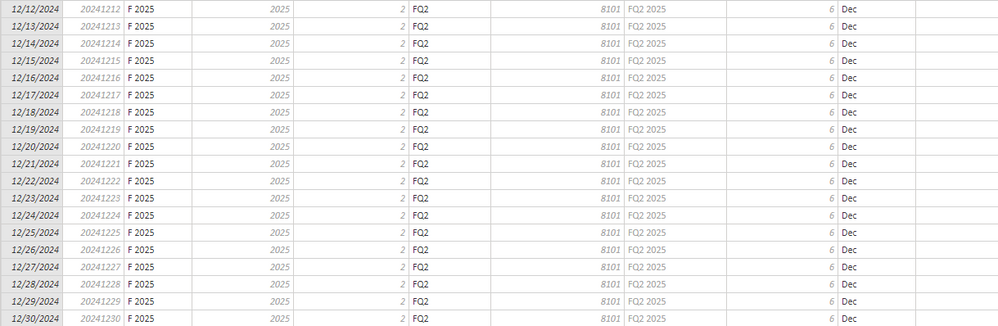
Please refer to the result:
Best Regards,
Teige
When I enter 2024 on line 10 I get this error. If I have that line blank the table works. Am I missing something?
Thanks,
Sarah
If you have recently started exploring Fabric, we'd love to hear how it's going. Your feedback can help with product improvements.
A new Power BI DataViz World Championship is coming this June! Don't miss out on submitting your entry.
Share feedback directly with Fabric product managers, participate in targeted research studies and influence the Fabric roadmap.
| User | Count |
|---|---|
| 56 | |
| 47 | |
| 44 | |
| 20 | |
| 20 |
| User | Count |
|---|---|
| 73 | |
| 72 | |
| 34 | |
| 33 | |
| 31 |