



Join us at FabCon Atlanta from March 16 - 20, 2026, for the ultimate Fabric, Power BI, AI and SQL community-led event. Save $200 with code FABCOMM.
Register now!Get Fabric Certified for FREE during Fabric Data Days. Don't miss your chance! Request now
Need help, this is really weird:
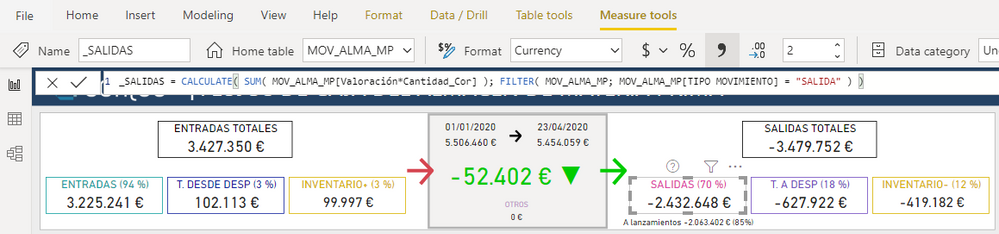
I have some measures like this, formatted as Currency (123 €):
Desktop
When the pbix is published to the service, it looks ok:
Refrshing
Service before refreshing (OK)
But when it finish the refresh it looks all f***ed up:
Refreshing done
Service after refreshing (NOT OK)
It looks like a locale problem (dots, commas...) It is strange because it only happens to that tab (the other is fine). This happened after I played with the QA visual in the desktop in this tab and tried this option:
Anyone got any clue about what is happening?
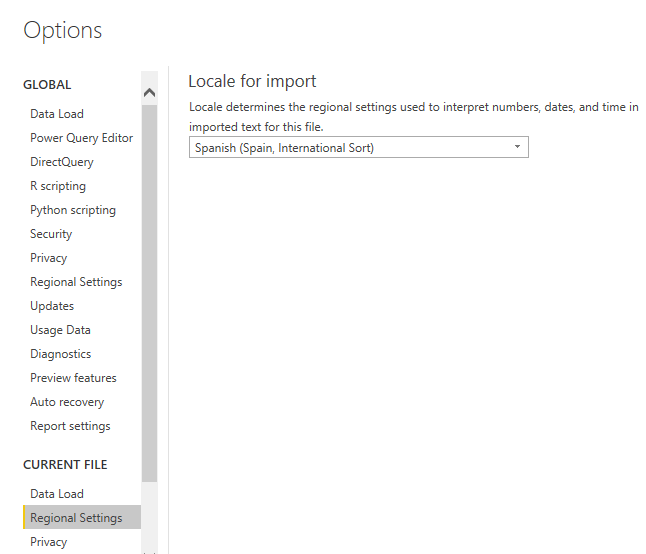
I´ve tried deleting the model and re-publishing but happens the same. Locale and culture is set as always, es-ES (I´ve checked this with Tabular Editor). Again, it worked fine until yesterday I played with the QA visual.
Locale1
Locale2
Solved! Go to Solution.
This was caused by a column without type in power query. I got the tip from the comment in this article: https://www.biinsight.com/resolving-format-cells-change-after-refreshing-data-sources-in-power-query...
Long story short, never forget to type every column returned by a query:
#"Added Conditional Column" = Table.AddColumn(#"Previous Step", "COLUMN", each if ..., type number)
Best regards.
Hi @Anonymous ,
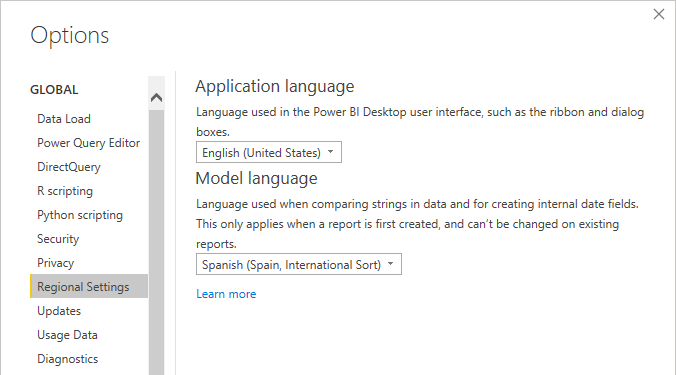
This problem should be caused by different regions. You try to unify the language of Desktop and Service.
Supported languages and countries/regions for Power BI
For Desktop, maybe you can do like this:
Best regards,
Lionel Chen
If this post helps, then please consider Accept it as the solution to help the other members find it more quickly.
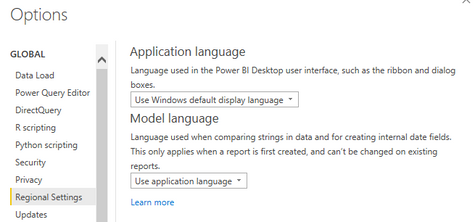
Hi, I´ve changed that option but it does not work.
Besides, I´ve always had the desktop language in English. And every report I have works fine, even the one with the problem, It´s only in that one tab where I played with the QA visual language. And more important, it only happens after a refresh.
I´m lost here...
This was caused by a column without type in power query. I got the tip from the comment in this article: https://www.biinsight.com/resolving-format-cells-change-after-refreshing-data-sources-in-power-query...
Long story short, never forget to type every column returned by a query:
#"Added Conditional Column" = Table.AddColumn(#"Previous Step", "COLUMN", each if ..., type number)
Best regards.
Check out the November 2025 Power BI update to learn about new features.
Advance your Data & AI career with 50 days of live learning, contests, hands-on challenges, study groups & certifications and more!