This is best Fabric, Power BI, SQL and AI community event. How do we know? The last event sold out! Save €200 with code FABCMTY200.
Register nowA new Data Days event is coming soon! This time we’re going bigger than ever. Fabric, Power BI, SQL, AI and more. Don't miss out.
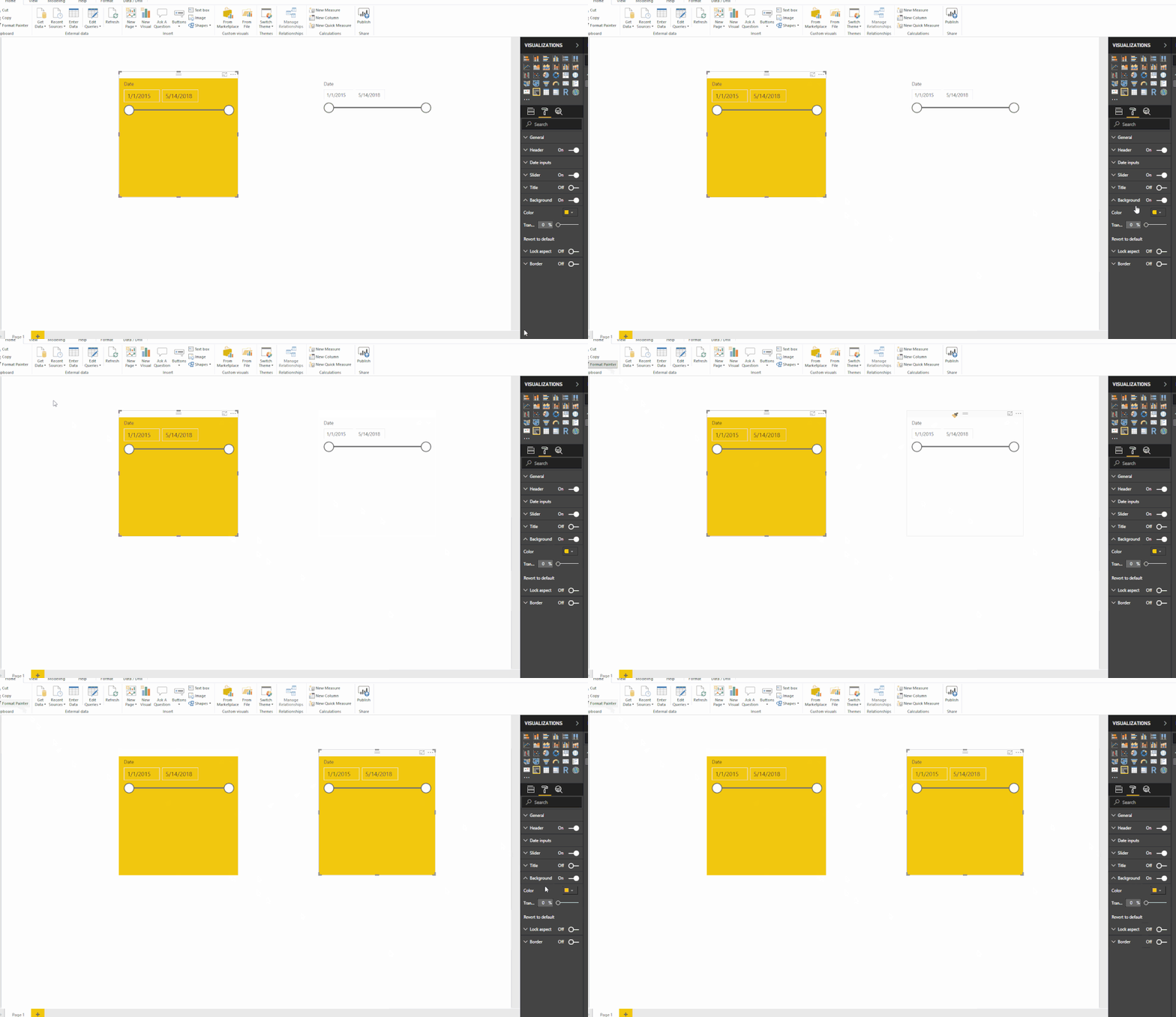
Since the May update, when using format painter to make slicers look identical, the background color will only copy over from one slicer to another at 50% transparency even though the source is at 0% (no transparency).
HI @maclenk,
I can't reproduce your issue, format painter still works on my side.
Which version of you test on? Have you enable theme?
Regards,
Xiaoxin Sheng
I am using the recently updated May 2018 version, and it worked perfectly fine before the update was installed. I even tried resetting the slicer to the default before applying the format painter from the other slicer. Still not working for me. I have been working on three different reports and have the same issue with all of them. There is no theme applied.
Hi @maclenk,
In fact, I also test on last version but every thing look fine.
According to your description, it seems like you are testing on reports created by previous version, if you create a new report and do same test, did this issue appears?
In addition, you can also try to clear cache files and try again.
Regards,
Xiaoxin Sheng
Check out the May 2026 Power BI update to learn about new features.
Sign up to receive a private message when registration opens and key events begin.
If you have recently started exploring Fabric, we'd love to hear how it's going. Your feedback can help with product improvements.
| User | Count |
|---|---|
| 29 | |
| 28 | |
| 25 | |
| 20 | |
| 14 |
| User | Count |
|---|---|
| 53 | |
| 47 | |
| 27 | |
| 20 | |
| 19 |