Share feedback directly with Fabric product managers, participate in targeted research studies and influence the Fabric roadmap.
Sign up nowGet Fabric certified for FREE! Don't miss your chance! Learn more
Hi,
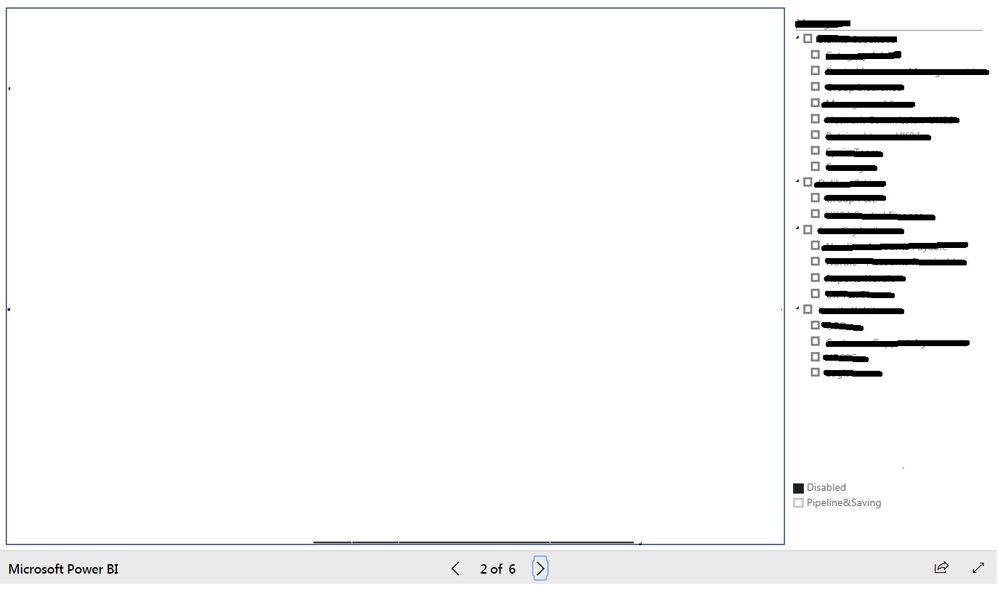
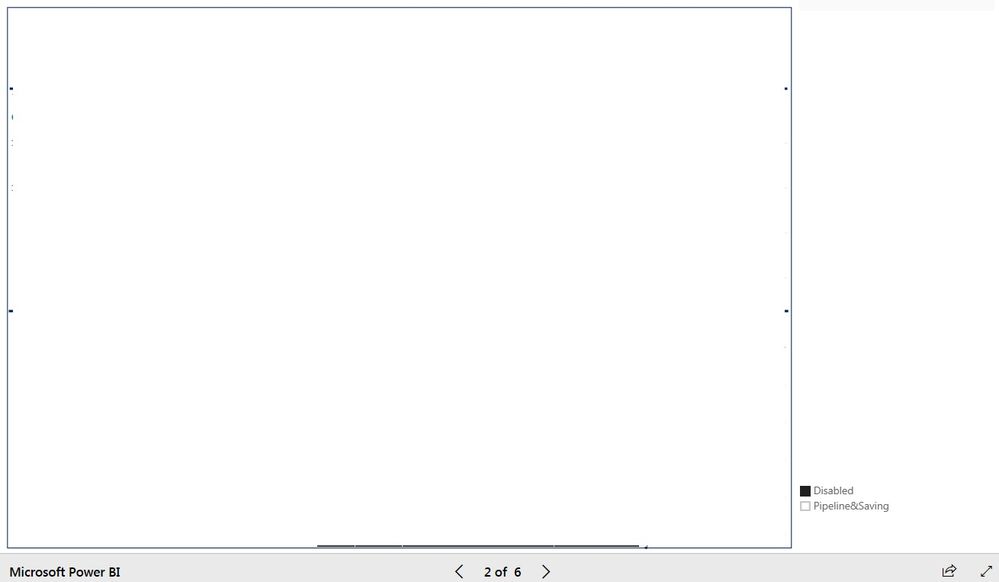
we have discovered, that IE (11.0.9600.18792) is somehow unable to show basic filter visual in embedded content inside Sharepoint (Embedded through classical "publish" way)
Chrome
Internet Explorer
Do you know what can be the reason?
Thank you for any help
Solved! Go to Solution.
What document mode is set for the page in SharePoint?
Press F12 and see if the mode is set to 11?
If the mode is 10 or lower I would guess that is the cause of your issues. Power BI will not render properly on versions lower than IE 11.
I've had similar issues where this was the case.
Br,
Magnus
What document mode is set for the page in SharePoint?
Press F12 and see if the mode is set to 11?
If the mode is 10 or lower I would guess that is the cause of your issues. Power BI will not render properly on versions lower than IE 11.
I've had similar issues where this was the case.
Br,
Magnus
It seems that mode is currently set to 10. I'll contact head admin 🙂
Thank you for resolving this issue.
If you love stickers, then you will definitely want to check out our Community Sticker Challenge!
Check out the January 2026 Power BI update to learn about new features.
| User | Count |
|---|---|
| 65 | |
| 64 | |
| 49 | |
| 21 | |
| 18 |
| User | Count |
|---|---|
| 119 | |
| 117 | |
| 38 | |
| 36 | |
| 29 |