Hello!
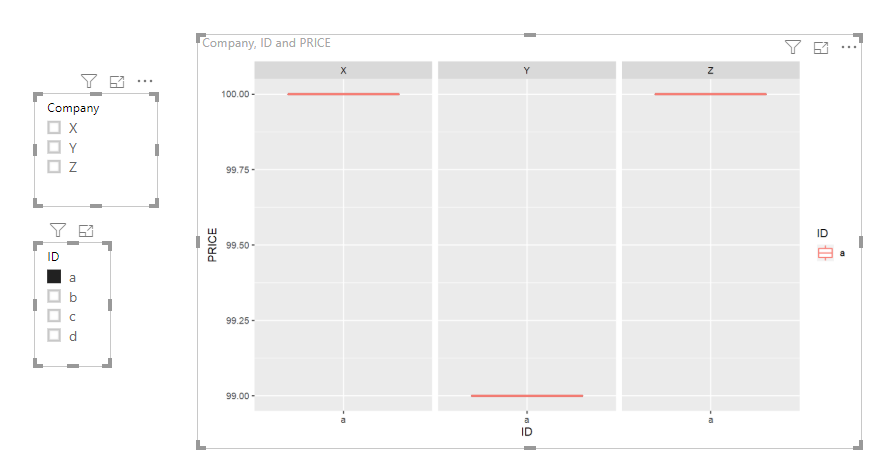
I have a side-passion project I'm working on. Including a very basic DUMMY data set below. What I am trying to create is a box and whisker plot through R, for each individual ID. I can actually do this part, but what I also need is for the individual points to appear by company, and for a single company to be a different color, depending on user choice.
For example, if the first sheet of the dashboard had a slicer where the end user chose their company (with this data, lets say they chose Z, from their choices of X, Y and Z). When they go to the next tab, when looking at the box/whisker plot for ID a, they would see 3 points with the graph (X,Y,Z), and the point for Z would be colored RED and the others would be GREY (or something to this effect).
I can create the R-boxplot visuals, but cannot get the dynamic color changing. Any suggestions? I'm not sure if I need measures, or columns, or what might be best. Thank you all for your help in advance.
Company ID PRICE
Z a 100
Z b 99
Z c 98
Z d 98
Y a 99
Y b 99
X a 100
X c 101
X d 98