Get certified for free when you join Fabric Data Days 2026 and dive into Fabric, Power BI, SQL, AI, and other essential data skills.
Join nowJuly 7 - July 17 | Round 2 of the Power BI Dataviz World Championships. Don't miss your chance! Learn more
Hi everyone,
I hope you're doing well.
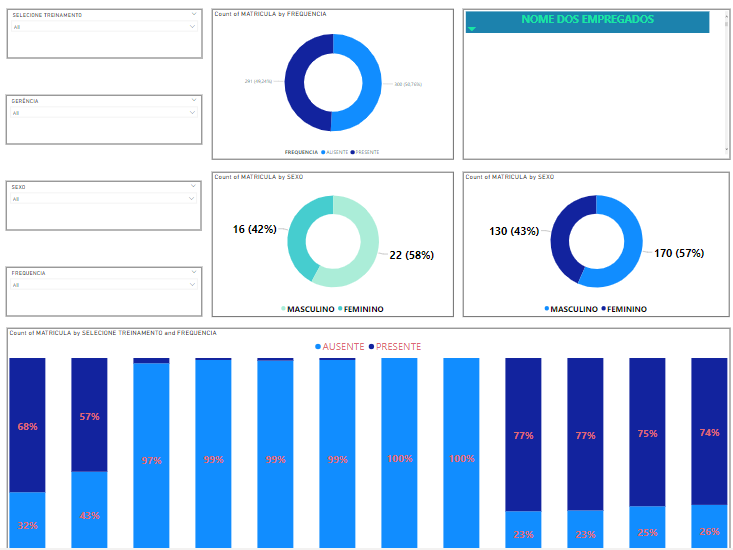
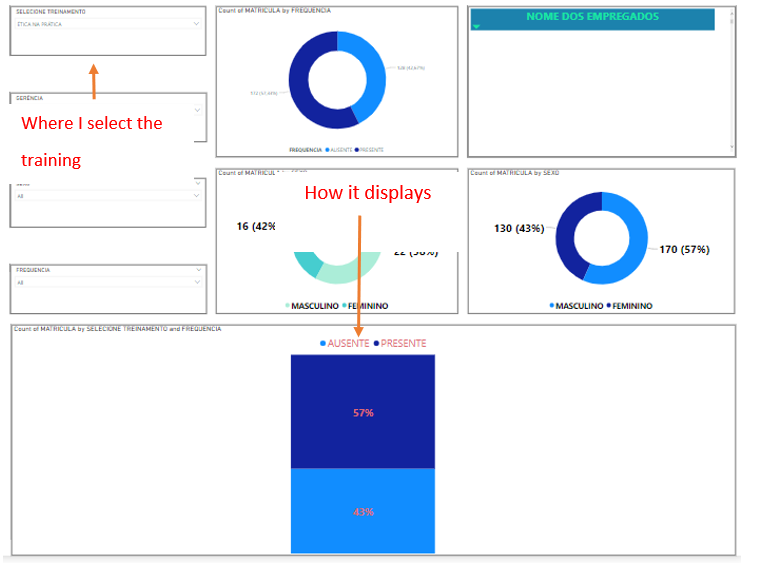
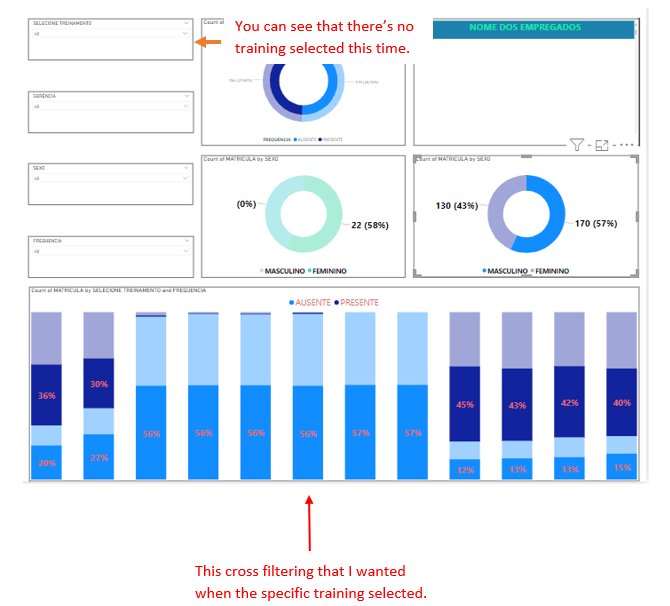
I have a question that I'm finding quite hard to find a solution. I put a slicer as a summary to select a specific training and from therem, visualize the infos collected from attendance lists. What I want is when a specific training is selected, the column chart doesn't display filtering one column, but all of them being displayed with a "shadow", if I can say, behind them. I illustrate below:
How it is:
How I'd like to be:
Thank you to take your time to help me.
In the options you can change the default behavior from cross filtering to cross highlighting.
| User | Count |
|---|---|
| 24 | |
| 21 | |
| 20 | |
| 19 | |
| 13 |
| User | Count |
|---|---|
| 60 | |
| 52 | |
| 47 | |
| 40 | |
| 38 |