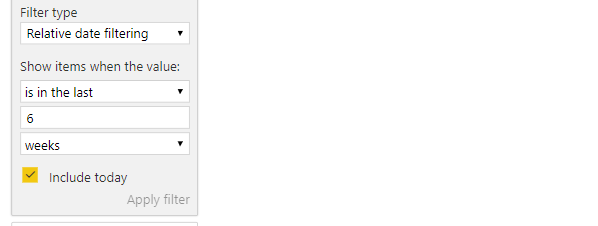
Hi All,
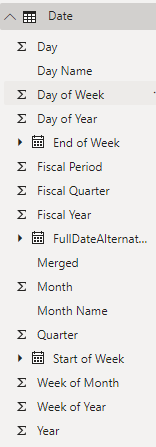
I created a date dimension table with the following columns with my week starting on Sunday and ending on Saturday. It exists as its own table. Fields are listed as follows:
I also have another table called "TA" which is a listing of all filled reqs using field name of "Status" with "Filled" as a count logic:
Filled = CALCULATE(COUNTAX('TA', 'TA'[Status]), 'TA'[Status] = "Filled")
What I want to do is count the number of filled reqs in the week we are currently in using the "Filled Date" field in the TA table which has a relationship to "FullDateAlternateKey" on the Date table and set it up as a data tile on a page in my workbook. I want it so the number shifts on the tile automatically when a new week starts.
How can I do this? I really need it to be dynamic based on today's date. So for example, given today is 6/20, it will count the # of fills that have happened starting 6/16 thru 6/23. Then on 6/24, the count starts over for that new week.
Hope this helps. Thanks!