 conditional formatting errorHi everyone,
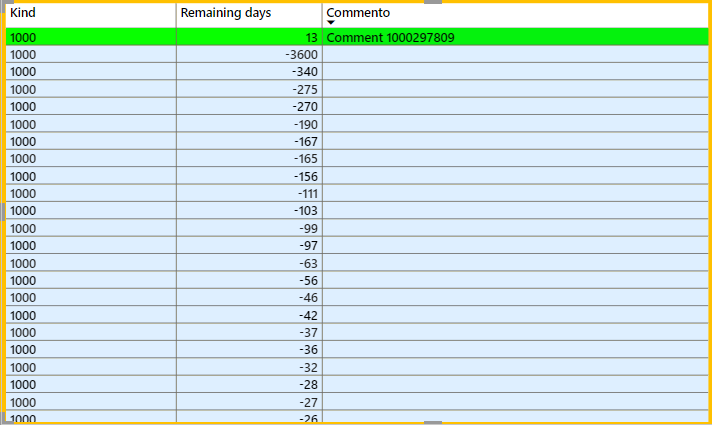
I am trying to create a composite model with an imported table, which stores the type of operation and the remaining days, and a comment table, containing the comments, which is obtained from direct query such to be updated in real time. After creating the relations I tried to produce a table visualization. I want to highlight the data with conditional formatting based on the "remaining days" field. Unfortunately I am stuck with two issues:
- If I do not show "items with no data" only the rows with a comment are shown (this is not what I need);
- If I show also items with no data the conditional formatting stops working and all the rows without a comment are colored the same.
Have you got any idea (or workaround) on how to fix the conditional formatting? Can it be respected also for rows missing a comment or is there an alternative way to otbain what I need?
Thanks a lot.


