
This is best Fabric, Power BI, SQL and AI community event. How do we know? The last event sold out! Save €200 with code FABCMTY200.
Register nowA new Data Days event is coming soon! This time we’re going bigger than ever. Fabric, Power BI, SQL, AI and more. Don't miss out.
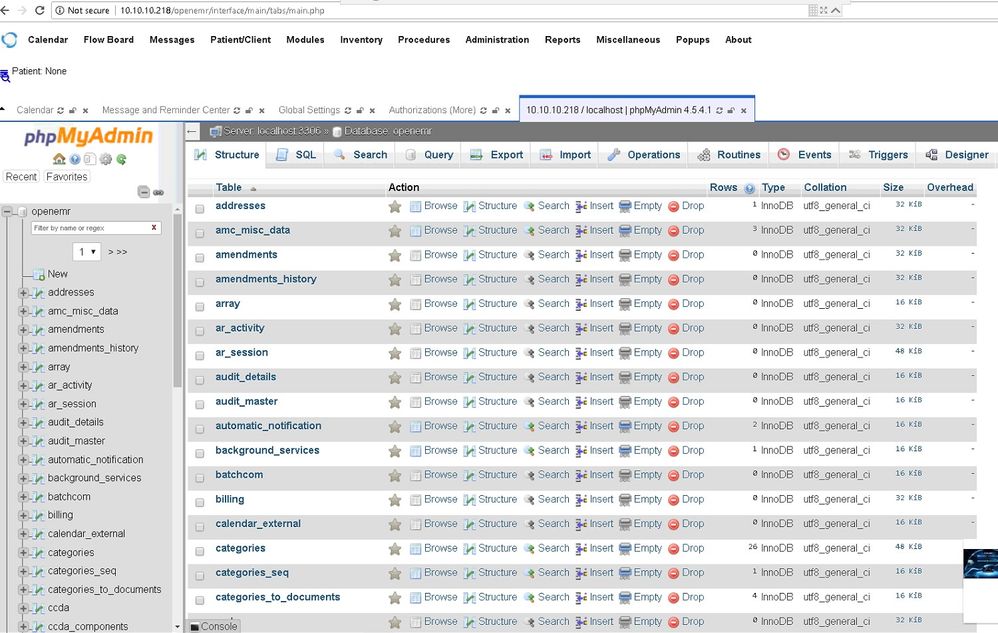
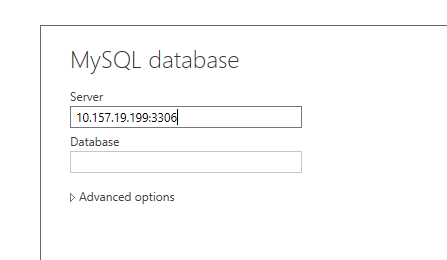
Hi What would be my server name?
i tried localhost, localhost:3306 and still unable to connect.
Solved! Go to Solution.
@akwang wrote:
hi smoupre,
i did that and still i cannot connect.
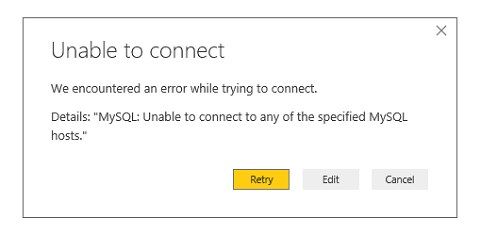
For above error, please ensure that you've specified the correct server name, it could be servierIP:portNo("10.157.19.199:3306") or ServerName. Also ensure that the MySQL Service is running on the server you're connecting to.
Last time I had an issue connecting to MySQL with Power BI, I had to make sure that I was not trying to use Windows credentials but rather database credentials. And it looks like localhost is your server name.
hi smoupre,
i did that and still i cannot connect.
I can recommend setting up ODBC driver on the machine running mysql - such as https://dev.mysql.com/downloads/connector/odbc/5.3.html
Any tutorial on how to use the ODBC?
Sign up to receive a private message when registration opens and key events begin.
If you have recently started exploring Fabric, we'd love to hear how it's going. Your feedback can help with product improvements.
| User | Count |
|---|---|
| 33 | |
| 25 | |
| 23 | |
| 20 | |
| 15 |
| User | Count |
|---|---|
| 64 | |
| 41 | |
| 27 | |
| 22 | |
| 22 |