Don't miss your chance to take exam DP-600 or DP-700 on us!
Request nowLearn from the best! Meet the four finalists headed to the FINALS of the Power BI Dataviz World Championships! Register now
Hi everybody,
Well, we are starting a new year of reports!
So, i was updating them then i realized all my MTD calculations stopped working, but only on my new data of 2018.
I think is because i have endofthemonth calculations for my MTD values and my calendar doesn't have those dates yet.
How can i invoke all 2018 in my calendar?
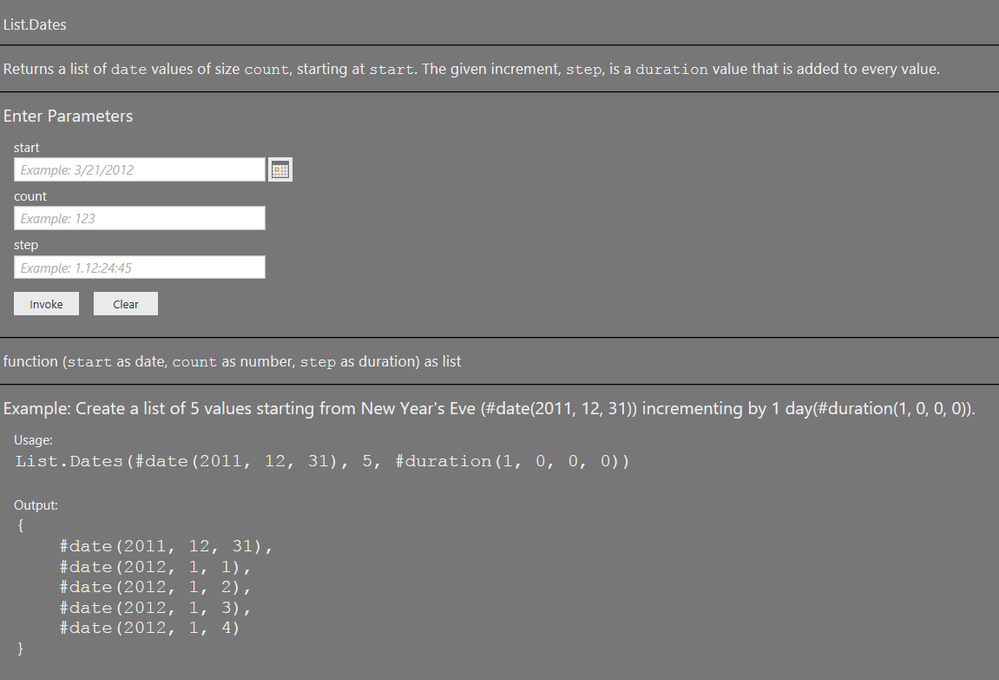
here is a screenshot of the calendar i'm using
Thanks in advance.
Since you include a screen shot of a Power Query function: this formula creates a table with all dates for 2018:
= #table(type table[Date = date],List.Zip({List.Dates(#date(2018,1,1),365,#duration(1,0,0,0))}))
Thanks for the reply @MarcelBeug
The real question is how can i edit my calendar to show all dates for 2018 starting in 2017.
The screen shot you posted, just included the general information of function List.Dates.
Without you posting your actual code, I won't be able to help you.
Share feedback directly with Fabric product managers, participate in targeted research studies and influence the Fabric roadmap.
Check out the February 2026 Power BI update to learn about new features.
| User | Count |
|---|---|
| 53 | |
| 45 | |
| 38 | |
| 16 | |
| 14 |
| User | Count |
|---|---|
| 86 | |
| 70 | |
| 39 | |
| 29 | |
| 27 |