Don't miss your chance to take the Fabric Data Engineer (DP-600) exam for FREE! Find out how by watching the DP-600 session on-demand now through April 28th.
Learn moreJoin the FabCon + SQLCon recap series. Up next: Power BI, Real-Time Intelligence, IQ and AI, and Data Factory take center stage. All sessions are available on-demand after the live show. Register now
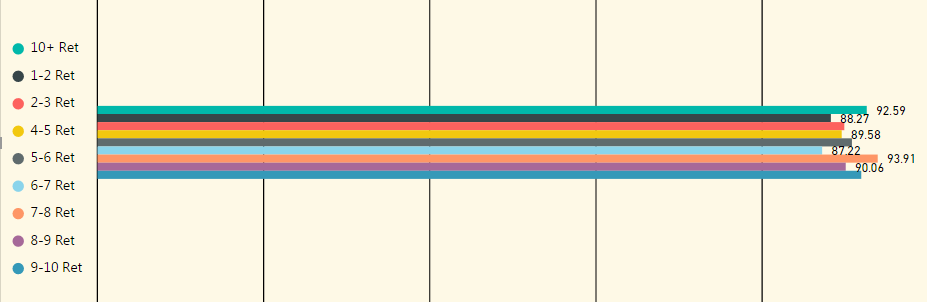
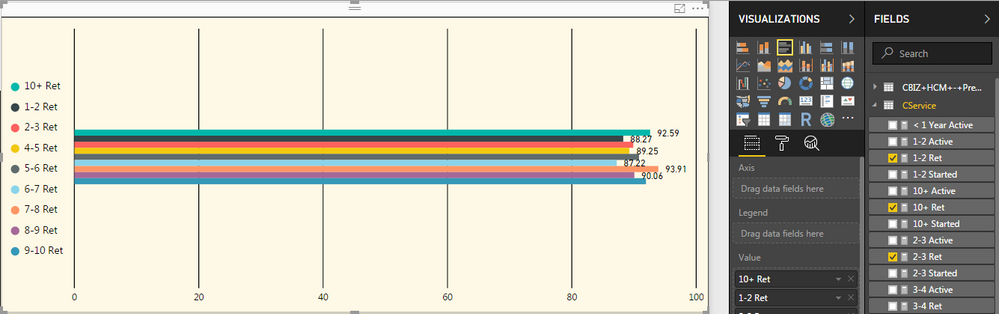
Is there any way to have a bar chart display this information without it all being crammed to the middle? None of the charts seem to just offer an ordinary bar chart with the bars spread out:
Solved! Go to Solution.
@Anonymous Under the Y-axis, you could use the "minumum category width" and increase it to the max level to increase the width of the bars. You would have alot more options if you used the bar chart with an x axis, but that should work.
Also, this requires the latest desktop version as there are new features to adjust the bars in the latest version.
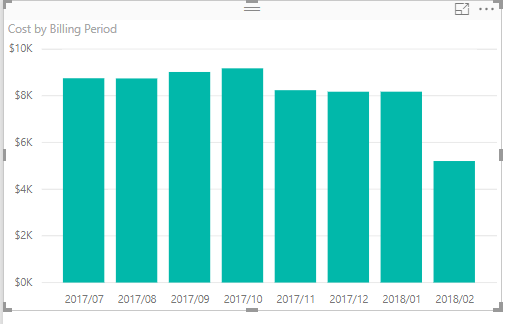
There's something wrong there. A normal, out of the box, bar chart looks like this.
@dramus That's how I would like mine to look. Which visualization are you using? Also, I'm only plotting values with no axis or anything. Could that be the cause?:
Yup. No axis is what's doing it.
Can you put the field you have in the label field well, into the axis field well.
@dramus that's where it gets a little tricky. I have multiple values listed and I can't use all of them as my axis. Each value is it's own calculated measure. But I think increasing the size of the bars as suggested will suffice.
@Anonymous Under the Y-axis, you could use the "minumum category width" and increase it to the max level to increase the width of the bars. You would have alot more options if you used the bar chart with an x axis, but that should work.
Also, this requires the latest desktop version as there are new features to adjust the bars in the latest version.
Check out the April 2026 Power BI update to learn about new features.
If you have recently started exploring Fabric, we'd love to hear how it's going. Your feedback can help with product improvements.
A new Power BI DataViz World Championship is coming this June! Don't miss out on submitting your entry.
| User | Count |
|---|---|
| 45 | |
| 38 | |
| 34 | |
| 21 | |
| 17 |
| User | Count |
|---|---|
| 66 | |
| 65 | |
| 31 | |
| 26 | |
| 26 |