Join us at FabCon Atlanta from March 16 - 20, 2026, for the ultimate Fabric, Power BI, AI and SQL community-led event. Save $200 with code FABCOMM.
Register now!The Power BI Data Visualization World Championships is back! It's time to submit your entry. Live now!
I am trying to connect to Azure Data Bricks from Tableau Desktop as well as Power BI Desktop. I installed the Tableau Driver SimbaSpark ODBC 64, which happens to be version 1.09, from my corporate Enterprise DownLoad Page. The Data Bricks documentation at https://docs.databricks.com/user-guide/bi/tableau.html#connect-tableau-and-databricks indicates that
is required.
Today, I installed Power BI Desktop. See About dialog
About dialog
I tested connecting Power BI Desktop to a Databrick cluster. I encountered this message.
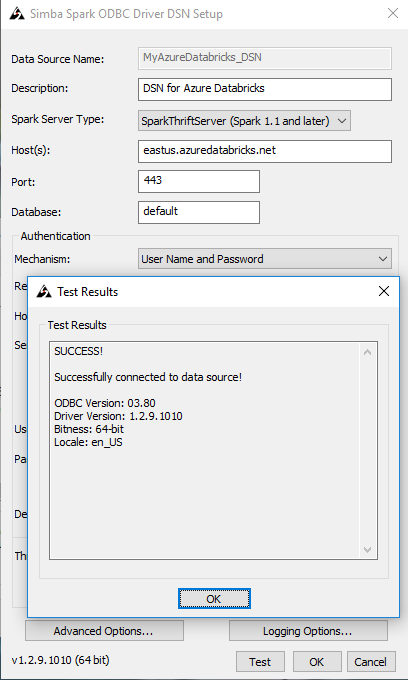
Later I set up a DSN following this process https://docs.microsoft.com/en-us/azure/azure-databricks/connect-databricks-excel-python-r#set-up-a-d..., and I discovered that my ODBC driver is the wrong version (which is corroborated by the Data Brick documentation with regard to Tableau).
My questions here are:
1. With regard to Power BI Desktop, should I be concerned about the above version error?
2. Does Power BI Desktop use the same Simba Spark SQL ODBC driver that I tested?
3. Does Power BI Desktop comes bundled with its own JDBC driver?
4. If yes to #3, do I need to be concerned about which version of Power BI Desktop that I am using?
5. Could the version of Power BI Desktop determine which version of the Spark Driver that I am trying to connect with to Azure, and be incompatible in connecting Hive tables in Azure Data Bricks?
HI @Anonymous,
According to your error message, I think this issue should more related to your odbc driver, please double check and confirm you installed a correspond version.
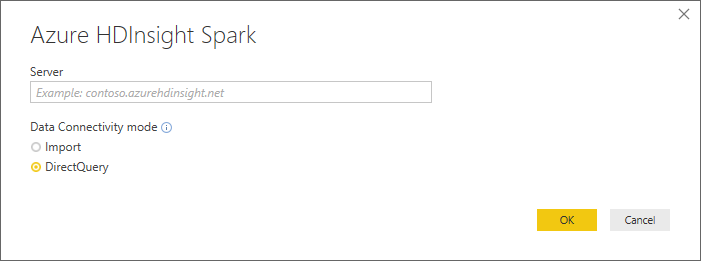
In addition, what type of spark you test? Azure spark or on-premise spark datasource? If you mean azure spark, I'd like to suggest you use azure HDinsight spark connector to get data:
Tutorial: Analyze Apache Spark data using Power BI in HDInsight
Regards,
Xiaoxin Sheng
Azure HDInsight driver is not the correct driver for connecting to Data Bricks Hive tables.
I do not have a Azure HDInsight server set up.
After I installed Simba Spark ODBC 1.02.09 driver, I successfully tested the ODBC driver following the instructions at
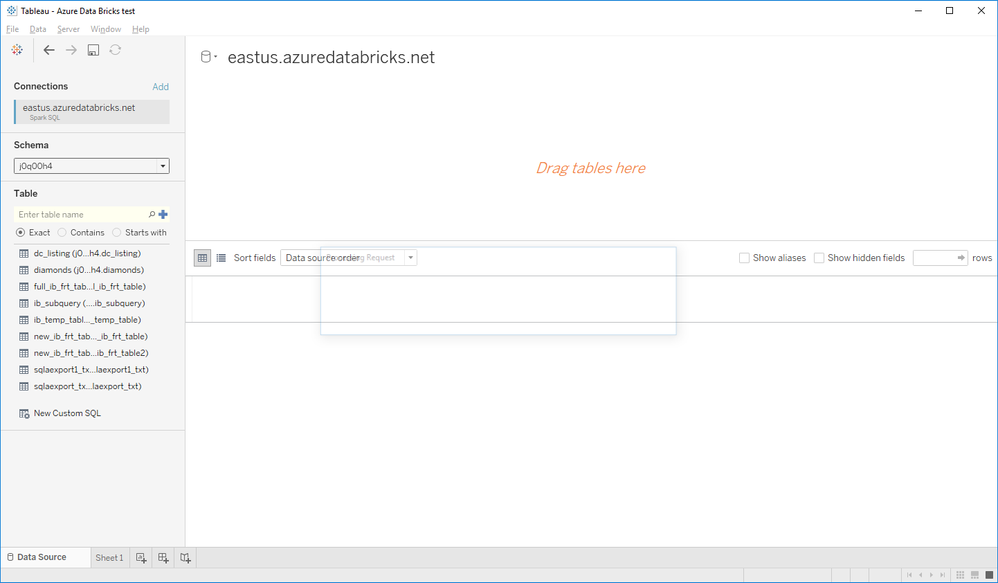
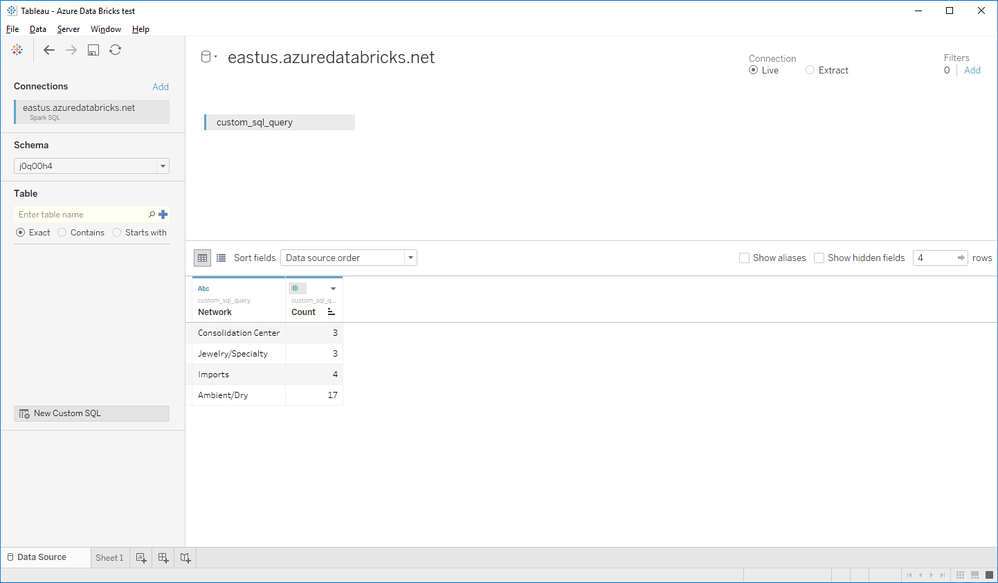
I am now able to connect via Tableau Desktop and Power BI to Data Bricks tables.
I am however still encountering
[Microsoft][Hardy] (34) Error from server: Could not resolve host for client socket..
when I am not on the public Wifi. I suspect that the corporate proxy server may be a second issue here.
Hi @Anonymous ,
Maybe you can try to update power bi to latest version and try again.
BTW, you can also considered to open a support ticket to get more support form dev team it is free for pro users.
submit a support ticket
Regards,
Xiaoxin Sheng
The Power BI Data Visualization World Championships is back! It's time to submit your entry.
Check out the January 2026 Power BI update to learn about new features.
| User | Count |
|---|---|
| 61 | |
| 49 | |
| 30 | |
| 25 | |
| 23 |
| User | Count |
|---|---|
| 128 | |
| 102 | |
| 57 | |
| 39 | |
| 31 |