cancel
Showing results for 
Search instead for 
Did you mean: 

Learn from the best! Meet the four finalists headed to the FINALS of the Power BI Dataviz World Championships! Register now

Reply
Anonymous
Not applicable

Add $ to the data

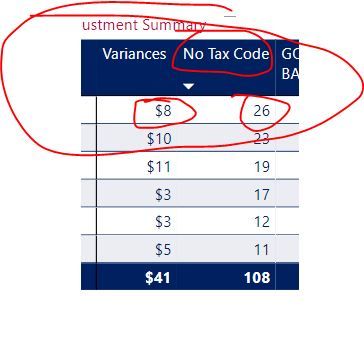
1.JPG2.JPGHi,


Wonder if someone can help me on this. 


Had a column of data here and trying to add $ to get a summarised report however it wouldn't allow me, whereas it worked on the same type of data but from different excel files.


Cheers

Jimmy

1 ACCEPTED SOLUTION

Hi,


According to your description, it works well here.

I am so confused that it doesnot work well after changing its format, so please create a measure to have a try:

Measure = SUM('Purchase Adj - No Tax Code'[No Tax Code])

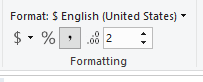
Then, change this measure format to this:

11.PNG

Hope it helps.


If you still have questions, please for free to let me know.


Best Regards,

Giotto Zhi


View solution in original post

3 REPLIES 3
amitchandak
Super User
Super User

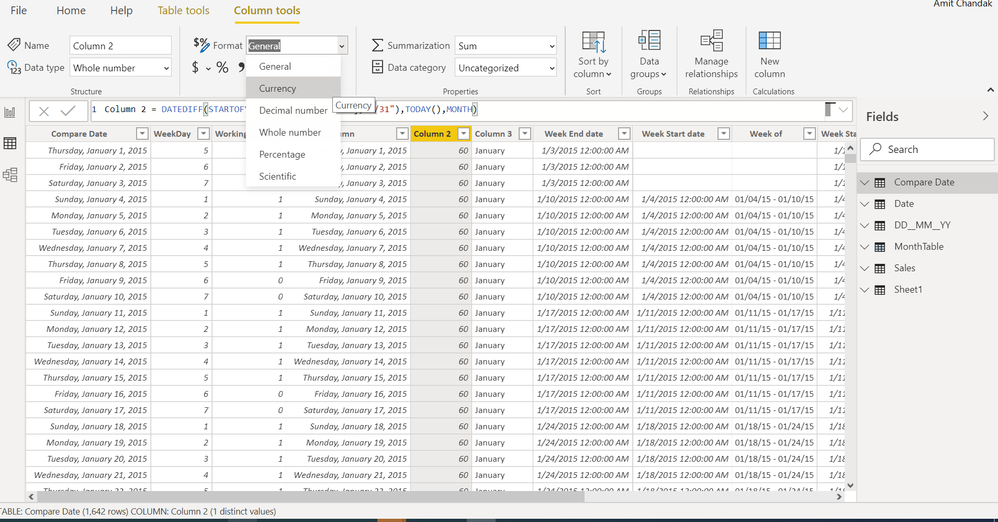
You have change format to currency. In data view you have option

Screenshot 2020-01-20 07.20.31.png

Share with Power BI Enthusiasts: Full Power BI Video (20 Hours) YouTube
Microsoft Fabric Series 60+ Videos YouTube
Microsoft Fabric Hindi End to End YouTube
Anonymous
Not applicable

Hi,


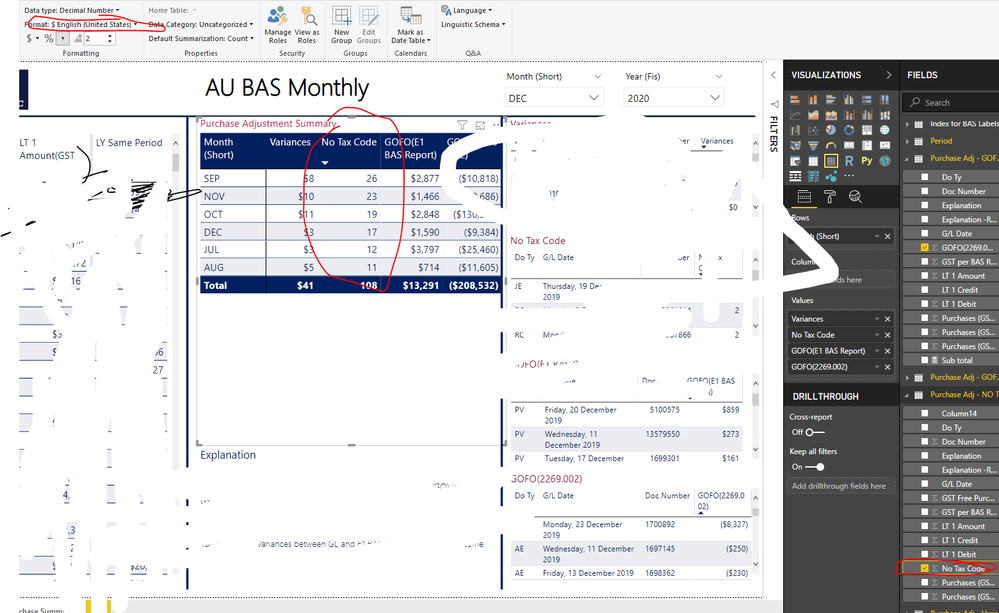
I have changed it to currency format somehow it still does not work.


4.png

Hi,


According to your description, it works well here.

I am so confused that it doesnot work well after changing its format, so please create a measure to have a try:

Measure = SUM('Purchase Adj - No Tax Code'[No Tax Code])

Then, change this measure format to this:

11.PNG

Hope it helps.


If you still have questions, please for free to let me know.


Best Regards,

Giotto Zhi


Helpful resources

Announcements
Join our Fabric User Panel

Join our Fabric User Panel

Share feedback directly with Fabric product managers, participate in targeted research studies and influence the Fabric roadmap.

February Power BI Update Carousel

Power BI Monthly Update - February 2026

Check out the February 2026 Power BI update to learn about new features.

FabCon Atlanta 2026 carousel

FabCon Atlanta 2026

Join us at FabCon Atlanta, March 16-20, for the ultimate Fabric, Power BI, AI and SQL community-led event. Save $200 with code FABCOMM.