Hello everyone!
I am new to Power BI, but desperately trying to figure it out.
I have a problem with Time Intelligence Quick Measures.
I have a set of data, which contains dates and prices for each date. The data type of the date column is "Date" as you can see below, formatted as a european date. Important: dates are not full, the ones with no price are excluded.
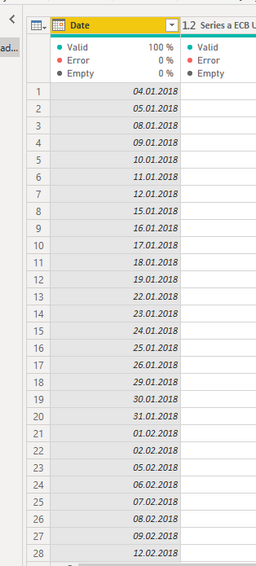
When i try to make a quick measure "month-to-date-total" using my price (which is a decimal number type) as a base value and my date as a date, i get the following error in the code:
"Time intelligence quick measures can only be grouped or filtered by the Power BI-provided date hierarchy or primary date column"
I also tried to work around it and made a separate column with a month number and tried to add a Quick measure " Average per category" using the month number as category, but then it always returns the count of instances and not the price average...
thanks in advance!
BR
Anastasia


