Forum Discussion

Problem Filled Maps in WEB and Ipad Application
Hello,
first of all congratulations for the wonderful work you are doing.
I have a problem with "filled map" but only with the web application and ipad while the version BI Desktop works well.
Using the following table
| COUNTRY | VALUES |
| ITALY | 100 |
| ITALY | 101 |
| ITALY | 102 |
| ITALY | 103 |
| ITALY | 104 |
| ITALY | 105 |
| ITALY | 106 |
| GERMANY | 107 |
| GERMANY | 108 |
| GERMANY | 109 |
| GERMANY | 110 |
| GERMANY | 111 |
| GERMANY | 112 |
| GERMANY | 113 |
in Power BI Desktop is ok and "filled map" highlights correctly nations ITALY and GERMANY.
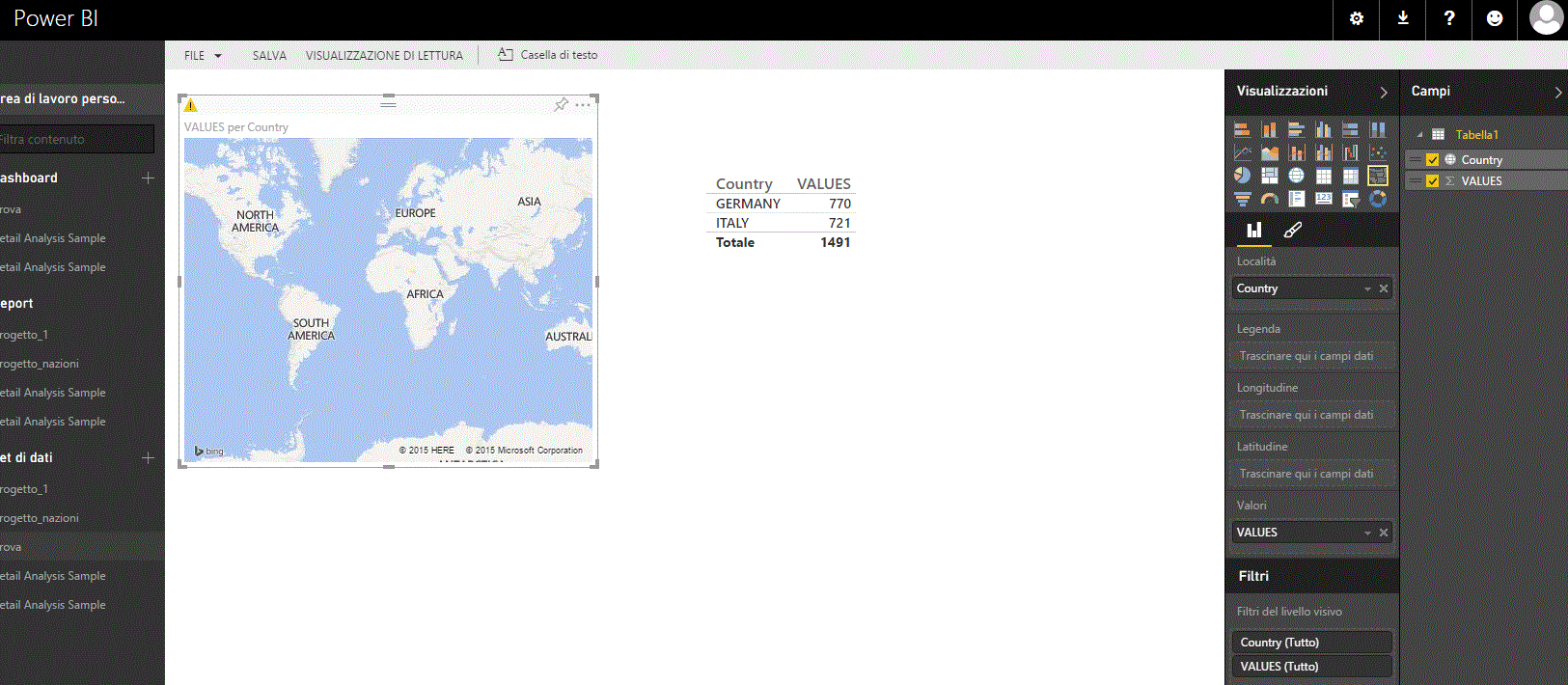
In Power BI WEB and IPAD version returns the error "...the Location data should include Bing Map-supported geographic data, such as country/region, state/province, or postal code..".
What causes this error?
The web version and Ipad not supported the "map filled"?
Thanks a lot
Greetings
6 Replies
 gusly
guslyHelper II
Was this ever solved?
I'm having the same problem, but while using US States. It works in the desktop app, I get the states filled properly, but when publishing to the web app the maps don't show anything. I've made sure to set the Data Category to "State or Province" as well.
The weird thing in the web app is that the Map visual works, but when switching to the Filled Map nothing shows (same settings used). I'm using state (example "California") as location and just a value as Values.
Is there a bug or am I doing anything wrong?- Greg_Deckler
Community Champion
Hmm, I don't have an iPad to test with but it does appear to work in a web browser. In IE, it zooms automatically while in Edge it does not zoom, but in both cases it does fill in the correct countries. Not sure why it would be different in Safari. Here is a screen shot of the report configuration in Desktop:
 gaspiRegular Visitor
I have the same problem :-(
 bibbinoNew Member
smoupre thanks for the reply.
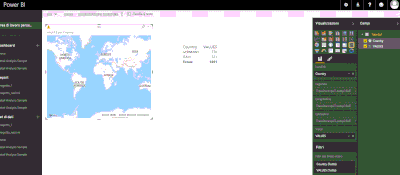
Will confirm in "BI Desktop" works perfectly but the problem occurs on all browsers and on the app Android and Ipad.In Attachment screen shot of WEB version.
have any ideas to solve it?
- bibbinoNew Member
Sorry for image very small...
Another image in attach.