Hi. I need to have this presentation finished by tomorrow morning. I'm very new to this and am lost.
Issue: I have 3 rotating screens for the presentation, Charts, Flags and Country Names.
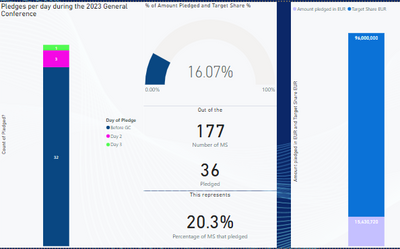
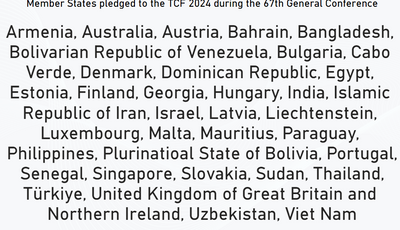
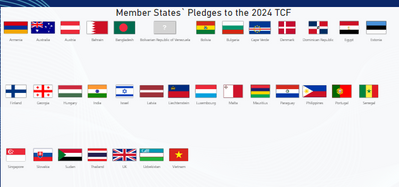
With Enchanted Flags, all flags work well when in the country names file the names are the normal basic name, i.e. Venezuela. With this short name, the flag will generate. However, I need to have the 'Official name' written on the country names page.
Taken from my Excel file, the official name is Bolivarian Republic of Venezuela. The flag, unfortunately, will only attach if I have the name Venezuela in the country name file. Due to political reasons, I may not use only Venezuela on the on the country name page.
How can I keep the full name on the country name page yet get the flag to pop up on the flags page when it will only accept Venezuela for the flag to pop up? I have about 6 countries with this issue (Iran (Islamic Republic of), Bolivia (Plurinational State of), etc.).
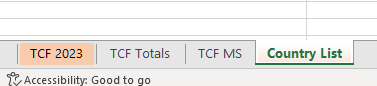
Here is my Excel:
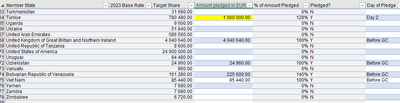
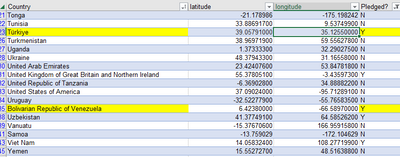
I would greatly appreciate any assistance anyone can provide on this. Thank you in advance!


