Forum Discussion
Anonymous
5 years agoNot applicable
conditionally hiding filter
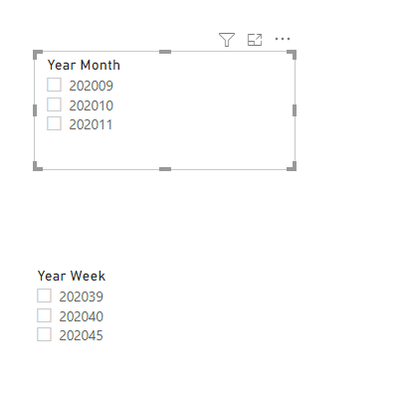
Hello experts, I have a requirement where if I select one filter, the other filter should be greyed out. Year Month Year Week 202011 202045 202010 202040 202009 ...
- 5 years ago
Hi Anonymous ,
I have a workaround.
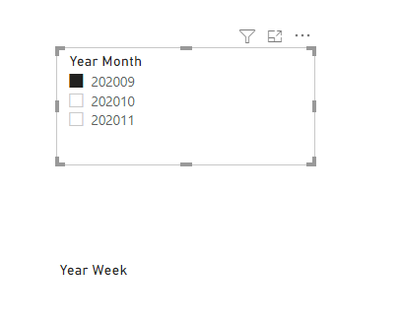
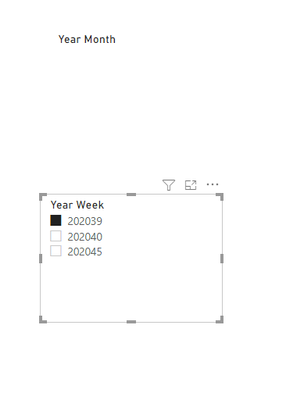
Though it is hard to make another filter grayed out,you can make it blank,when the other slicer is selected.
Create 2 measures as below:
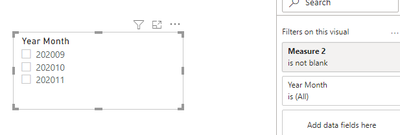
Measure = IF(ISFILTERED('Table 2'[Year Month]),BLANK(),MAX('Table 3'[Year Week]))Measure 2 = IF(ISFILTERED('Table 3'[Year Week]),BLANK(),MAX('Table 2'[Year Month]))Then create 2 slicers and put the 2 measures in the filter field>"is not blank">apply.
Finally you will see:
For the related .pbix file,pls see attached.
Best Regards,
KellyDid I answer your question? Mark my post as a solution!
amitchandak
Super User
5 years agoAnonymous , You can do it using bookmark and button. Not using slicer
https://radacad.com/bookmarks-and-buttons-making-power-bi-charts-even-more-interactive