Join us at FabCon Atlanta from March 16 - 20, 2026, for the ultimate Fabric, Power BI, AI and SQL community-led event. Save $200 with code FABCOMM.
Register now!Get Fabric Certified for FREE during Fabric Data Days. Don't miss your chance! Request now
Hello,
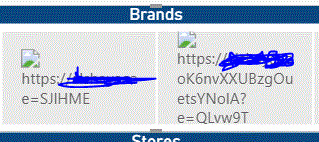
I am having troubles on displaying images (logos) in my PowerBi dashboard from an online sharepoint list column (LogoURL) Below is a screenshot on how the brands are displaying
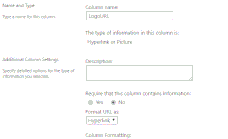
I followed those steps:
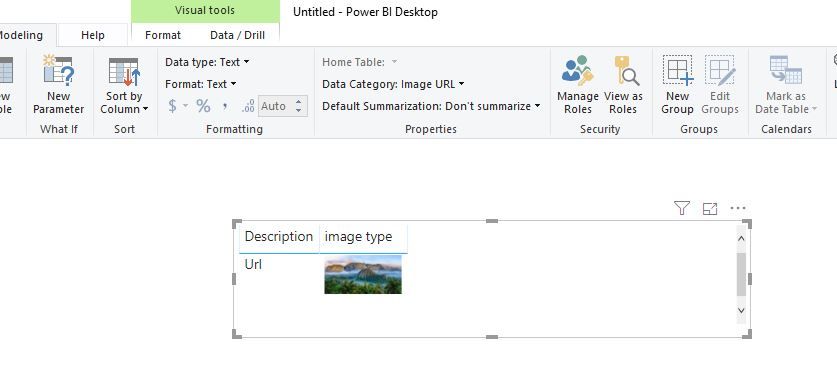
2. I set the data category as Image URL in PowerBi
Thanks,
NM
Solved! Go to Solution.
Hi @Manai
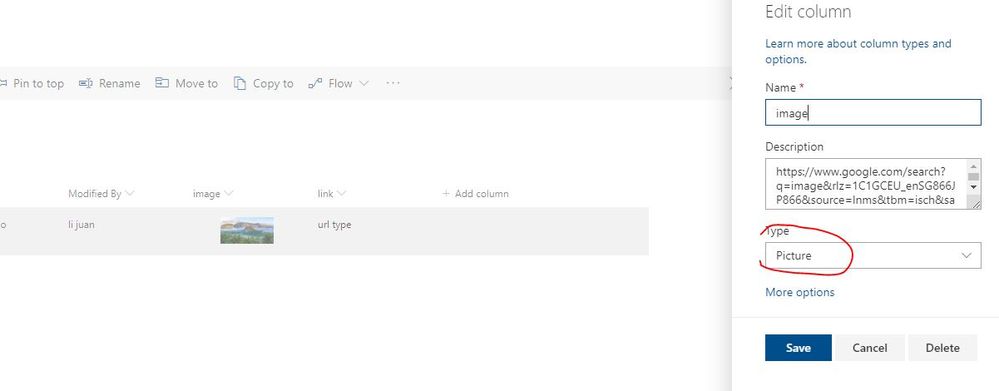
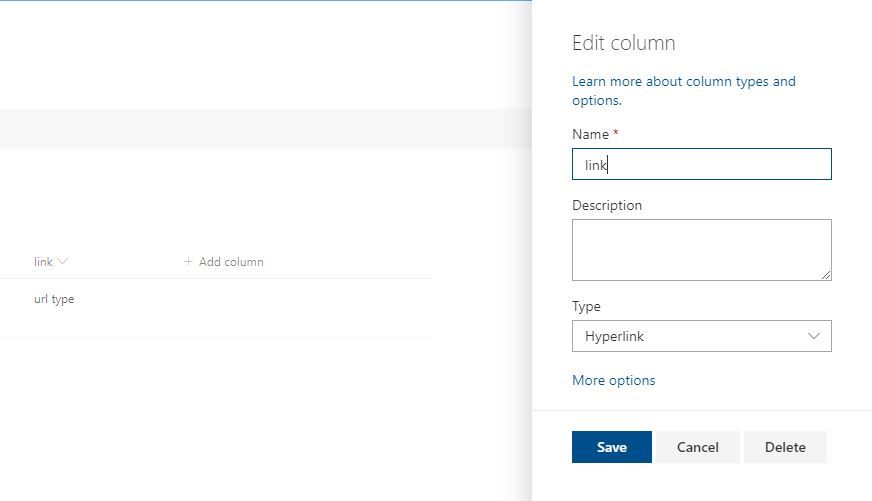
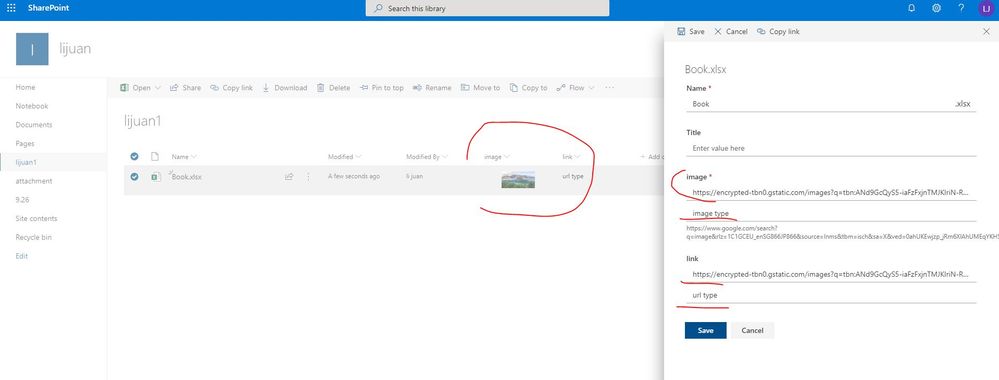
As tested, if i add image, link columns in a sharepoint list followed this,
image column
link column
Then edit the two columns as below
Then connect to the list with Power BI Desktop
enter the link below in the "Sharepoint online list" connector
https://***sharepoint.com/sites/sitename
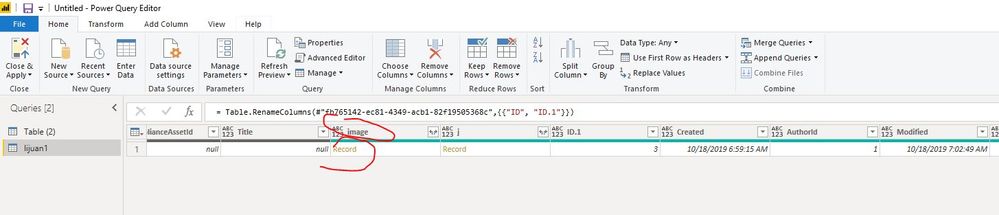
Then select the liarabry name, select Transform, i will find the column "image" in Edit queries, click on the record to expand the cell,
Hi @Manai
As tested, if i add image, link columns in a sharepoint list followed this,
image column
link column
Then edit the two columns as below
Then connect to the list with Power BI Desktop
enter the link below in the "Sharepoint online list" connector
https://***sharepoint.com/sites/sitename
Then select the liarabry name, select Transform, i will find the column "image" in Edit queries, click on the record to expand the cell,
Check out the November 2025 Power BI update to learn about new features.
Advance your Data & AI career with 50 days of live learning, contests, hands-on challenges, study groups & certifications and more!