This is best Fabric, Power BI, SQL and AI community event. How do we know? The last event sold out! Save €200 with code FABCMTY200.
Register nowA new Data Days event is coming soon! This time we’re going bigger than ever. Fabric, Power BI, SQL, AI and more. Don't miss out.
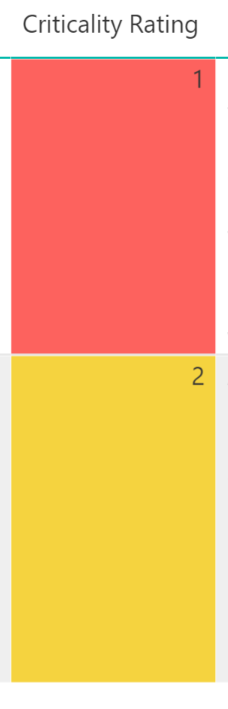
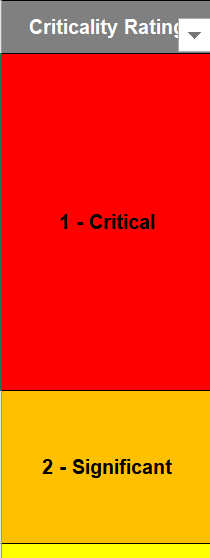
I understand that you can only apply conditional formatting to number fields. I've done that but just having numbers being displayed isn't really useful. Is there a way to keep the number field in place but when presenting the visualisation, have a text overlay to make it more user friendly for consumption?
For example, instead of:
Have something like:
As far as I know, there is no elegant way. You may try Image URL in the Data Category from Modeling tab.
Check out the May 2026 Power BI update to learn about new features.
Sign up to receive a private message when registration opens and key events begin.
If you have recently started exploring Fabric, we'd love to hear how it's going. Your feedback can help with product improvements.
| User | Count |
|---|---|
| 28 | |
| 27 | |
| 24 | |
| 19 | |
| 17 |
| User | Count |
|---|---|
| 49 | |
| 47 | |
| 40 | |
| 21 | |
| 19 |