Hi All,
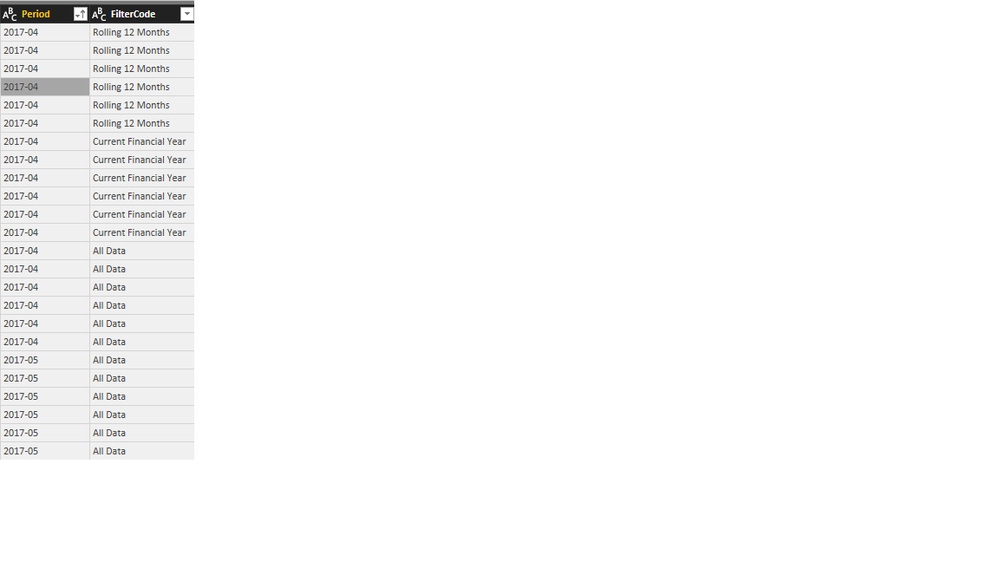
I am currently having difficulties in defining date periods that can be used in a slicer. Basically what i need to do is determine what date periods each date in my table falls under and they can fall under multiple which would create additional rows for criterias met.
The periods i want to create/define are, Current Financial Year, Rolling 12 months, Last 6 Months, Last Quarter, Last Month and Current Month
Therefore if i had dates between 01/04/2017 to 28/02/2018 in my table and i am looking at 15/01/2018, i want the rows for all the above except for Current month created automatically so when i filter on any of the above periods it will give me that data for it.
I found the code below which does what i need it to do except it is based on todays date and i need it based on the last full month
let
    TodaysDate = Date.From(DateTimeZone.FixedUtcNow()),
    Ranges = {
                {"Today",
                TodaysDate,
                TodaysDate,
                1},
                {"Current Week To Date",
                Date.From(Date.StartOfWeek(TodaysDate)),
                TodaysDate,
                2},
                {"Current Month To Date",
                Date.From(Date.StartOfMonth(TodaysDate)),
                TodaysDate,
                3},
                {"Current Year To Date",
                Date.From(Date.StartOfYear(TodaysDate)),
                TodaysDate,
                4},
                {"Rolling Week",
                Date.AddWeeks(TodaysDate,-1) + #duration(1,0,0,0),
                TodaysDate,
                5},
                {"Rolling Month",
                Date.AddMonths(TodaysDate,-1) + #duration(1,0,0,0),
                TodaysDate,
                6},
                {"Rolling Year",
                Date.AddYears(TodaysDate,-1) + #duration(1,0,0,0),
                TodaysDate,
                7}
             },
    GetTables = List.Transform(Ranges,
            each CreatePeriodTable(_{0}, _{1}, _{2}, _{3})),
    Output = Table.Combine(GetTables),
    #"Sorted Rows" = Table.Sort(Output,{{"Date", Order.Ascending}})
in
    #"Sorted Rows"
Can anyone help as i am still learning M queries / SQL.
kind regards
Hetal