This time we’re going bigger than ever. Fabric, Power BI, SQL, AI and more. We're covering it all. You won't want to miss it.
Learn moreLevel up your Power BI skills this month - build one visual each week and tell better stories with data! Get started
Hi
We have a query to help with forecasting which now has 10 million rows at source and taking forever to refresh.
I want to set up incremental refresh to only load the last month.
Previous years data is already imported to the file. When I set up the refresh parameters and Click & Apply its as though Power Bi is running through the 10 million rows and I've given up waiting for it to complete.
Can I implement incremental refresh without having Power Bi seemingly run through all records of data?
Hi @audslloyd43
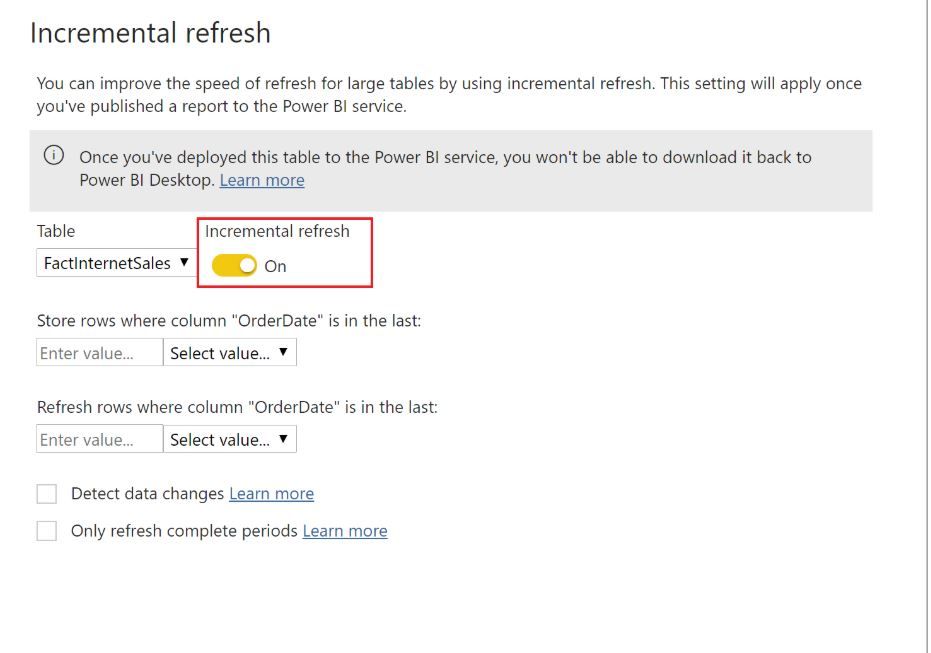
Do you configure incremental refresh correctly?
Please check steps below:
https://docs.microsoft.com/en-us/power-bi/admin/service-premium-incremental-refresh
Best Regards
Maggie
Community Support Team _ Maggie Li
If this post helps, then please consider Accept it as the solution to help the other members find it more quickly.
No. The first refresh after you make structural changes will always be a full refresh (unless you use ALM Toolkit).
On the desktop you can artificially narrow the RangeStart and RangeEnd parameter default values to only work on a subset of the data. Then in the incremental refresh setup you can specify how you actually want it to be partitioned.
Check out the April 2026 Power BI update to learn about new features.
Sign up to receive a private message when registration opens and key events begin.
If you have recently started exploring Fabric, we'd love to hear how it's going. Your feedback can help with product improvements.
| User | Count |
|---|---|
| 35 | |
| 32 | |
| 25 | |
| 22 | |
| 18 |
| User | Count |
|---|---|
| 65 | |
| 35 | |
| 32 | |
| 25 | |
| 23 |