Join us at FabCon Atlanta from March 16 - 20, 2026, for the ultimate Fabric, Power BI, AI and SQL community-led event. Save $200 with code FABCOMM.
Register now!Get Fabric Certified for FREE during Fabric Data Days. Don't miss your chance! Request now
Dear all,
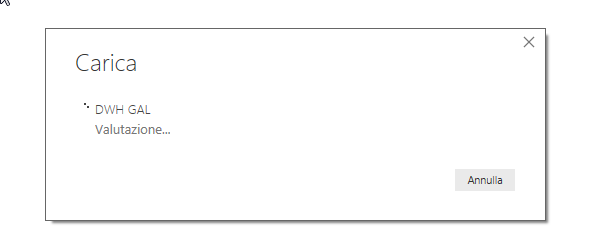
i'm trying to connect to an OLAP cube. I selected measures and dimensions and I clicked Load. I see the loding message since 15 minutes..
Hi @gs75,
If I understand your sceanrio correctly that the progress of the loading lasting more than 15mins and it cannot load the data and not show error message either?
What size of the data you want to load? Is it very large?
Best Regards,
Cherry
Hi Cherry,
Thank you for your reply.
Yes, this is exactly my scenario. I'm trying to upload lots of data. I was successful with a subset of 500,000 lines. Loading started and took 5 minutes. In the first scenario, the upload did not start. I was used to using performancePoint to create dashboards from cubes and I always had all the data available. What is the data size supported?
Hi @gs75,
Which mode do you use when you connect SSAS? Live connection or import?
Currently, there is no restriction on how large a pbix file can be locally. However, when you publish a pbix file over 1GB to Power BI Service, you will get a file size limit message. And in the case that your pbix file is less than 1GB when importing it to Power BI service, but the data model grows beyond 1 GB after a period of time, you will get a message when refreshing the dataset.
In addition, if your data source is very large and you use import mode, it will take some time to load.
Best Regards,
Cherry
Dear all,
i'm trying to connect to an OLAP cube. I selected measures and dimensions and I clicked Load. I see the loding message since 15 minutes..
Check out the November 2025 Power BI update to learn about new features.
Advance your Data & AI career with 50 days of live learning, contests, hands-on challenges, study groups & certifications and more!