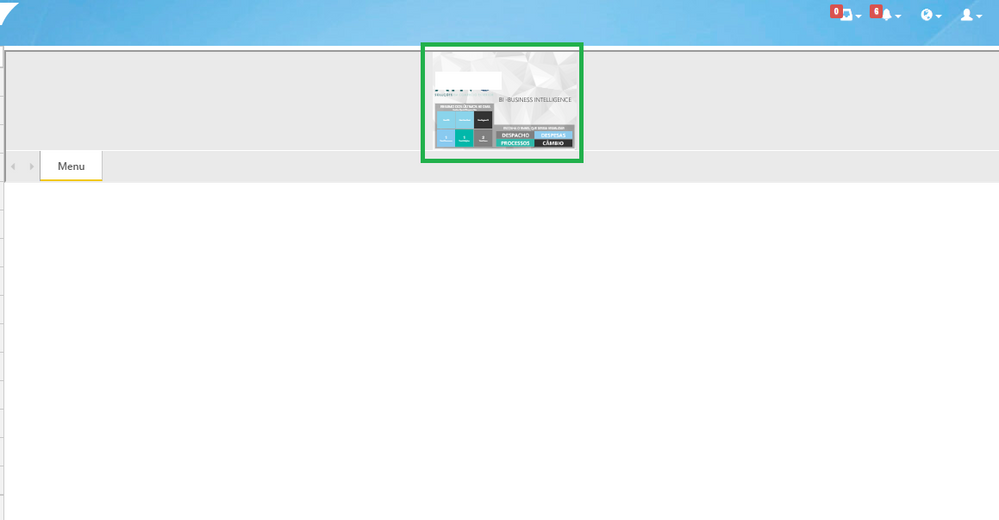
@model Portal.Web.PowerBi.EmbedConfig
@{
ViewBag.Title = "Index";
Layout = "~/Views/Shared/_Layout.cshtml";
}
<script src="https://npmcdn.com/es6-promise@3.2.1"></script>
<script src="~/scripts/powerbi.js"></script>
@IF(!string.IsNullOrEmpty(Model.ErrorMessage))
{
<div id="errorWrapper">
<h2>
Error
</h2>
<pre>
@Model.ErrorMessage
</pre>
</div>
return;
}
<div id="embedContainer"></div>
<script>
var accessToken = "@Model.EmbedToken.Token";
var embedUrl = "@Html.Raw(Model.EmbedUrl)";
var embedReportId = "@Model.Id";
var models = window['powerbi-client'].models;
var config = {
type: 'report',
tokenType: models.TokenType.Embed,
accessToken: accessToken,
embedUrl: embedUrl,
id: embedReportId,
permissions: models.Permissions.All,
//pageView: "actualSize",
settings: {
filterPaneEnabled: true,
navContentPaneEnabled: true
}
};
var reportContainer = $('#embedContainer')[0];
if ("@Model.Username" != "") {
$("#RLS").prop('checked', true);
$("#RLSdiv").show();
}
else
{
$("#RLS").prop('checked', false);
$("#RLSdiv").hide();
}
if ("@Model.IsEffectiveIdentityRequired.GetValueOrDefault()" == "True") {
$("#noRLSdiv").hide();
$("#RLS").removeAttr("disabled");
$("#RLS").change(function () {
if ($(this).is(":checked")) {
$("#RLSdiv").show(300);
} else {
$("#RLSdiv").hide(200);
}
});
}
else
{
$("#noRLSdiv").show();
}
var report = powerbi.embed(reportContainer, config);
</script>