
cancel
Showing results for 
Search instead for 
Did you mean: 

The Power BI Data Visualization World Championships is back! It's time to submit your entry. Live now!

Reply
gooranga1
Power Participant
Power Participant

Preview Visual Calculation Button Not Visible

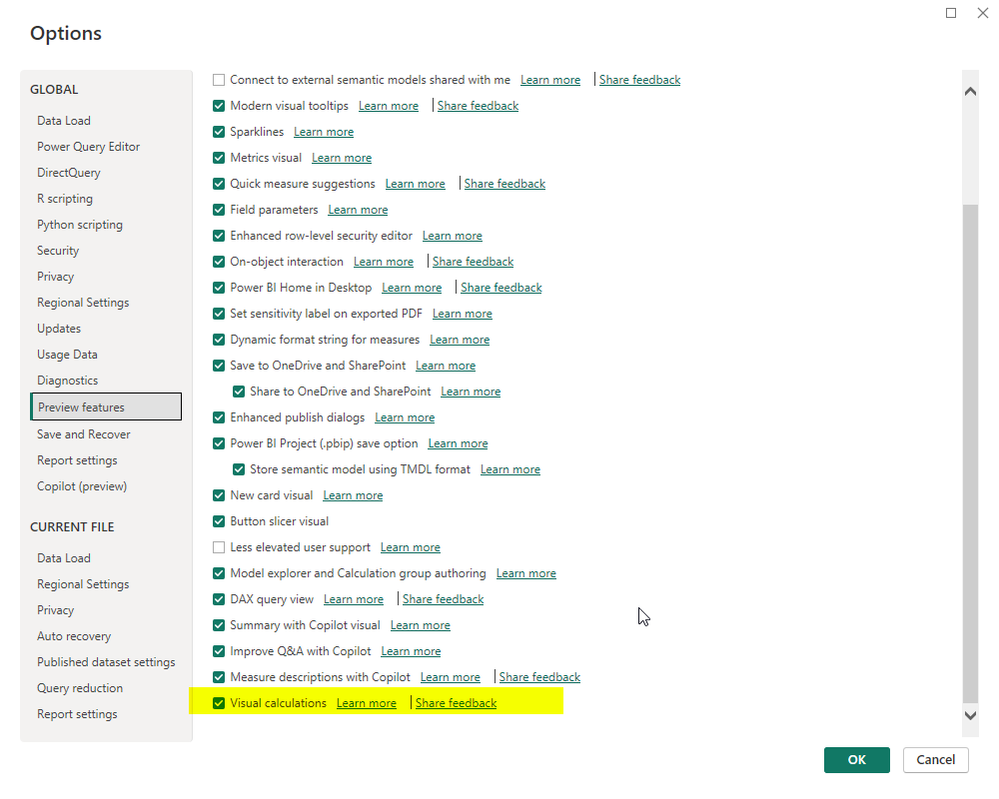
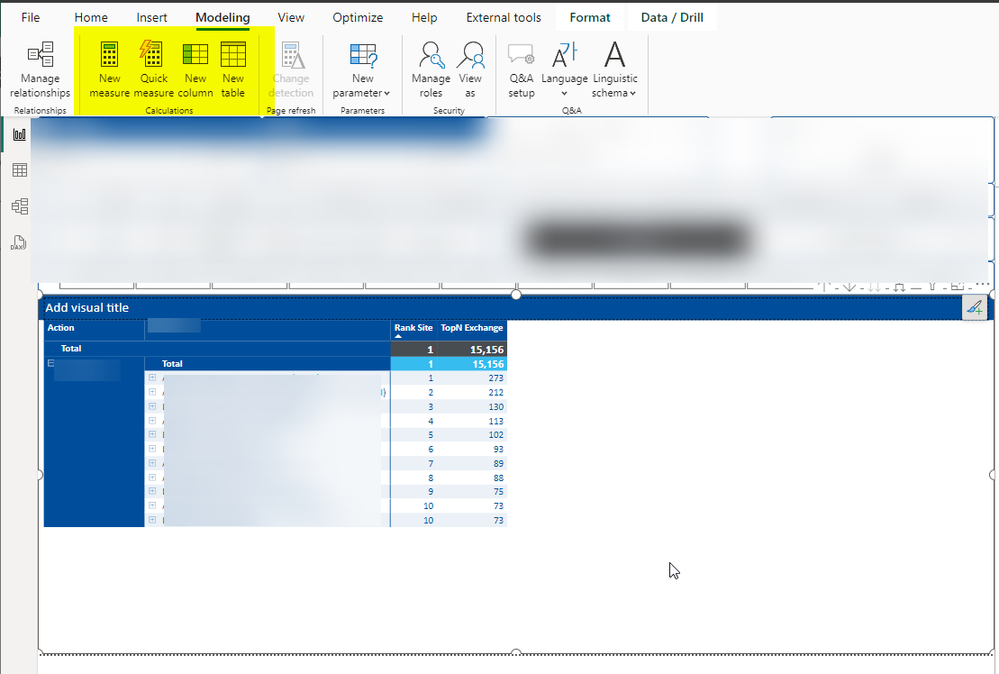
I have downloaded the latest version of power bi desktop 2.126.1261.0 and I have enabled the Preview feature but can't see the button? Not sure what I am doing wrong? Will it only show for certain circumstances?

PreviewVisualCalculations2.pngPreviewVisualCalculations.pngPreviewVisualCalculations1.png

1 ACCEPTED SOLUTION
Daniel29195
Super User
Super User

@gooranga1 


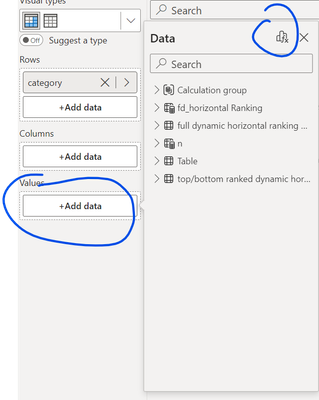
try clicking on the add value --> it should show at the top . 

Daniel29195_0-1709741733335.png


if not, then there is something in the visual that prohibit the use of visual calculation .


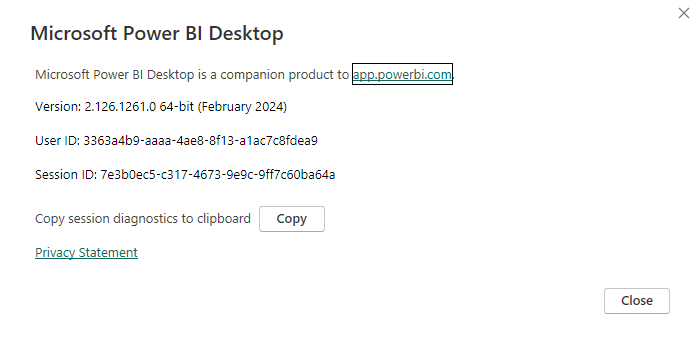
this is the version i currently have  . 


Daniel29195_1-1709741789913.png


If my answer helped sort things out for you, i would appreciate a thumbs up 👍 and mark it as the solution
It makes a difference and might help someone else too. Thanks for spreading the good vibes! 🤠:

View solution in original post

2 REPLIES 2
Jon_vB
Helper II
Helper II

This answer does help!  Sometimes  you might also find an 'Add Calculation' button on the three-dots menu of the visual.

Jon_vB_0-1724776594409.png


** Note - I have found that if you have a PARAMETER involved in your visual, then you can't add a visual Calculation - the button is just missing from all of these places.  If you add the visual calc first, then the parameter just won't work.  (in my example, I had a parameter specifying Year/Month/Week/Date as the X-axis)


This makes sense - it means they didn't build the visual calc to be able to take in other display-time variables (which is how I think of a Parameter).   

Daniel29195
Super User
Super User

@gooranga1 


try clicking on the add value --> it should show at the top . 

Daniel29195_0-1709741733335.png


if not, then there is something in the visual that prohibit the use of visual calculation .


this is the version i currently have  . 


Daniel29195_1-1709741789913.png


If my answer helped sort things out for you, i would appreciate a thumbs up 👍 and mark it as the solution
It makes a difference and might help someone else too. Thanks for spreading the good vibes! 🤠:

Helpful resources

Announcements
Power BI DataViz World Championships

Power BI Dataviz World Championships

The Power BI Data Visualization World Championships is back! It's time to submit your entry.

January Power BI Update Carousel

Power BI Monthly Update - January 2026

Check out the January 2026 Power BI update to learn about new features.

FabCon Atlanta 2026 carousel

FabCon Atlanta 2026

Join us at FabCon Atlanta, March 16-20, for the ultimate Fabric, Power BI, AI and SQL community-led event. Save $200 with code FABCOMM.