Thanks for your answer @Anonymous
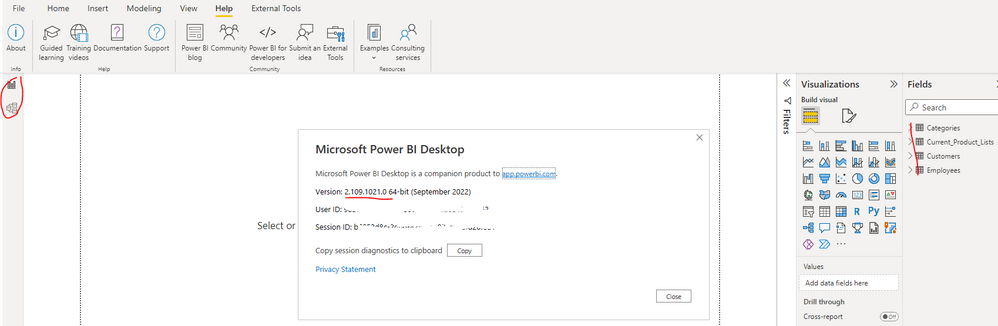
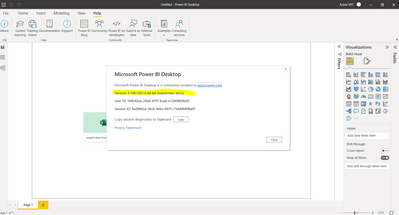
My Power BI version: 2.109.1021.0 (cf. screenshots 1)
Could you please check if you will get the same error message when you try to connect to another dataset in the same workspace?
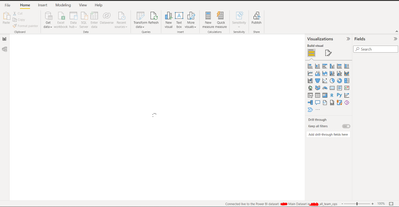
-> there is no error message, the report just keep loading (stuck)
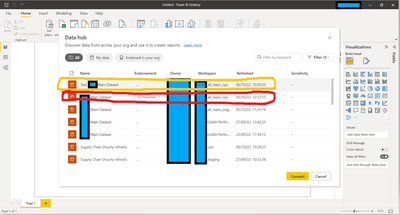
-> Yes I can connect to a different dataset (Test Main Dataset) in the same workspace (all_team_ops) for new reports. However I cannot connect to a differrent dataset for exisitng reports which are by default connected to the dataset (Main Dataset)/ workspace (all_team_ops) that crashes
What's the data source for that freeze dataset?
-> Data source are a mix of ERP (Business Central), database (MSSQL) and csv files
-> I dont think the data source are the root cause of the problem as the "Test Main Dataset" is the exact duplicate of the dataset (Main Dataset) that crashes
Is there any special setting in it?
-> no special settings
-> I dont think the settings are the root cause of the problem as the "Test Main Dataset" is the exact duplicate of the dataset (Main Dataset) that crashes
Additional troubleshoot done based on your question:
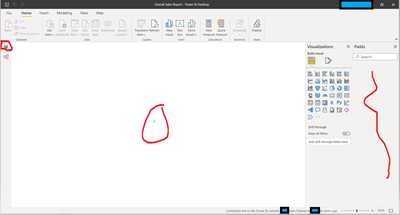
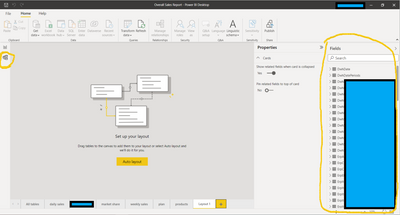
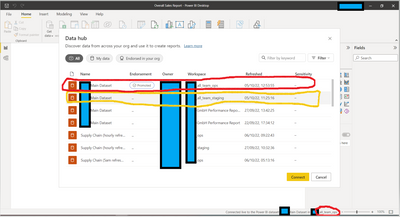
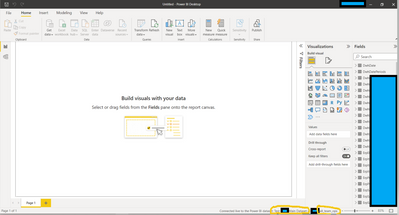
- I can connect to the exact same power bi dataset in a different workspace (all_team_staging workspace) when creating a new blank report. (cf. screenshot 2 + 3). -> the issue is happening in the workspace all_team_ops
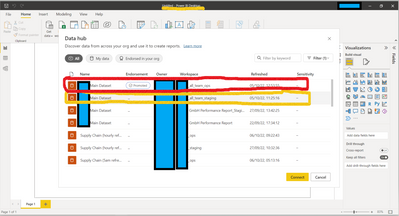
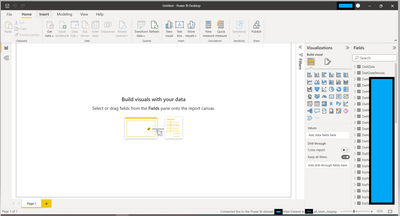
- However if i use existing report which are by default connected to the dataset stored in all_team_ops workspace and then try to connect to the dataset in all_team_staging workspace, the reports do not connect and keep loading (cf. screenshots 4, 5 & 6). I even need to close Power BI software using end task in the task manager of my laptop.
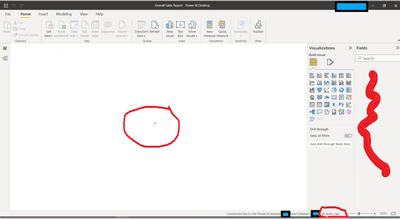

- Also I can connect to a duplicate of the dataset ("Test Main Dataset") in the workspace all_team_ops (cf. screenshot 7 & 😎
Looking forward to your ideas 🙂
Kevin