cancel
Showing results for 
Search instead for 
Did you mean: 

The Power BI Data Visualization World Championships is back! Get ahead of the game and start preparing now! Learn more

Reply
Anonymous
Not applicable

OKViz Bullet chart states and how to make them work

Everytime I try to use the states with OKViz Bullet Chart It just fills up chart and I get it work nicely as I expect. I can't find any tutorial on the internet about it and hence can't seem to get it right. Does anyone have an example I can follow? I would like to do it with measures.

5 REPLIES 5
mostvp123
Kudo Collector
Kudo Collector

I had the same issue, and figured it out! The visual only accepts measures in the state field that are formatted as a "whole number". Otherwise, you will get a blank visual. You can put a bunch of measures in the state field, and each one will get a different "state" color, in order.

Anonymous
Not applicable

Hello,


I stumbled upon this post and it's probably not relevant anymore but as there was no "solution" defined, I thought I'd paste this link here. So I read through this https://blog.enterprisedna.co/bullet-charts-advanced-custom-visuals-for-power-bi/ blog post and found it very helpful. There's also a section for the states. 


Hope this helps (if relevant). 


Cheers, 

Jani

v-lili6-msft
Community Support
Community Support

hi, @Anonymous 

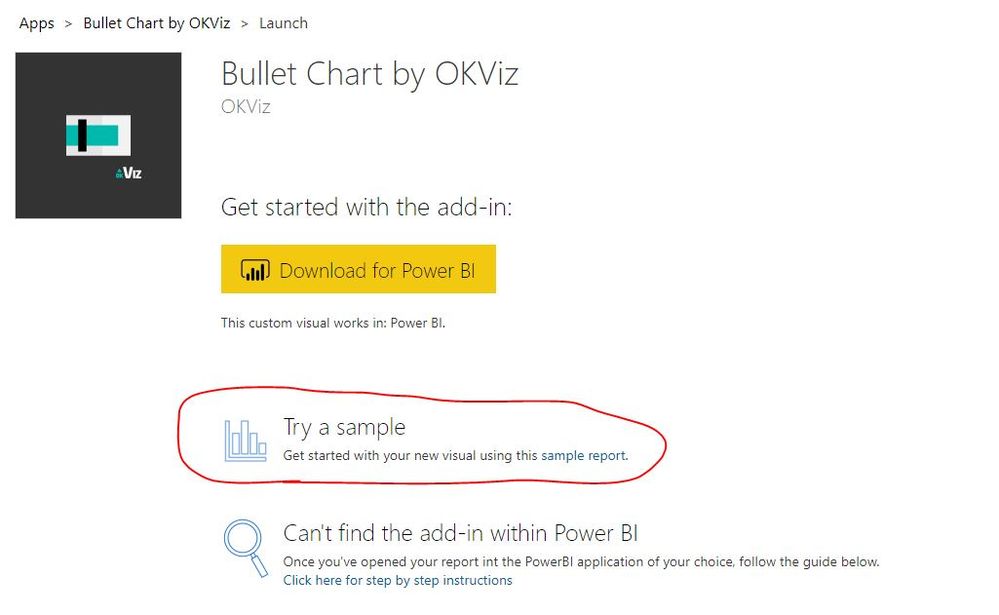
here is the official sample pbix file for you refer to:

https://appsource.microsoft.com/en-us/product/power-bi-visuals/WA104380953?tab=Overview

6.JPG


Best Regards,

Lin

Community Support Team _ Lin
If this post helps, then please consider Accept it as the solution to help the other members find it more quickly.
Anonymous
Not applicable

Thanks @v-lili6-msft , however, none of these examples use states (other than the standard). Anyone else?

hi, @Anonymous 

What is your problem on use states? You could just drag measure into it and then custom it in Formtting pane.


Best Regards,

Lin


Community Support Team _ Lin
If this post helps, then please consider Accept it as the solution to help the other members find it more quickly.

Helpful resources

Announcements
Power BI DataViz World Championships

Power BI Dataviz World Championships

The Power BI Data Visualization World Championships is back! Get ahead of the game and start preparing now!

December 2025 Power BI Update Carousel

Power BI Monthly Update - December 2025

Check out the December 2025 Power BI Holiday Recap!

FabCon Atlanta 2026 carousel

FabCon Atlanta 2026

Join us at FabCon Atlanta, March 16-20, for the ultimate Fabric, Power BI, AI and SQL community-led event. Save $200 with code FABCOMM.