cancel
Showing results for 
Search instead for 
Did you mean: 

View all the Fabric Data Days sessions on demand. View schedule

Reply
Anonymous
Not applicable

Matrix Table

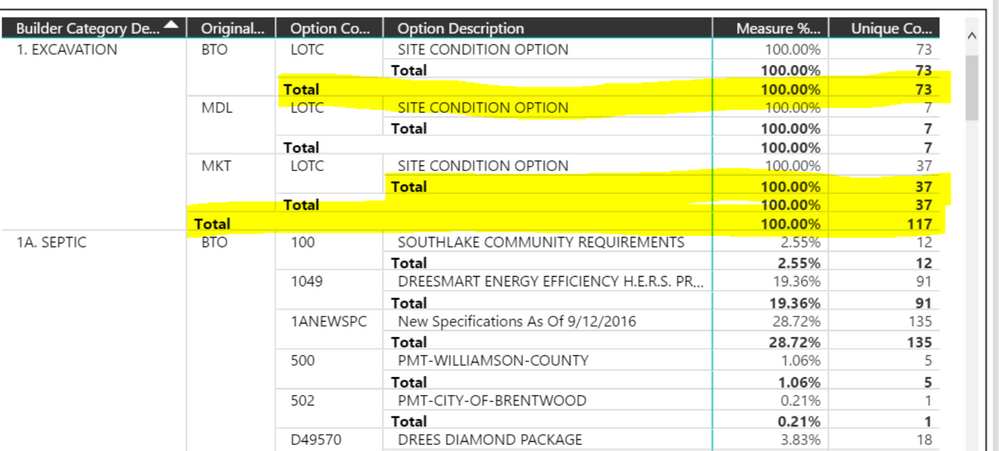
There use to be a matrix table that had row grouping 3 levels deep.    In other words, Column A would represent the 1st tier )e.g., Construction); Column B would be a subset (e.g., apartments, houses), Column C would be a further subset (e.g., Options Selected).   I no longer see this visualizer as an option to import; this occured after did the latest upgrade.   Does anyone know where I might find this particular table?


Thanks.

 Capture.PNG

1 ACCEPTED SOLUTION

Did you uncheck „Stepped Layout“ unter „Row headers“? This will put the fields in separate columns.

View solution in original post

6 REPLIES 6
lndnbrg
Resolver III
Resolver III

You can take the regular matrix visual and disable the stepped layout - see here: https://docs.microsoft.com/en-us/power-bi/desktop-matrix-visual#stepped-layout-with-matrix-visuals
Anonymous
Not applicable

I no longer have the same view as I presented above using the "Matrix" visualization.   Now when I use the Matrix table against the same data set, It produces a condensed version showing the 1st column and the last two columns.   Using the recommended steps, there still no reproducing the chart I had previously.    Has the Matrix table changed?     The only way I can see the other columns is to drill-down using the navigation arrows.

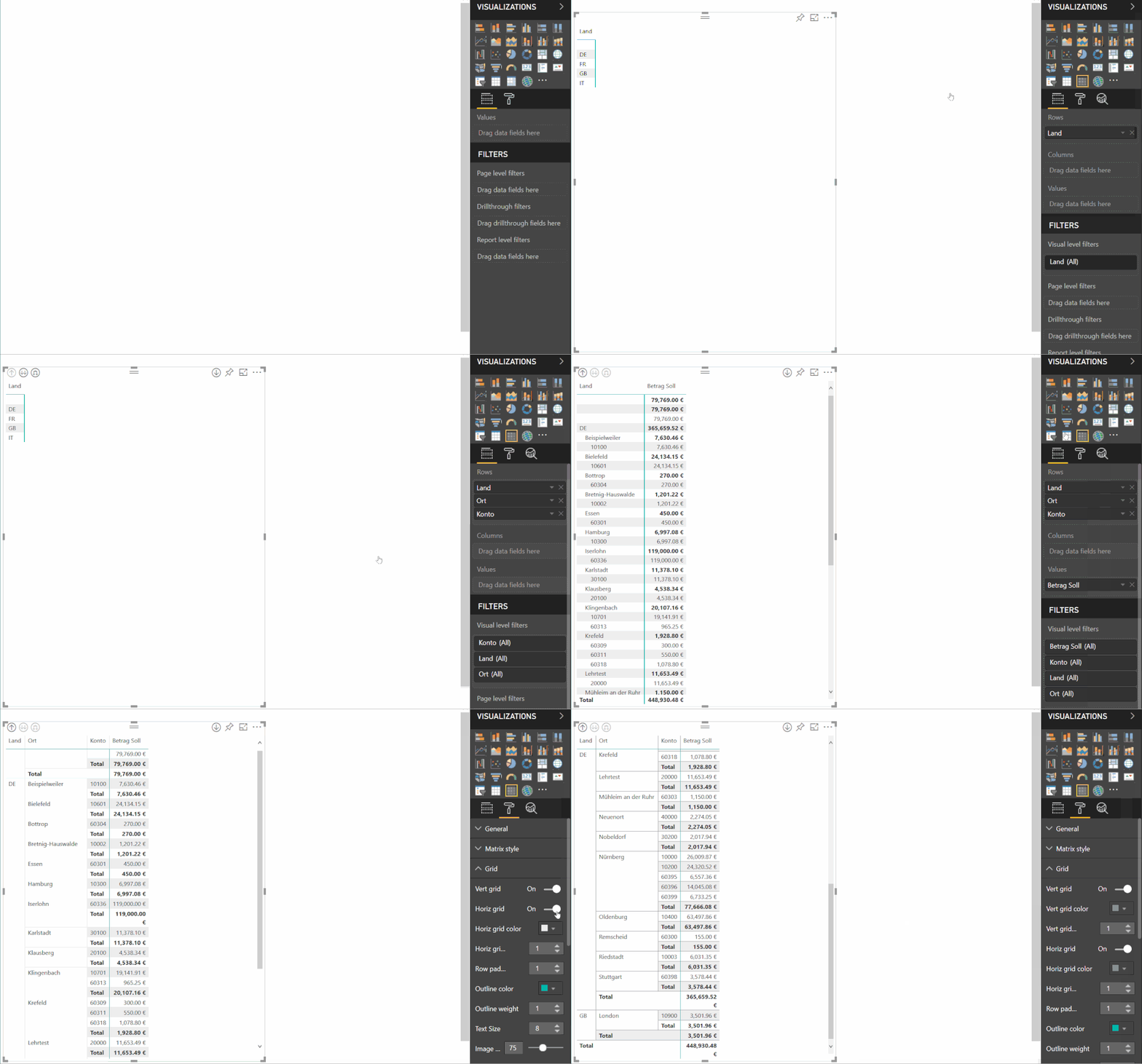
I have tried an example for you:

pbi.gif


Anonymous
Not applicable

Capture.PNG

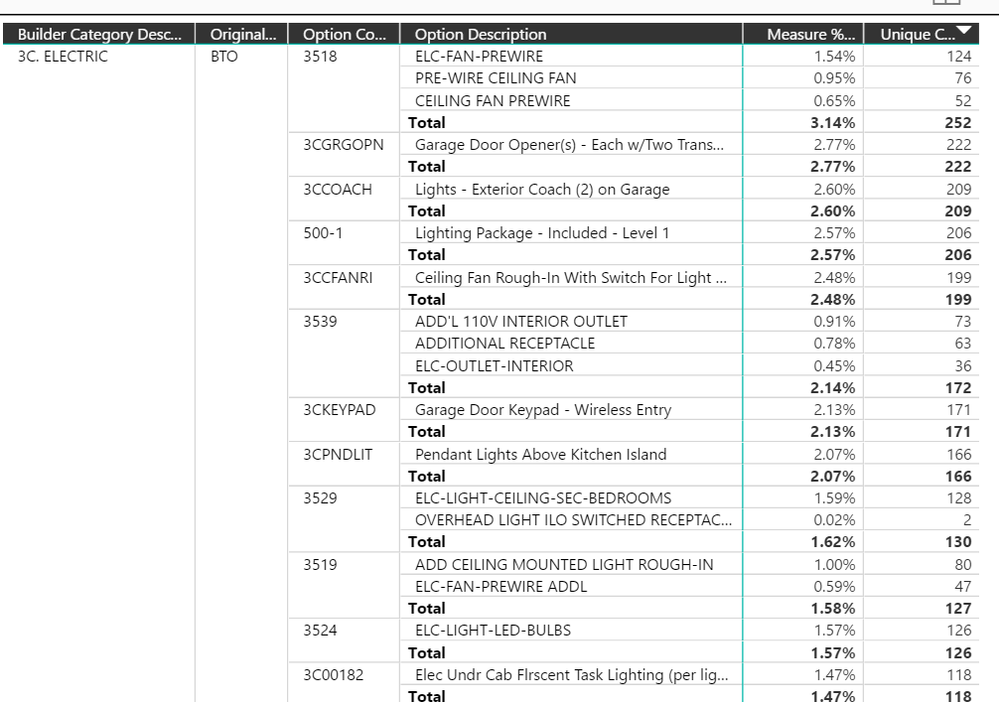
Thanks for the video.   It was very helpful.    I'm almost there.   How do I list each of the Rows in their own column.   It will save a lot of space by listing each of the "rows" as their own independent column.    Much like this example below.

Capture2.PNG

Did you uncheck „Stepped Layout“ unter „Row headers“? This will put the fields in separate columns.
Anonymous
Not applicable

Thanks!   That did the trick!

Helpful resources

Announcements
November Power BI Update Carousel

Power BI Monthly Update - November 2025

Check out the November 2025 Power BI update to learn about new features.

Fabric Data Days Carousel

Fabric Data Days

Advance your Data & AI career with 50 days of live learning, contests, hands-on challenges, study groups & certifications and more!

FabCon Atlanta 2026 carousel

FabCon Atlanta 2026

Join us at FabCon Atlanta, March 16-20, for the ultimate Fabric, Power BI, AI and SQL community-led event. Save $200 with code FABCOMM.

Top Solution Authors
Top Kudoed Authors