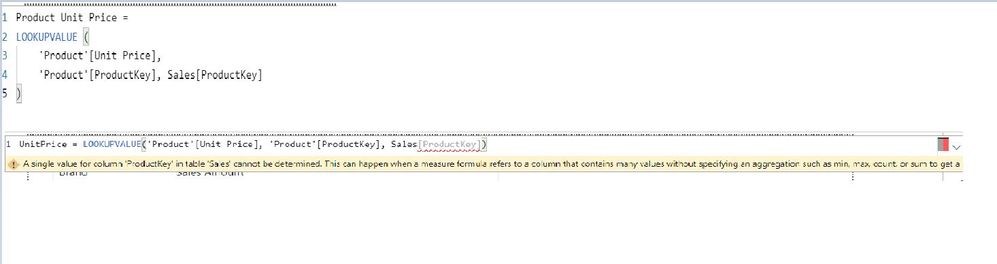
 Hi : I am trying to get my head around the lookvalue dax function. I am going through some materials (Lookupvalue Introduction) posted in SQLBI website. When I typed in the same exact syntax (as shown above) I get an error. In the "Search value" part of the syntax when I type Sales[ProductKey] formula engine is not recognising this column reference. I can't even see that column in the intellisense so I just type it in. The exact syntax in the sample file is working fine and no error. I am not sure what exactly going wrong here.
Correct me if I am wrong, I am creating this measure from the sales table asking to return Unit Price form the Product table using ProductKey in the sales table via corresponding the ProductKey in the Product table. Any help would be greatly appreciated.
Many Thanks


