Join us at FabCon Atlanta from March 16 - 20, 2026, for the ultimate Fabric, Power BI, AI and SQL community-led event. Save $200 with code FABCOMM.
Register now!The Power BI Data Visualization World Championships is back! Get ahead of the game and start preparing now! Learn more
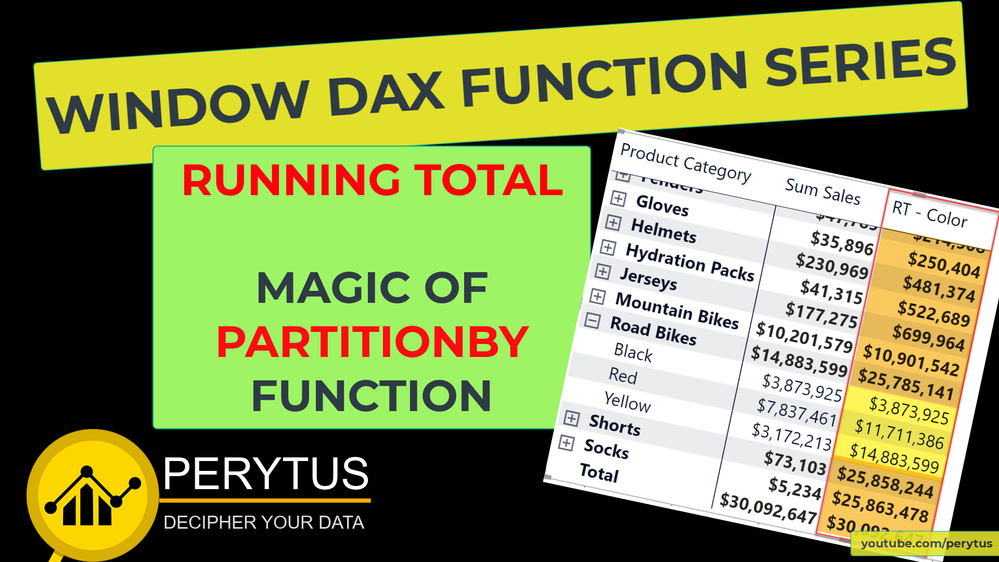
🍞'PARTITIONBY' is a key function when you are using new WINDOW DAX functions. It becomes really important when you are using hierarchies in your visuals.
📺 In this NEW #powerbi #video, we will explore how 'PARTITIONBY' is used to get a running total.
🤚 In the previous video (link is in the comments) we looked at how easy it is to create a running total for a text column, and in continuation to that video, we will explore how 'PARTITIONBY' function is used to get a running total at the different hierarchy levels.
Enjoy and share! 🙏
Subscribe to the @PowerBIHowTo YT channel for an upcoming video on List and Record functions in Power Query!!
Learn Power BI and Fabric - subscribe to our YT channel - Click here: @PowerBIHowTo
If my solution proved useful, I'd be delighted to receive Kudos. When you put effort into asking a question, it's equally thoughtful to acknowledge and give Kudos to the individual who helped you solve the problem. It's a small gesture that shows appreciation and encouragement! ❤
Did I answer your question? Mark my post as a solution. Proud to be a Super User! Appreciate your Kudos 🙂
Feel free to email me with any of your BI needs.

Hi @parry2k ,
Thanks for your sharing!!
Best Regards,
Community Support Team _Yinliw
If this post helps, then please consider Accept it as the solution to help the other members find it more quickly.
Link to the previous #powerbi #video to get the running total using new WINDOW DAX functions
Subscribe to the @PowerBIHowTo YT channel for an upcoming video on List and Record functions in Power Query!!
Learn Power BI and Fabric - subscribe to our YT channel - Click here: @PowerBIHowTo
If my solution proved useful, I'd be delighted to receive Kudos. When you put effort into asking a question, it's equally thoughtful to acknowledge and give Kudos to the individual who helped you solve the problem. It's a small gesture that shows appreciation and encouragement! ❤
Did I answer your question? Mark my post as a solution. Proud to be a Super User! Appreciate your Kudos 🙂
Feel free to email me with any of your BI needs.
Check out the November 2025 Power BI update to learn about new features.
Advance your Data & AI career with 50 days of live learning, contests, hands-on challenges, study groups & certifications and more!
| User | Count |
|---|---|
| 58 | |
| 45 | |
| 42 | |
| 21 | |
| 18 |
| User | Count |
|---|---|
| 172 | |
| 107 | |
| 92 | |
| 54 | |
| 46 |