Join us at FabCon Atlanta from March 16 - 20, 2026, for the ultimate Fabric, Power BI, AI and SQL community-led event. Save $200 with code FABCOMM.
Register now!Learn from the best! Meet the four finalists headed to the FINALS of the Power BI Dataviz World Championships! Register now
Hello- Is there an issue with setting > or < 0 icon conditional format on a matrix visual?
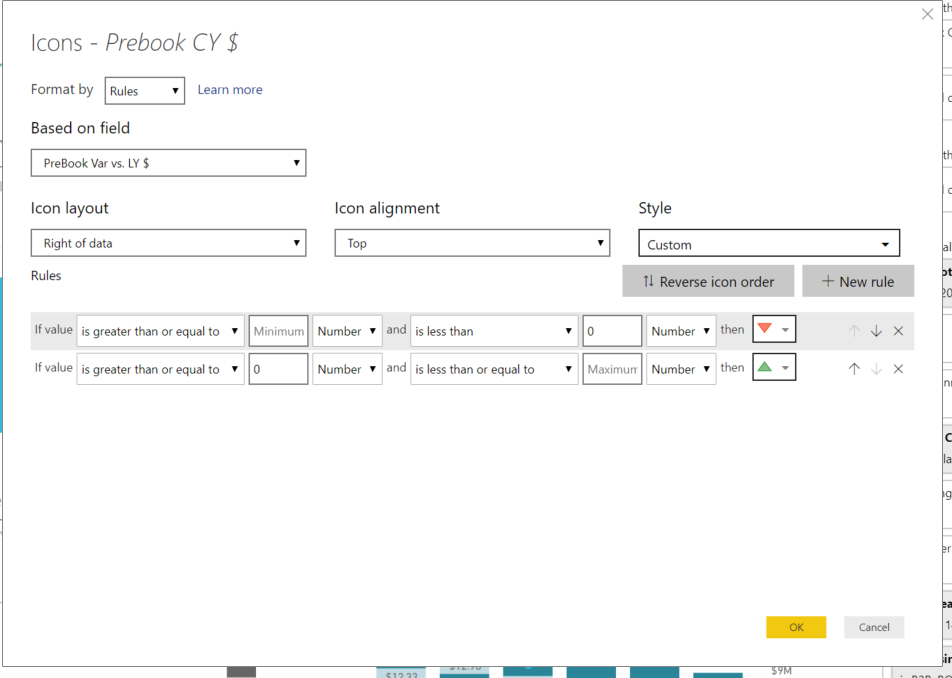
I am setting up these rules for this visual based on a field:
Initial rule setup!
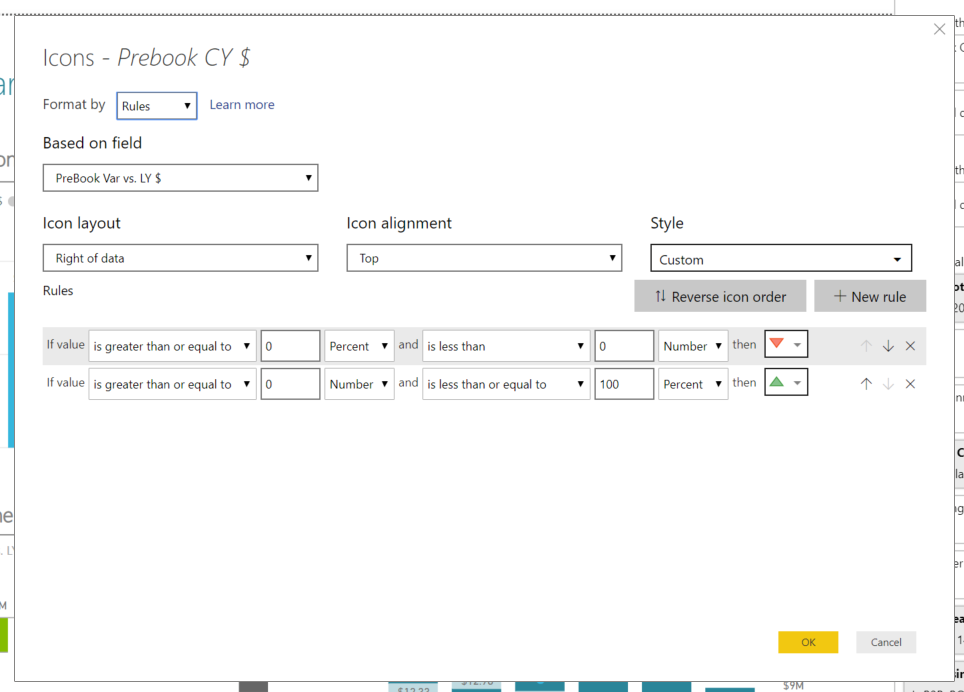
Anytime I click to edit the rule, it switches back the LOVs on the min and max to percent! This field is a $ format. Help! This does this on every matrix visual
Changes back to percents on min and max when I edit!
hi, @Anonymous
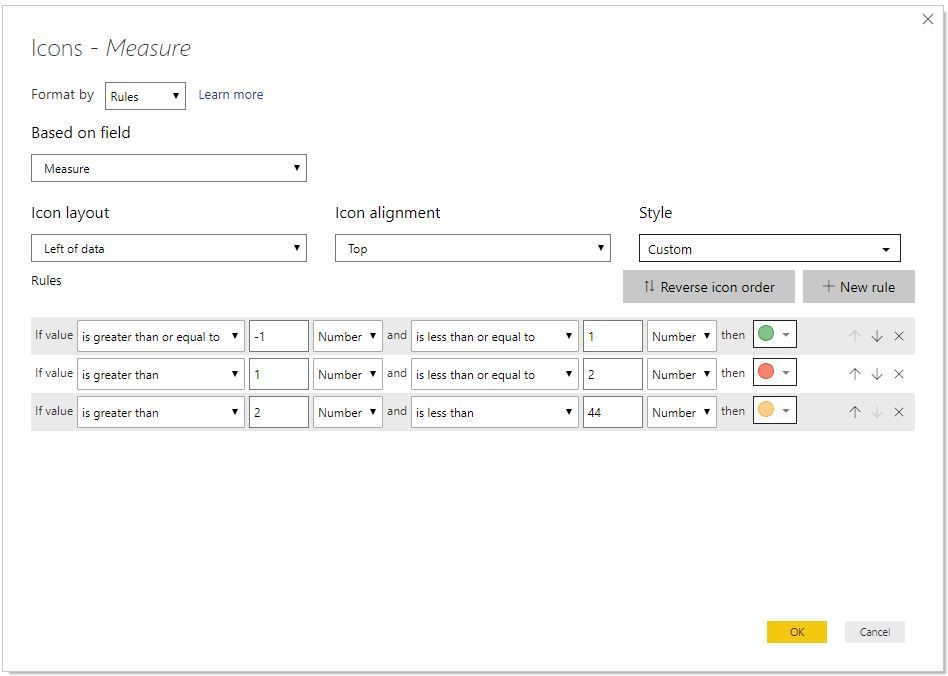
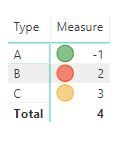
I have test on my side, It works well.
and my power bi desktop version is: 2.72.5556.801 64-bit (August 2019)
and here is a blog for you refer to:
https://exceleratorbi.com.au/conditional-formatting-using-icons-in-power-bi/
Best Regards,
Lin
This is still an issue for us. Anyone else?
Share feedback directly with Fabric product managers, participate in targeted research studies and influence the Fabric roadmap.
Check out the February 2026 Power BI update to learn about new features.
| User | Count |
|---|---|
| 52 | |
| 51 | |
| 35 | |
| 15 | |
| 14 |
| User | Count |
|---|---|
| 92 | |
| 75 | |
| 41 | |
| 26 | |
| 25 |