Join us at FabCon Atlanta from March 16 - 20, 2026, for the ultimate Fabric, Power BI, AI and SQL community-led event. Save $200 with code FABCOMM.
Register now!The Power BI Data Visualization World Championships is back! Get ahead of the game and start preparing now! Learn more
@Anonymous
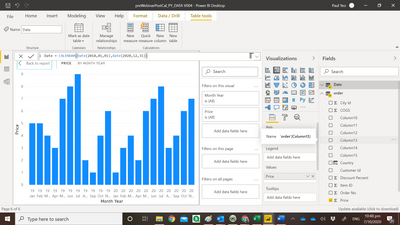
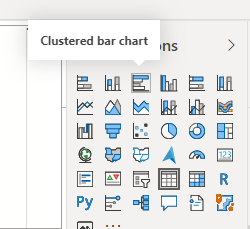
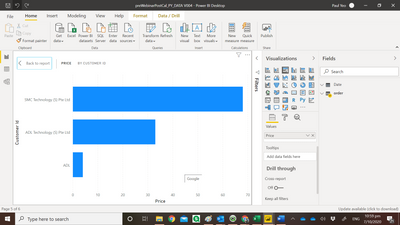
Try this chart
________________________
If my answer was helpful, please consider Accept it as the solution to help the other members find it
Click on the Thumbs-Up icon if you like this reply 🙂
⭕ Subscribe and learn Power BI from these videos
⚪ Website ⚪ LinkedIn ⚪ PBI User Group
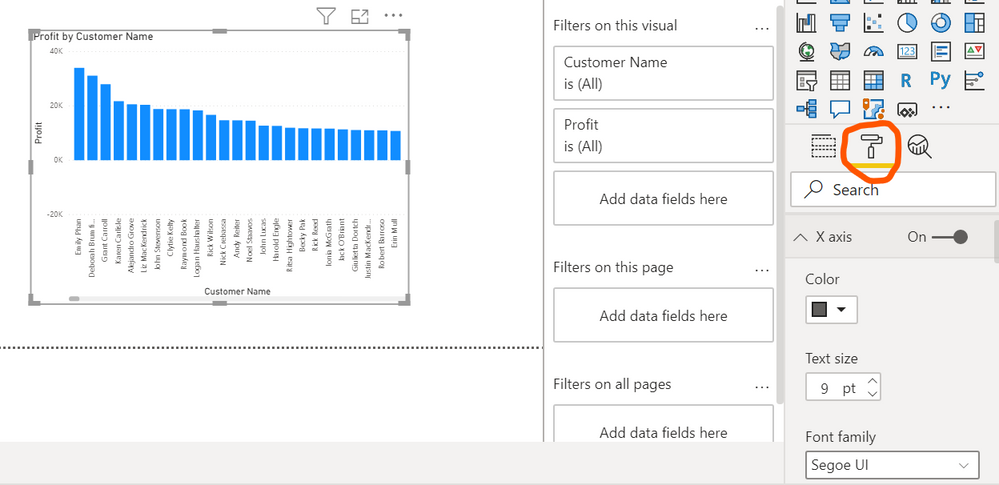
@Anonymous Any formating to Power bi charts need to be done by selecting the below option
Please mark this as solution if this helped you so that it can reach others and help them too
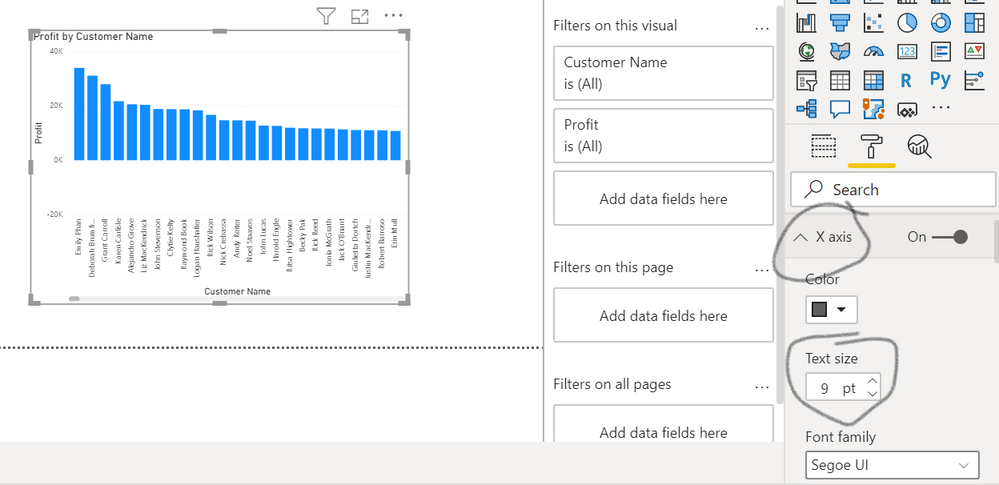
@Anonymous It does display the full name the only thing you have to do is close the filter pane which is no longer used and also you can adjust the size of x-axis
Hi Hus
I cannot find that in my chart
@Anonymous Any formating to Power bi charts need to be done by selecting the below option
Please mark this as solution if this helped you so that it can reach others and help them too
Hi Sir
Thank you for the screen shot , now i learn one more trick.
@Anonymous
Try this chart
________________________
If my answer was helpful, please consider Accept it as the solution to help the other members find it
Click on the Thumbs-Up icon if you like this reply 🙂
⭕ Subscribe and learn Power BI from these videos
⚪ Website ⚪ LinkedIn ⚪ PBI User Group
The Power BI Data Visualization World Championships is back! Get ahead of the game and start preparing now!
| User | Count |
|---|---|
| 41 | |
| 39 | |
| 37 | |
| 29 | |
| 24 |
| User | Count |
|---|---|
| 119 | |
| 100 | |
| 72 | |
| 69 | |
| 65 |