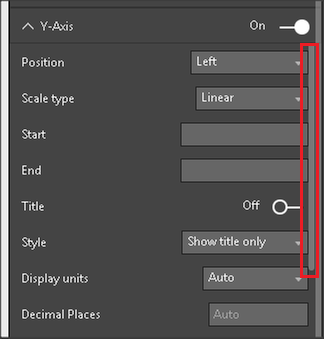
Hello,
I'm working in PowerBI in the hopes of replacing tableau. We often use dual-axis charts to show $ and % side by side. I think I've found an issue with Power BI. If possible, I'd like to know if I can get confirmation or if I'm not doing something correctly.
I started with this tutorial: https://powerbi.microsoft.com/en-us/documentation/powerbi-service-tutorial-customize-x-axis-and-y-ax...
In my scenario, I have "Wait Time" and "Abandon Rate". The wait time is typically less than 5 minutes for a phone call. The Abandon Rate is a % (a number less than 1).
Expected Behavior: I expect that if I'm using a "line and stacked" column chart, that I will always be given a secondary axis for the line chart as long as I turn the secondary axis.
Actual Behavior: It appears that PowerBI tries to outsmart me. It looks like PowerBI won't even present me this option unless my two values are a factor (unknown) different than each other. I can verify this by toggling my wait time between average and sum wait time.
- When I use average, PowerBI forces me to use the same axis even with line and stacked column chart.
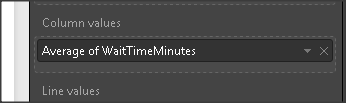


- When I sum, the numbers are so far apart, that powerbi decides to let me use a secondary axis (I actually can't find the secondary axis toggle, but it works as I would expect with a secondary axis).
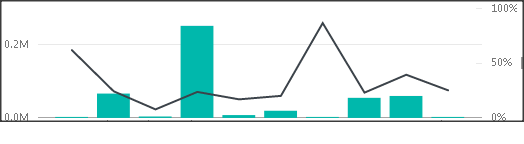
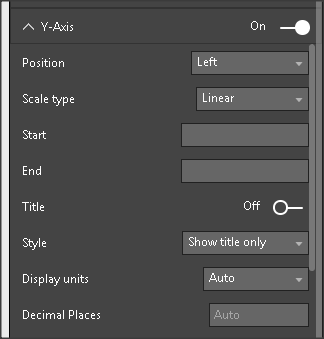
How can I force PowerBI to give me a secondary axis? I'd appreciate anyone's feedback.
Thank you,
Dan