cancel
Showing results for 
Search instead for 
Did you mean: 

We've captured the moments from FabCon & SQLCon that everyone is talking about, and we are bringing them to the community, live and on-demand. Starts on April 14th. Register now

Reply
shere100
Helper II
Helper II

Filtering issues on visuals

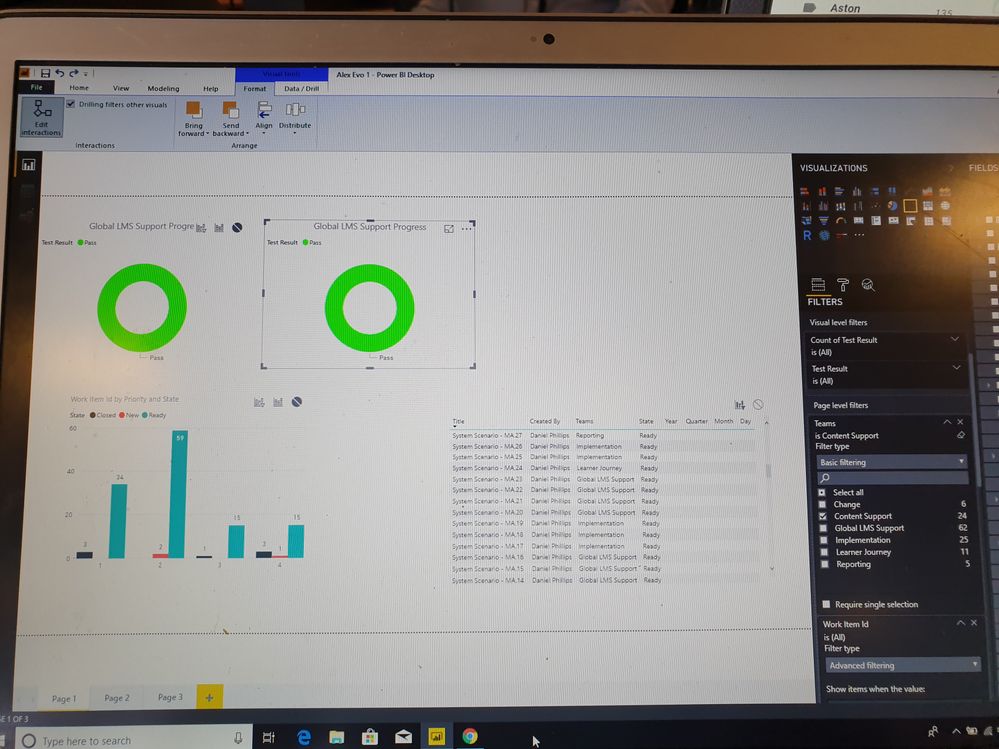
Hi, I have created visuals on the dasboard from the same data set. When I apply a filter on one visual it changes the others. 


I have followed the tutorials on cross filtering and when I select Edit interactions then on the visual select none, the impact is the same. The filter is the same on all the visuals and not unique. 


Please can you assist with my issue. 

1 ACCEPTED SOLUTION

Hi @shere100 ,


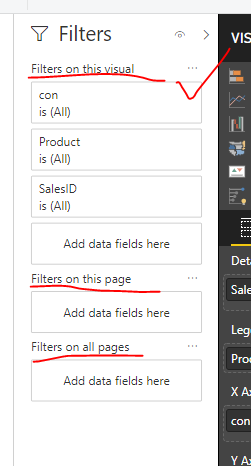
As your screenshot, you used the Page level filters. Please use visual level filters to work on it in your scenario.


23.PNG


Regards,

Frank

Community Support Team _ Frank
If this post helps, then please consider Accept it as the solution to help the others find it more quickly.

View solution in original post

3 REPLIES 3
v-frfei-msft
Community Support
Community Support

Hi @shere100 ,


Then what is relationships between tables in your data model? The root cause should be the relationship between tables in your scenario. BTW, could you please share your sample data and excepted result to me if you don't have any Confidential Information.Please upload your files to One Drive and share the link here.


Regards,

Frank

Community Support Team _ Frank
If this post helps, then please consider Accept it as the solution to help the others find it more quickly.

20190326_074401.jpg20190326_074413.jpg


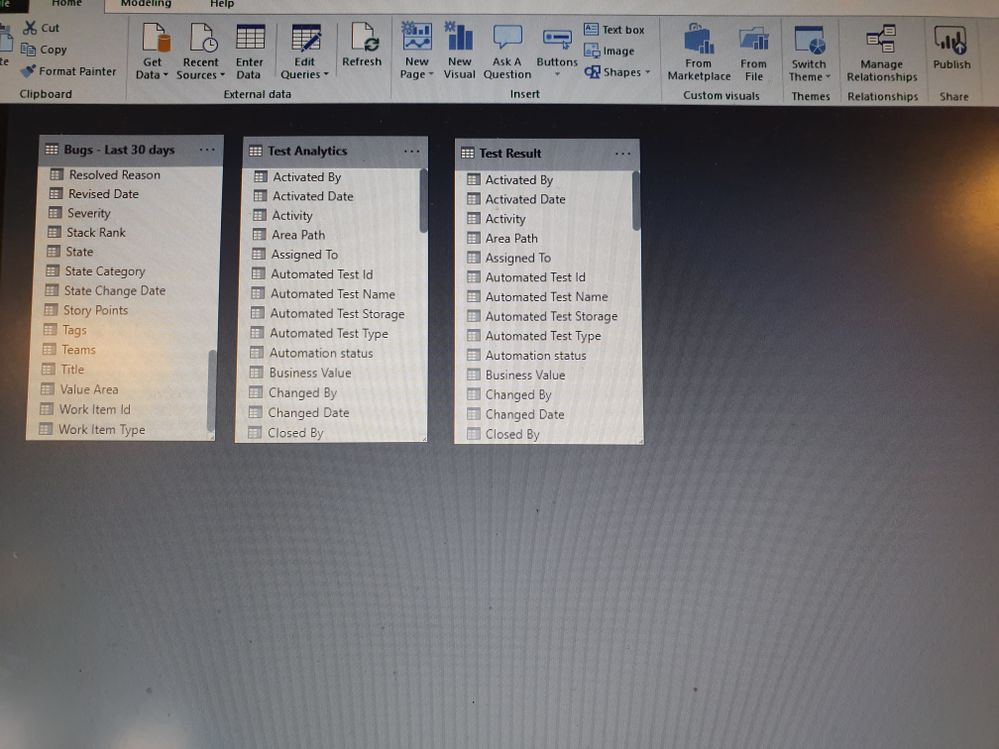
Hi, thanks for the response. Please see the graphs above. No relationships from the data sets above. I am using the Test Result table for all of my analytic dasboards. When I select one filter, it changes that filter for all of the dashboards. Do I have to insert a new table for each dashboard display? 

Hi @shere100 ,


As your screenshot, you used the Page level filters. Please use visual level filters to work on it in your scenario.


23.PNG


Regards,

Frank

Community Support Team _ Frank
If this post helps, then please consider Accept it as the solution to help the others find it more quickly.

Helpful resources

Announcements
New to Fabric survey Carousel

New to Fabric Survey

If you have recently started exploring Fabric, we'd love to hear how it's going. Your feedback can help with product improvements.

Power BI DataViz World Championships carousel

Power BI DataViz World Championships - June 2026

A new Power BI DataViz World Championship is coming this June! Don't miss out on submitting your entry.

Join our Fabric User Panel

Join our Fabric User Panel

Share feedback directly with Fabric product managers, participate in targeted research studies and influence the Fabric roadmap.

March Power BI Update Carousel

Power BI Community Update - March 2026

Check out the March 2026 Power BI update to learn about new features.