Join us at FabCon Atlanta from March 16 - 20, 2026, for the ultimate Fabric, Power BI, AI and SQL community-led event. Save $200 with code FABCOMM.
Register now!The Power BI Data Visualization World Championships is back! Get ahead of the game and start preparing now! Learn more
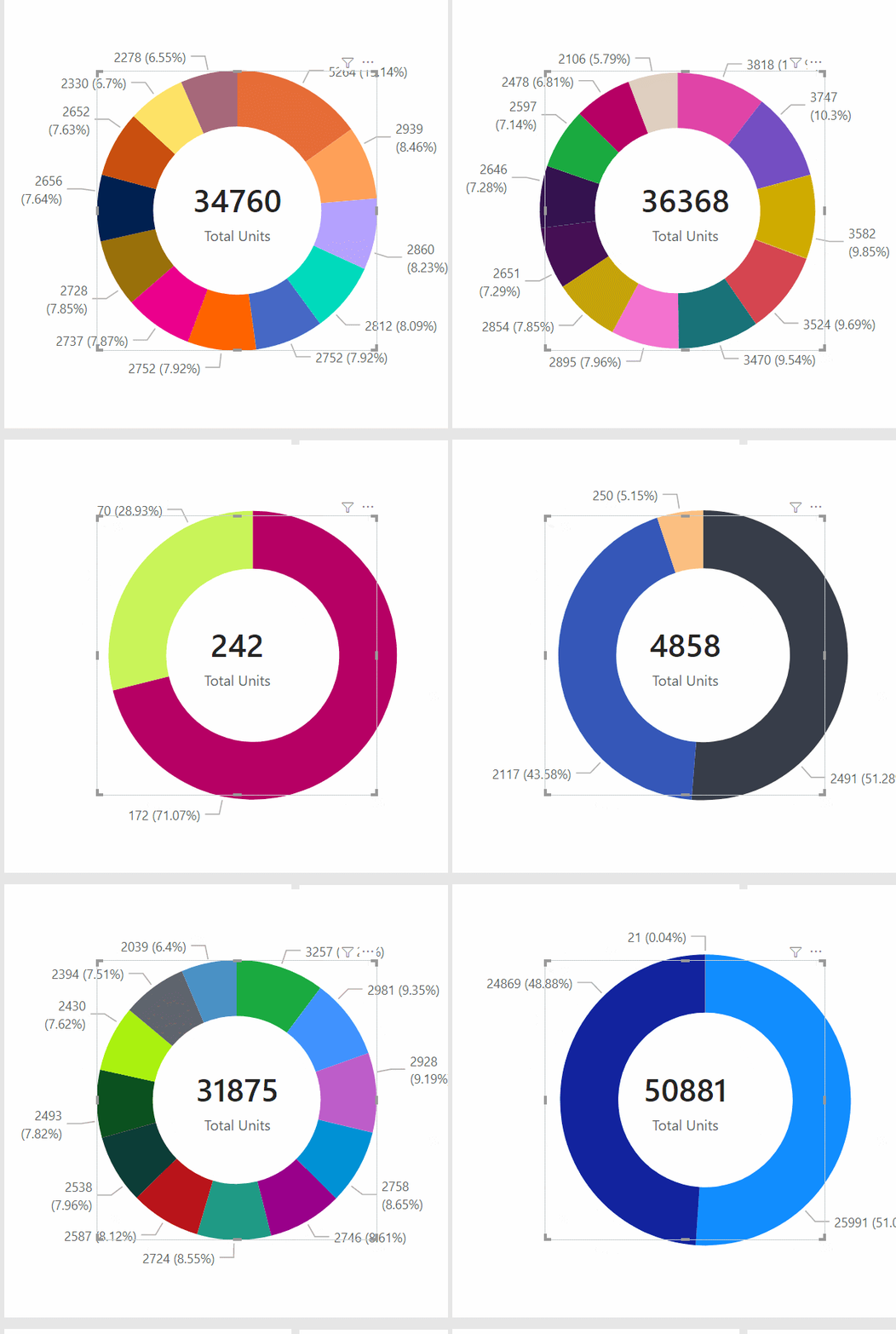
Without resizing the whole visual, is there a way to prevent the donut from moving when I change my filters?
this is me changing my filter/slicer
Solved! Go to Solution.
Hi @New_Folder
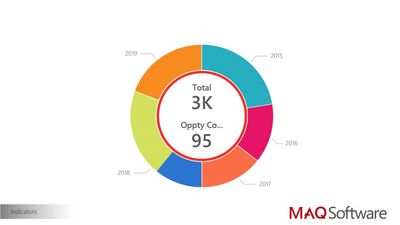
Understand you want to add the Total Units to the donut chart (In the centre).
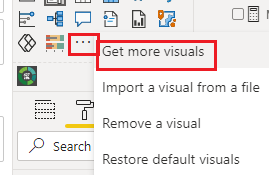
Please download and try "Ring Chart by MAQ Software", you can add the data to be shown in the Center.
Did I answer your question? Mark my post as a solution!
Appreciate your Kudos !!
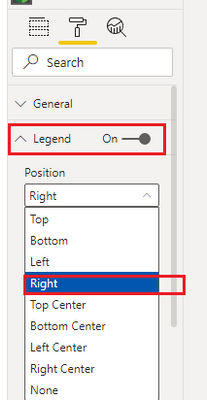
When legends are on the right side, depending on how long the string is when you slice any category on that legend donut chart is moving to the right side... @VahidDM
Hi, @New_Folder ;
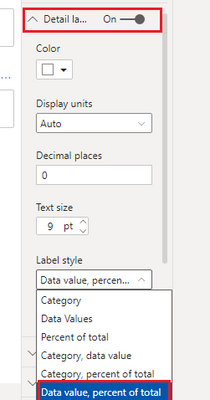
Have VahidDM’s reply helped you to find the solution to this problem? I tested it and it ran successfully, In additional, you could change two small details.
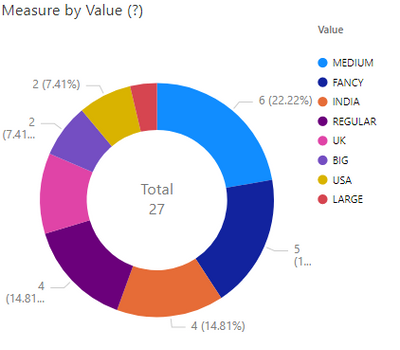
The final output is shown below:
If so, would you like to mark the helpful reply as a solution so that others can learn from it and close this topic?
Thanks in advance!
Best Regards,
Community Support Team_ Yalan Wu
If this post helps, then please consider Accept it as the solution to help the other members find it more quickly.
Hi @New_Folder
Understand you want to add the Total Units to the donut chart (In the centre).
Please download and try "Ring Chart by MAQ Software", you can add the data to be shown in the Center.
Did I answer your question? Mark my post as a solution!
Appreciate your Kudos !!
The Power BI Data Visualization World Championships is back! Get ahead of the game and start preparing now!
| User | Count |
|---|---|
| 38 | |
| 36 | |
| 33 | |
| 30 | |
| 28 |
| User | Count |
|---|---|
| 128 | |
| 88 | |
| 79 | |
| 67 | |
| 62 |