This is best Fabric, Power BI, SQL and AI community event. How do we know? The last event sold out! Save €200 with code FABCMTY200.
Register nowA new Data Days event is coming soon! This time we’re going bigger than ever. Fabric, Power BI, SQL, AI and more. Don't miss out.
Hi Everyone,
I am trying to take fields from a Salesforce record to show revenue projections out over time from a sale in Q1. However, when I use the records Fiscal Period, it dumps all of the revenue in the period of the sale. Does anyone know how I can project it out according to the Salesforce revenue entries?
| Sales Force Record | ||||
| Close Date | 3/31/2018 | |||
| Fiscal Period | Q1-2018 | |||
| Booking | 1,000,000 | |||
| Q1 Revenue | 250,000 | |||
| Q2 Revenue | 250,000 | |||
| Q3 Revenue | 250,000 | |||
| Q4 Revenue | 250,000 | |||
| Revenue Forecast | ||||
| From: | ||||
| Q1-2018 | Q2-2018 | Q3-2018 | Q4-2018 | |
| 1,000,000 | ||||
| To: | ||||
| Q1-2018 | Q2-2018 | Q3-2018 | Q4-2018 | |
| 250,000 | 250,000 | 250,000 | 250,000 |
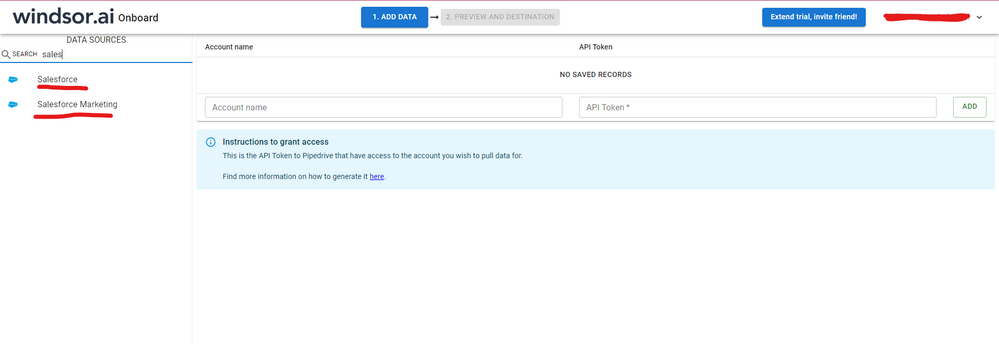
Hi @julsh As a workaround, maybe you can try to test your connection with a 3rd party connector. I've tried windsor.ai, supermetrics and funnel.io. I stayed with windsor because it is much cheaper so just to let you know other options. They have some revenue fields that could be useful. In case you wonder, to make the connection first search for the Salesforce connector in the data sources list:
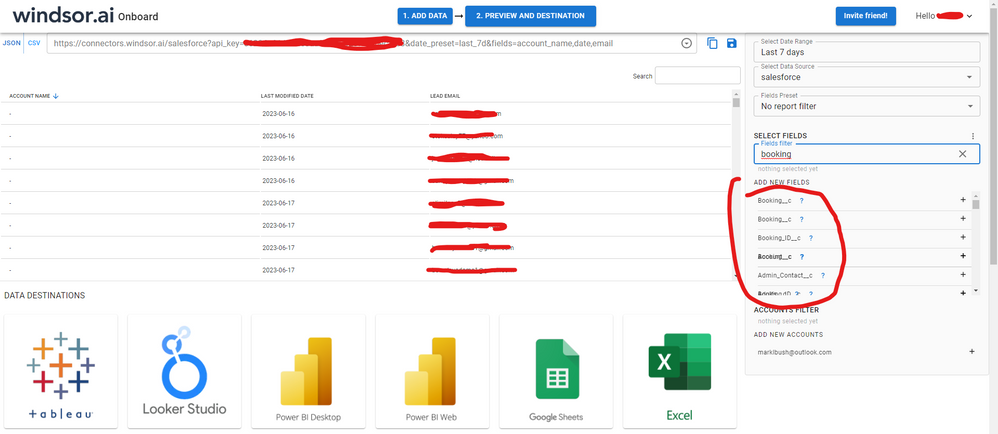
After that, just grant access to your Salesforce account using your credentials, then on preview and destination page you will see a preview of your Salesforce fields:
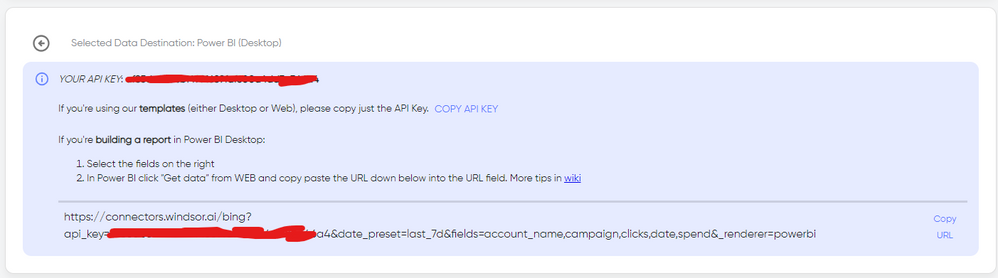
There just select the fields you need. It is also compatible with custom fields and custom objects, so you'll be able to export them through windsor. Finally, just select PBI as your data destination and finally just copy and paste the url on PBI --> Get Data --> Web --> Paste the url.
Hi @julsh,
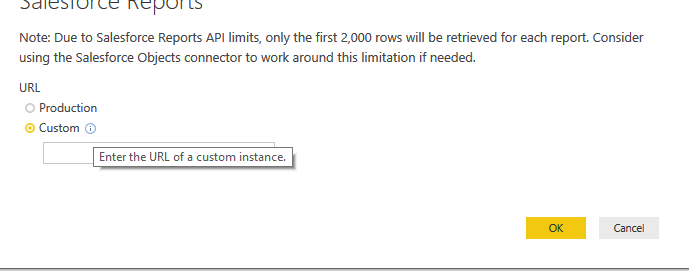
I'd like to suggest you choose custom connection mode with url parameter as filter conditioner.
Referene link:
Filter Reports Via URL Parameters in Lightning Experience
Regards,
Xiaoxin Sheng
Check out the May 2026 Power BI update to learn about new features.
Sign up to receive a private message when registration opens and key events begin.
If you have recently started exploring Fabric, we'd love to hear how it's going. Your feedback can help with product improvements.
| User | Count |
|---|---|
| 29 | |
| 28 | |
| 25 | |
| 20 | |
| 14 |
| User | Count |
|---|---|
| 53 | |
| 47 | |
| 29 | |
| 20 | |
| 19 |