Forum Discussion

SR1's avatar
SR1
Icon for Helper I rankHelper I
8 years ago
Solved

Create measure or calculated column based on 2 columns

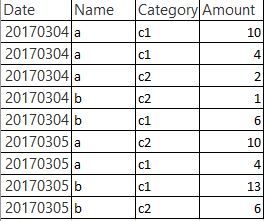
Sample data: I want to create two measures/calculated columns.   One showing the 'Total Amount(Sum)' for each Date & Name combination for category c1. Another showing the 'Count' for ...
  • v-danhe-msft's avatar
    8 years ago

    Hi SR1,

    Based on my test, you could refer to below steps:

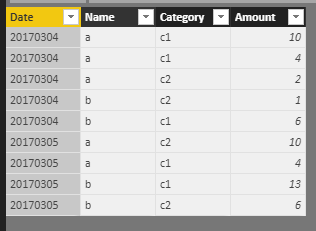
    Sample data:

    Create two measures:

    Sum = CALCULATE(SUM('Table1'[Amount]),FILTER('Table1','Table1'[Date]=MAX('Table1'[Date])&&'Table1'[Category]="c1"))
    Count = CALCULATE(COUNT('Table1'[Amount]),FILTER('Table1','Table1'[Date]=MAX('Table1'[Date])&&'Table1'[Category]="c1"))

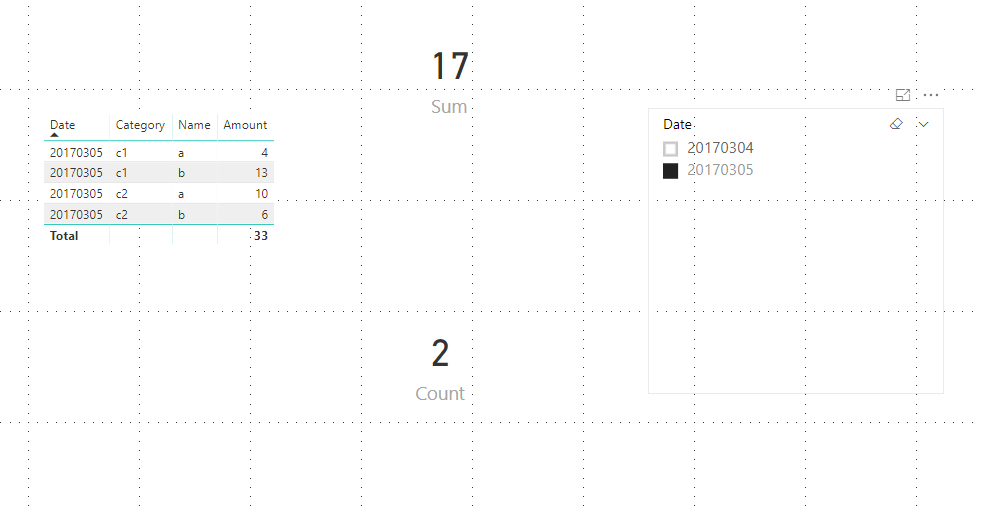
    Result:

    You could also download the pbix file to have a view.


    Regards,

    Daniel He