Forum Discussion

Create Previous Week Filter?
How would I go about creating a Previous Week filter in DAX?
Pretty straightforward, trying to capture a snapshot of business only in the previous week of that Year.
Below is the logic in my Access database
IIf(DatePart("ww",[SALES].[DATE_ENTERED])=DatePart("ww",Date())-1,"PREVIOUS",Null)
If you need to have as a slicer different custom time periods you need to use "disconnected slicers" and measures for all time periods. Search in powerpivotpro.com as there are many articles about it like:

19 Replies
 PowerBIGuyResponsive Resident
You could try the following solution seen here:
just change the filter to <7
http://community.powerbi.com/t5/Service/How-to-show-data-in-dashboard-for-current-month/m-p/9430
The following syntax worked for me: Date Filter = DATEDIFF(max('Date'[Date]), now(),DAY)
 cwayne758Helper IV
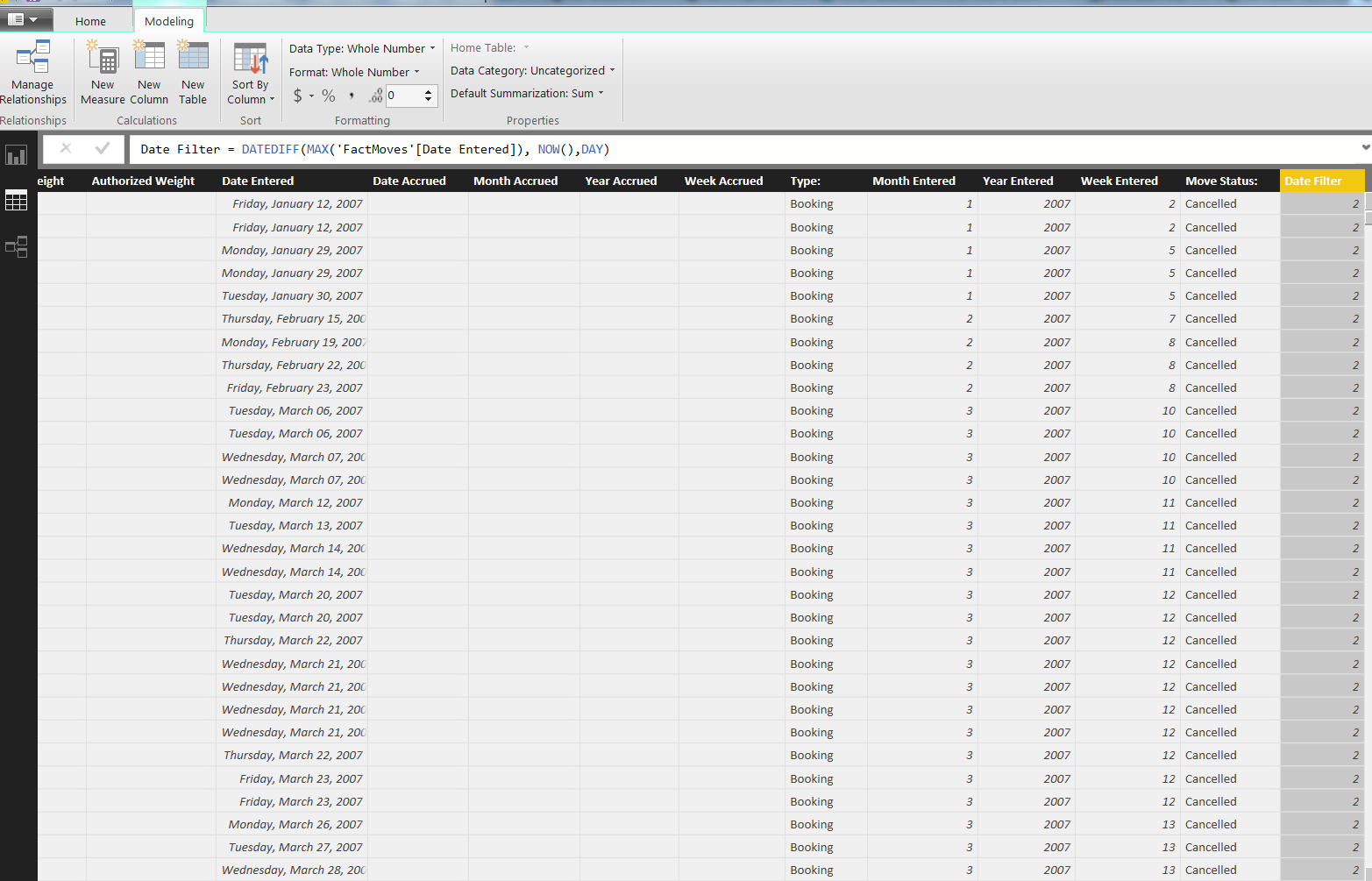
Thank you very much for your response PowerBIGuy. Unfortunately, I do not think this solution is working for my particular case (or I am mistakenly doing something)
Below is my usage of your suggestion.
I'm trying to create a column that lists each date as within the "Previous Week", if not, "Null"
Thank you again for your suggestions!
- PowerBIGuyResponsive Resident
Maybe it's your data model. my example uses a date dim. Sorry it didn't work out.
 WorkHardHelper V
For the future reader, the date filter now has a "calendar week" option so it looks like this has been addressed.