Hello,
I'm having a bit of trouble with something and I was hoping you could help me out. I'm trying to add a conditional format to the background of my matrix table, but it's giving me some errors. The error message is super unhelpful and it's not telling me what's wrong or how to fix it. I've been trying to add it as a column, but for some reason, it's not working at the table level. So, I thought maybe I could give adding a measure a shot. Any suggestions on how to tackle this?
Method
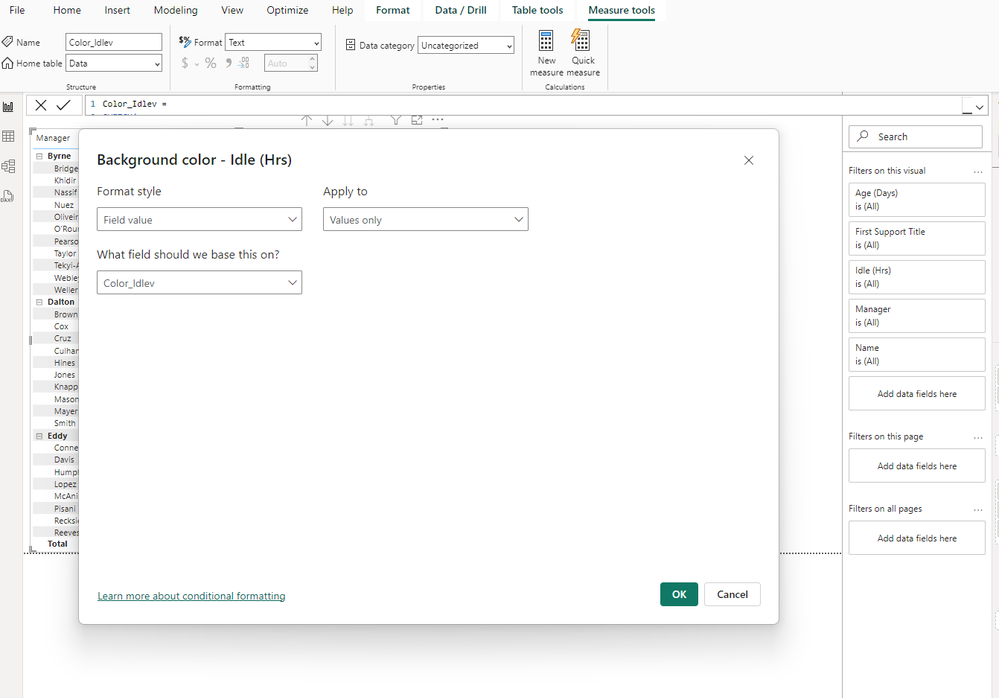
Error
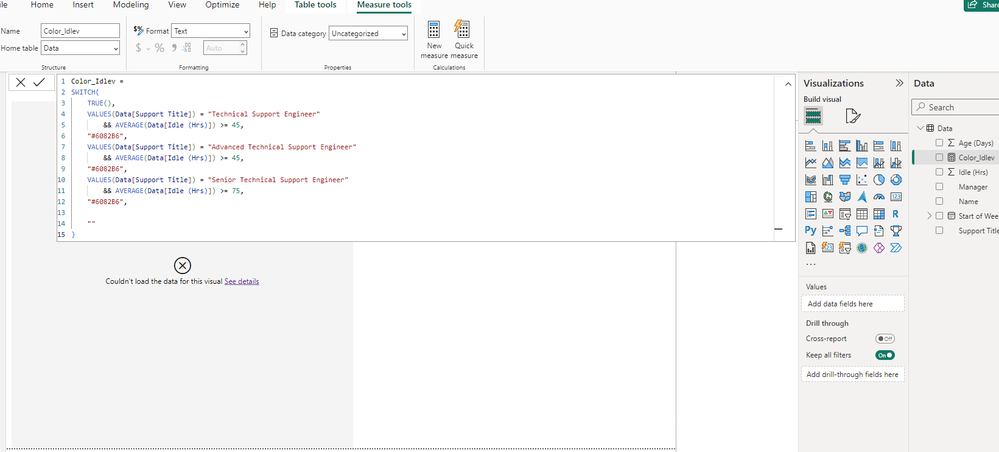
Code
Color_Idlev =
SWITCH(
    TRUE(),
    VALUES(Data[Support Title]) = "Technical Support Engineer"
        && AVERAGE(Data[Idle (Hrs)]) >= 45,
    "#6082B6",
    VALUES(Data[Support Title]) = "Advanced Technical Support Engineer"
        && AVERAGE(Data[Idle (Hrs)]) >= 45,
    "#6082B6",
    VALUES(Data[Support Title]) = "Senior Technical Support Engineer"
        && AVERAGE(Data[Idle (Hrs)]) >= 75,
    "#6082B6",

    ""
)
Links
Files
https://drive.google.com/file/d/1rlnDUc3cYCgsuUyXYzfzA52YnKZpHIbH/view?usp=sharing
Data
https://drive.google.com/file/d/1KC6chRm9q4aBH2FqDCvKto6_4PpJmCeu/view?usp=sharing
Thank you so much


