Join us at FabCon Atlanta from March 16 - 20, 2026, for the ultimate Fabric, Power BI, AI and SQL community-led event. Save $200 with code FABCOMM.
Register now!Get Fabric Certified for FREE during Fabric Data Days. Don't miss your chance! Request now
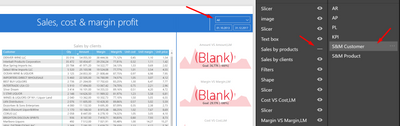
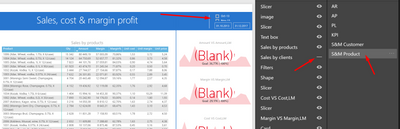
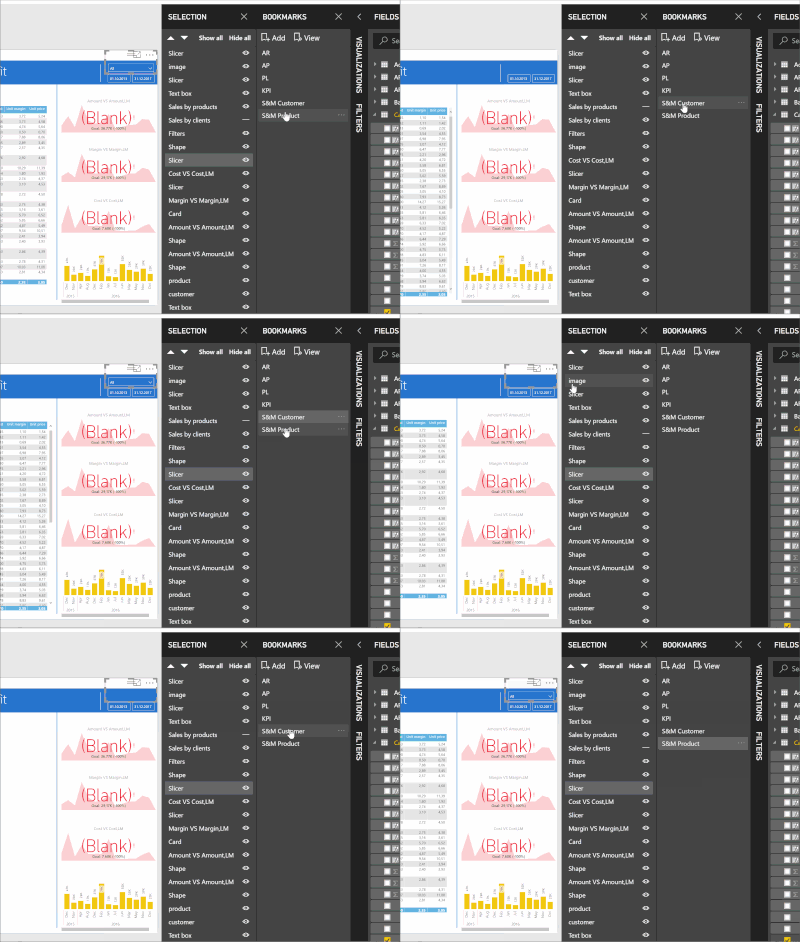
Hello. I have one page and two bookmark for this page (1 - sales by customer, 2 - sales by product).
When I click on bookmark 1 I get List Slicer but when I click on 2 bookmark I get DopDown slicer
My slicer change type, I can't understand why!
Solved! Go to Solution.
From your video, which I must confess is somewhat confusing as I still don't know which slicer "view" you're trying to make it look like - the list or the dropdown, I don't see you changing the slicer view by clicking on its ... and changing that view. Thus, you're not really effecting any change which needs to be "updated".
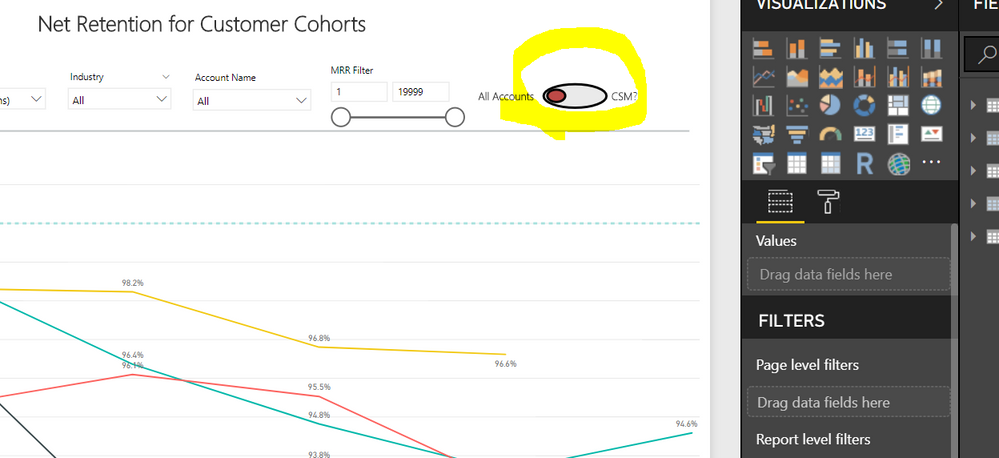
Same thing happened to me.
I would insert pictures if it wasn't so difficult to do it...I have to go back and edit my comments to post pictures.
Go to the bookmark page with the incorrect slicer. Reset the slicer to the view that you want. Open the Bookmarks pane, right click on the bookmark for the corrected page and select "Update". That should reset the page to look like you want it.
I did it, but it still doesn't work
From your video, which I must confess is somewhat confusing as I still don't know which slicer "view" you're trying to make it look like - the list or the dropdown, I don't see you changing the slicer view by clicking on its ... and changing that view. Thus, you're not really effecting any change which needs to be "updated".
Thanks, I copied from 1 to 2 bookmark but it didn't work. If I change type slicer it's work
Check out the November 2025 Power BI update to learn about new features.
Advance your Data & AI career with 50 days of live learning, contests, hands-on challenges, study groups & certifications and more!