Join us at FabCon Atlanta from March 16 - 20, 2026, for the ultimate Fabric, Power BI, AI and SQL community-led event. Save $200 with code FABCOMM.
Register now!The Power BI Data Visualization World Championships is back! Get ahead of the game and start preparing now! Learn more
Hey everybody,
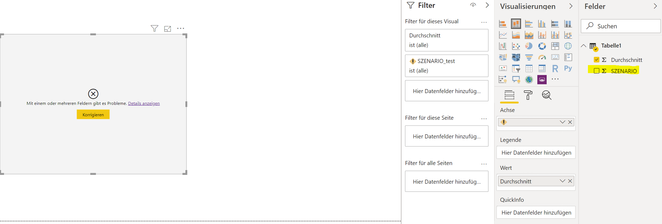
I have the following issue: I need to update a column name of my datasource which leads to a broken visual. Anyone having a idea how to solve this?
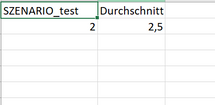
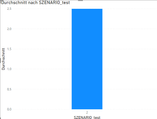
Initial data source and visual:
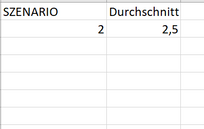
Updated data source and visual:
Cheers.
Hi @Anonymous ,
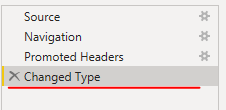
Open query editor and remove "Changed Type" step.
But you still need to configure visuals manually.
Thank you @v-eachen-msft ! Is there no other workaround then adjusting the visuals manually?
@Anonymous ,
Better way to rename your column name from Power Query Editor. Go to Power Query Editor --> Select your column --> Rename it's name -->Save the changes.
Please dont forget to give THUMBS UP for support!
It my post helpful so please accept this as a solution!
Thanks a lot for your response. Unfortunately, this is not always possible e.g. connection to ERP systems where column names are adjusted. In this case it is not possible to rename in the editor.
Any other ideas? Thank you!
The Power BI Data Visualization World Championships is back! Get ahead of the game and start preparing now!
| User | Count |
|---|---|
| 40 | |
| 35 | |
| 34 | |
| 31 | |
| 28 |
| User | Count |
|---|---|
| 136 | |
| 102 | |
| 68 | |
| 66 | |
| 58 |