
Embedded Dashboard tiles not loading if they are mostly offscreen
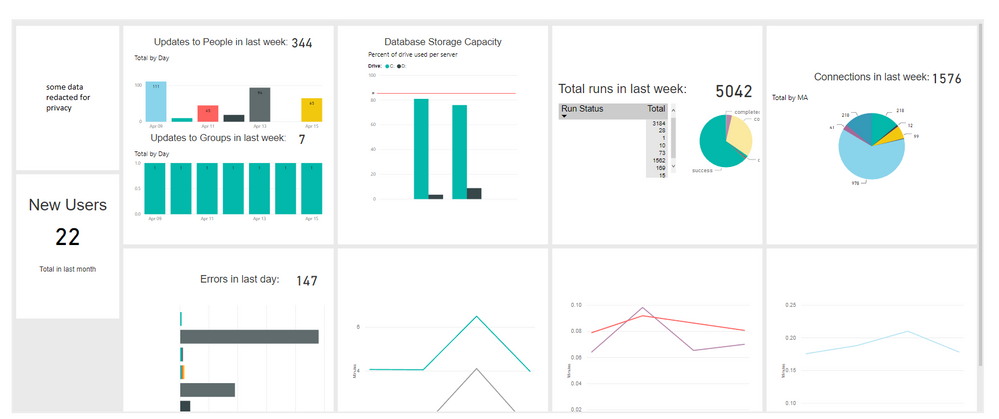
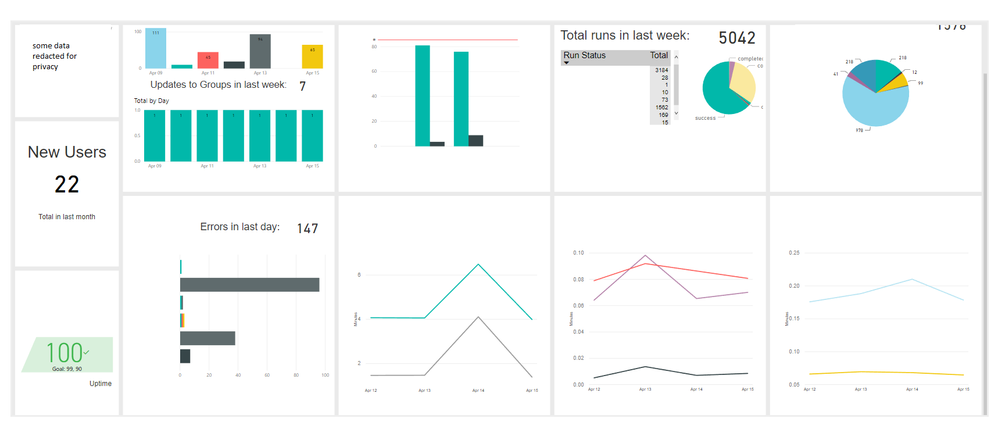
If on initial load the majority of a tile extends past the height of the container the dashboard is embedded in it will not load. Visually this leaves a blank space in the dashboard until the user scrolls down the dashboard or the container is resized. It may be worth noting that we are using the fit-to-width page format for the embedded dashboards. Below is an example of the issue:
3 Comments
 daveParsoFrequent Visitor
If on initial load the majority of a tile extends past the height of the container the dashboard is embedded in it will not load. Visually this leaves a blank space in the dashboard until the user scrolls down the dashboard or the container is resized. It may be worth noting that we are using the fit-to-width page format for the embedded dashboards. Below is an example of the issue:
 v-jiascu-msft
Microsoft Employee
- daveParsoFrequent Visitor
Thanks for the response and I've lodged a ticket now. I just wanted to mention that this issue only showed up once we started using the fit-to-width configuration option which it doesnt seem you have enabled in the screenshot. Maybe this has something to do with the loading issue?
Thanks again,
David