Join us at FabCon Atlanta from March 16 - 20, 2026, for the ultimate Fabric, Power BI, AI and SQL community-led event. Save $200 with code FABCOMM.
Register now!View all the Fabric Data Days sessions on demand. View schedule
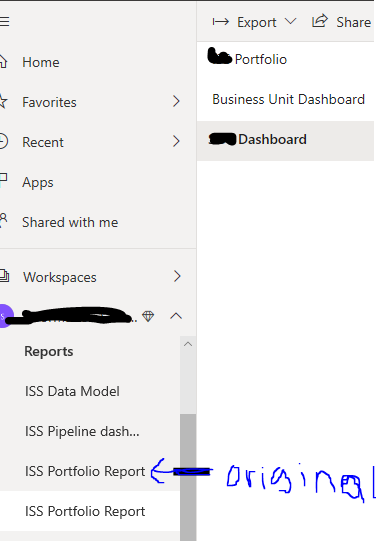
Hi, I have a pbix file that uses a power bi dataset as its source. I had succcessfully published the pbix with 2 tabs of report pages. When I added a third report page and published it didn't replace the report file in the workspace instead it created a duplicate report with all 3 pages and kept the old report with just 2 pages. The original 2 page report is shared with several people so I would like to have the new 3 page report at the same location.
Please try to download the original file from the Power BI Service and try to add the page3 and publish.
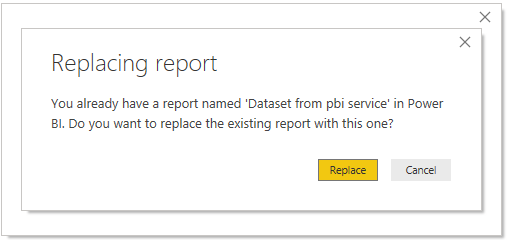
Now observe for the replace option while publishing to the service.
If the issue is persists, please share us the details.
Hi @Mmahachi ,
I have tested on my side, but I couldn't reproduce your issue.
Have you received such a message when you publish the report?
Do you try to publish the report again?
Best Regards,
Icey
If this post helps, then please consider Accept it as the solution to help the other members find it more quickly.
I did not get that 'replace' message which i found curious but it's the exact same pbix file nothing changed, I only added the report page.
Check out the November 2025 Power BI update to learn about new features.
Advance your Data & AI career with 50 days of live learning, contests, hands-on challenges, study groups & certifications and more!