Join us at FabCon Atlanta from March 16 - 20, 2026, for the ultimate Fabric, Power BI, AI and SQL community-led event. Save $200 with code FABCOMM.
Register now!Get Fabric Certified for FREE during Fabric Data Days. Don't miss your chance! Request now
I need to publish a powerBI report inside the in house powerBI server, which connects to COSMOS DB, but I am getting an error every time that the "File is corrupted or it is not supported." Is there any adaptor needs to be configured in PBI server ?
Please Help !!
Hi , @santoshsahoo34
Please clear your original credentials(datasoure settings->clear permissions), then refer to the following document to reconnect to Azure Cosmos DB source.
https://docs.microsoft.com/en-us/azure/cosmos-db/powerbi-visualize
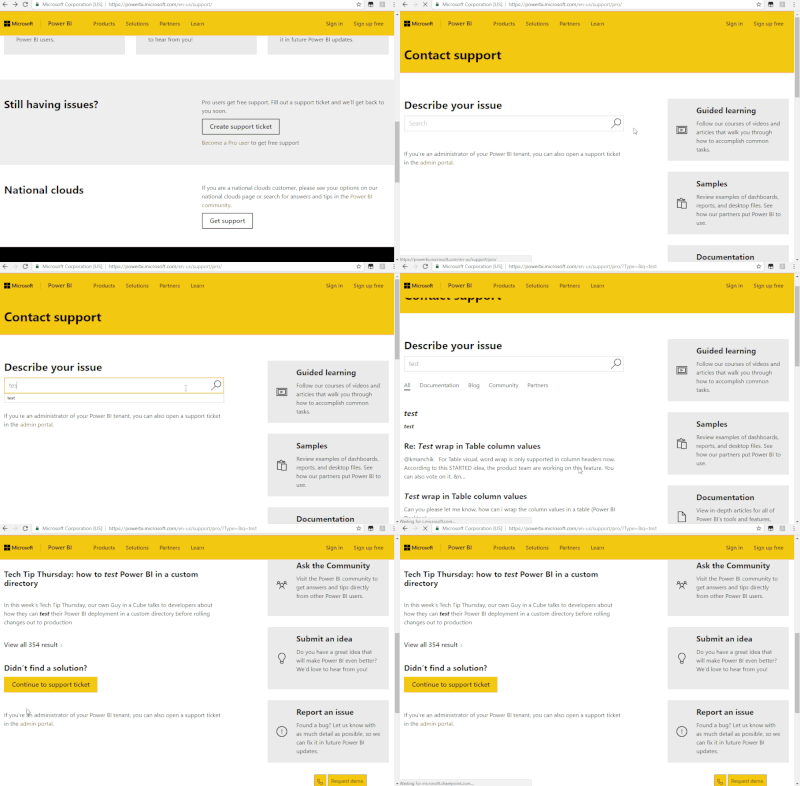
If the problem is not resolved, it is recommended to open a ticke in Power BI Support to get further help.
Best Regards,
Community Support Team _ Eason
Thanks for your note. I tried these steps earlier and it did not work out. My main requirement is to publish the report in PowerBI report server and not in powerbi.com. Is there a way it can achieved ?
I also tried published the dataset in PowerBI service, but report in report server due to certain requirement. It is giving a data source error.
Check out the November 2025 Power BI update to learn about new features.
Advance your Data & AI career with 50 days of live learning, contests, hands-on challenges, study groups & certifications and more!