Forum Discussion

How to share a content pack with a group?

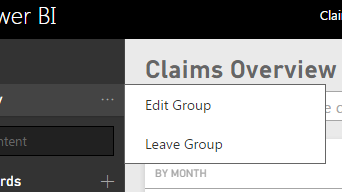
Okay, I'm no longer receiving an error when I edit the group - but I don't see a group email address anywhere. Am I looking in the wrong place? If this is not in the Edit Group page, then where will I find it?
Replying to myself:
It would appear I need Office 365 to manage a Power BI group. Is this right? I thought Power BI 2 was separate from 365... Do I really need 365 to enable the group functionality in Power BI?
- meysun11 years ago
Resolver IV
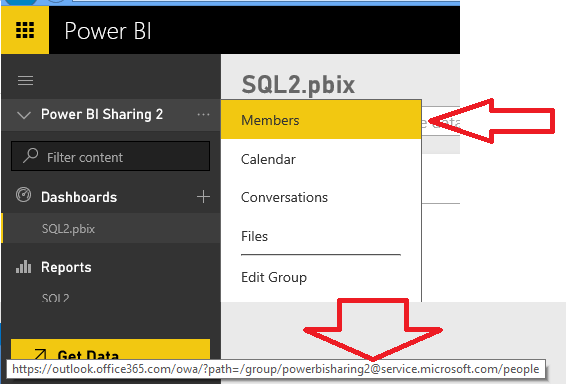
From Power BI when you mouse over the Members, you will see the group alias at the bottom. You can also click 'Members' and it will take you to the Groups home page and you can get the alias.
If you are a Power BI Pro feature, you get Groups automatically.
- andre11 years ago
Memorable Member
when you create a group in power bi, it creates an office 365 group with its own email address. When you create the group you get to pick a name and it also generates a group id (can be changed when group is created) so if your company name is MyCompany and your group is MyGroup then you can share a content pack with this group by specifying this email address:
you can learn more about groups and content packs here