Hi @kentmiguel1
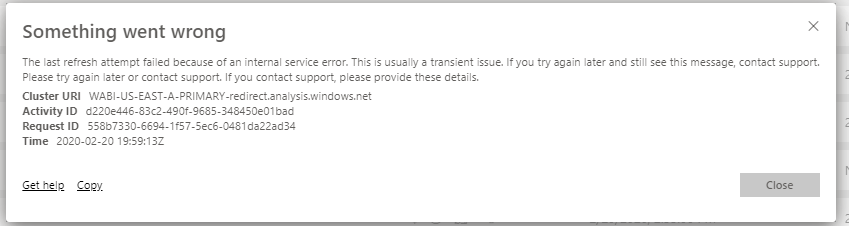
The error message is not correct to show the real cause for the problem, it is a bug and MS are working on it.
Smartsheet is a online data source, so it can refresh on Power BI Service without gateway.
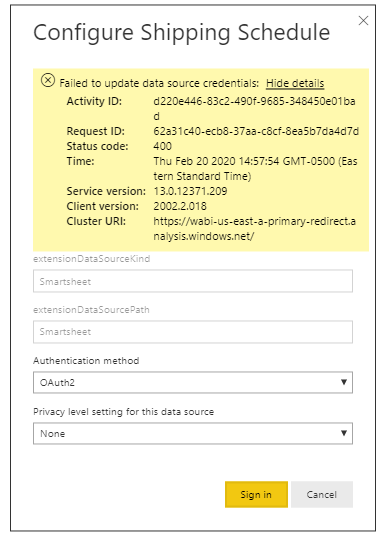
To make refresh on Power BI Service work for Smartsheet data, please go to: This dataset->Setting->Schedule refresh->Credential->table names(smartsheet data source) ->Please give correct crendetial as your desktop granted.
Oracle or Excel may be on local server, if so, they are on-premise data source, to make them refresh successfully on Power BI Service, please install a on-premise gateway(not personal), then add data source under the gateway.
For more details, please refer to:
https://docs.microsoft.com/en-us/power-bi/refresh-data
https://docs.microsoft.com/en-us/power-bi/service-gateway-enterprise-manage-sql
To make online data and on-premise data work together and refresh successfuly, please refer to the following
https://docs.microsoft.com/en-us/power-bi/service-gateway-mashup-on-premises-cloud
Best Regards
Maggie
Community Support Team _ Maggie Li
If this post helps, then please consider Accept it as the solution to help the other members find it more quickly.