Forum Discussion

Has anyone successfully connected Power BI to a Business Objects Universe
- 11 years ago
Here is what you need to know at high level about the limitations of Business Objects Connector for Power BI.
http://businessintelligist.com/2014/03/12/what-is-the-microsoft-power-bi-connector-for-sap/
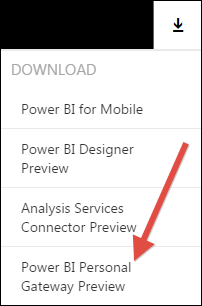
You should not need the Personal Gateway to be able to use the connector. The Personal Gateway's job is to enable refresh of datasets that have been already published to PowerBI.com
Also, right not these are the supported on premise data sources, and Business Objects is not on the list:
- SQL Server
- Oracle
- Teradata
- IBM DB2
- PostgreSQL
- Sybase
- MySQL
- SharePoint List (on-premises)
- File (CSV, XML, Text, Excel, Access)
- On-premises SQL Server Analysis Services Tabular models (uploaded data; not live connections)
- Folder
- Custom SQL/native SQL


I have just spent some time looking at this and it was as I suspected, "No response from remote server", which means I need to spend some time with our network team.
Apart from this it appears to be very straight forward to connect and produce reports. I created a couple of Excel spreadsheets from Business Objects and connected to these with out issue, (as they say create charts in minutes).
I will keep everyone posted when I sort out my network issue but as a first trial it all looks very promising.
Note I forgot to say that you need to download Power BI Designer before connecting to Business Objects.
- timrodman11 years ago
Helper I
I wonder if Power BI Personal Gateway can somehow help to get into your comany's network.