Forum Discussion

Force Query Join to be performed at the database?
When using the Query Editor, I selected two tables from my Sql server database. I tried doing a "merge queries" but it looks like instead of doing the join at the sql level (which executes realy fast and returns a few hundred rows) , the query editor is trying to pull all the info from both tables (one of the tables has millions of rows) and then doing a join in memory. Is there a way to force the Query Editor to delegate the join to the SQL server if the the two tables are from the same database?
6 Replies
- jbocachicaResolver II
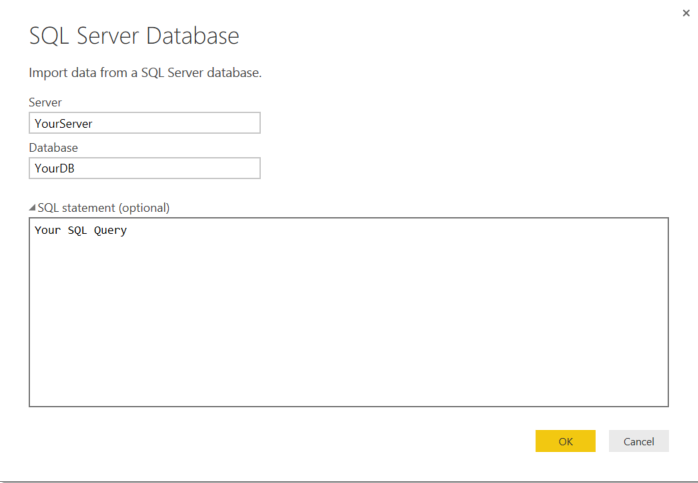
No, you have to create your SQL Query and use it from your excel o PowerBI desktop.
Regards
 jptarqu21New Member
That would be OK for me, but what about Business Users who do not know SQL? is there a built in SQL query builder inside Power BI that business users that do not know SQL can use?
- andreMemorable Member
The feature of pushing Power Query logic to the database server is called folding. Power Query is often doing a good job folding transformations back to the database, but we don't have a definitive guide from Microsoft as to what transformations will be folded and which ones won't.
It makes total sense to assume that two PQs from the same data source with no other transformations in them should be merged back at the database level when the users selects the Merge command, but there may be some technical issues that make this difficult from the implementation perspective.
 JakobRegular Visitor
Will it be possible in the future? I have to filter/join millions of rows before I send it up to PowerBI Desktop. And in my case the Query Editor is not an option.
- andreMemorable Member
if the two tables are in the same database/connection and you do the merge early in your PQ transformations, it should get folded back into the database. If the two tables are not in the same database, folding will not occur
- ImkeFCommunity Champion
This article contains a lot of information about what is preventing query folding: https://www.mssqltips.com/sqlservertip/3635/query-folding-in-power-query-to-improve-performance/
One of it being writing your own SQL-statements - so don't use the SQL-editor!. Instead perform multiple steps by clicking the UI or the M-editor - most of them should fold.
I've experienced a bug when merging with non-SQL-tables. Created a workaround-solution that you can read here: http://www.thebiccountant.com/2015/09/17/filter-sql-server-queries-with-excel-tables-query-folding-limitations-and-bug-workaround/