Forum Discussion
Deploy powerbi report using powershell with new dataset Id
- Anonymous7 years ago
rishigarg,
There are two methods for you to change the dataset id.
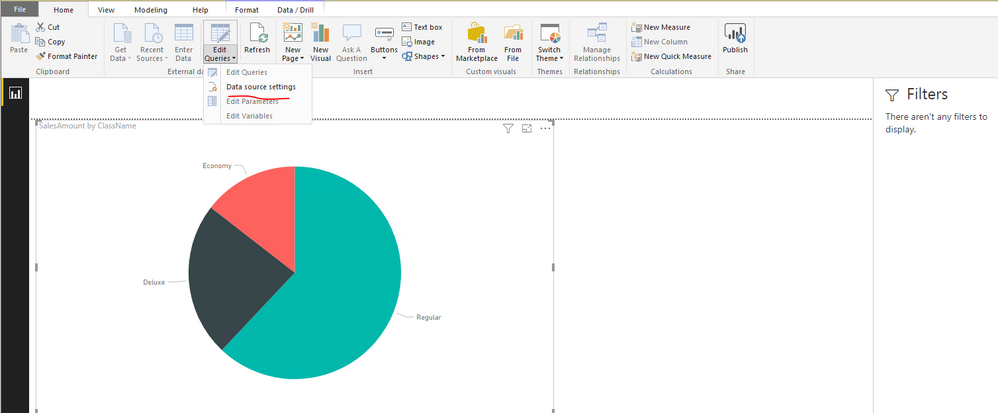
1. Directly change data source in PBIX file.
2. Copy PBIX file to ZIP file, edit Connections file in the ZIP file and rename zip file to PBIX file. There is a similar thread for your reference. Please note that this method is not supported officially. Please understand that this link is provided “AS IS” with no warranties or guarantees of content changes, and confers no rights.
Regards,
Lydia
rishigarg,
There are two methods for you to change the dataset id.
1. Directly change data source in PBIX file.
2. Copy PBIX file to ZIP file, edit Connections file in the ZIP file and rename zip file to PBIX file. There is a similar thread for your reference. Please note that this method is not supported officially. Please understand that this link is provided “AS IS” with no warranties or guarantees of content changes, and confers no rights.
Regards,
Lydia
Thanks, In Connections file, I see there is a JSON tag "PbiServiceModelId": How to get the value for this tag?
- orsmolnar286 years agoNew Member
Someone managed to get the PbiServiceModelId maybe? 😄